Requests don’t wait for you to look
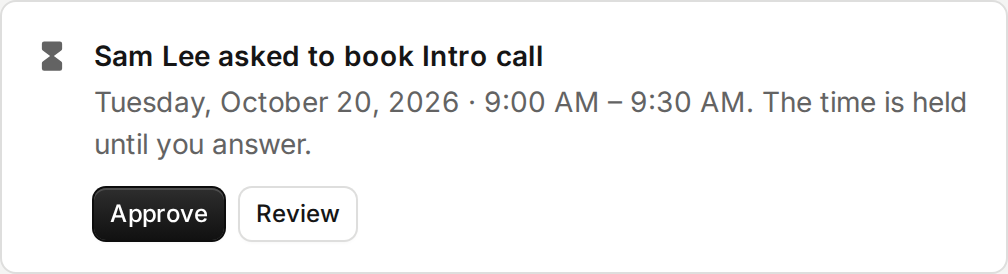
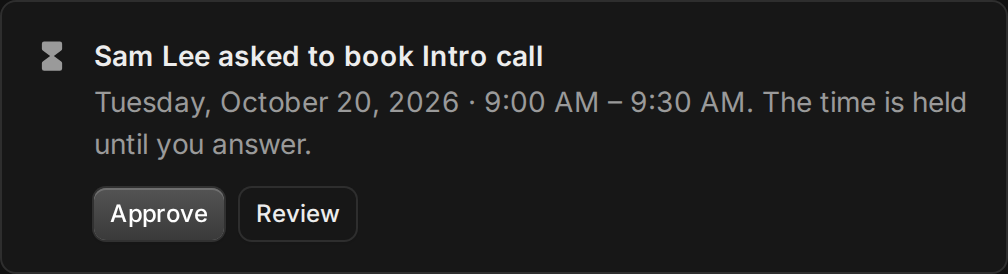
When an event type needs your approval, the invitee’s time is held while they wait. Until now you only found out from an email, or by opening Bookings.
Now a request shows at the top of every page in Tempi. With one, you can approve it right there, or review it to decline or pick another time. With several, one button takes you to them, soonest first. It sits above everything else, since someone is waiting.
Improvements
2
- The booking form’s note opens on request. Most people have nothing to add, so it’s one Add a note link now.
- The email signature steps open Gmail’s and Outlook’s settings in one click.