Tempi

Changelog

New in Tempi, release by release. RSS

Approve bookings before they’re confirmed
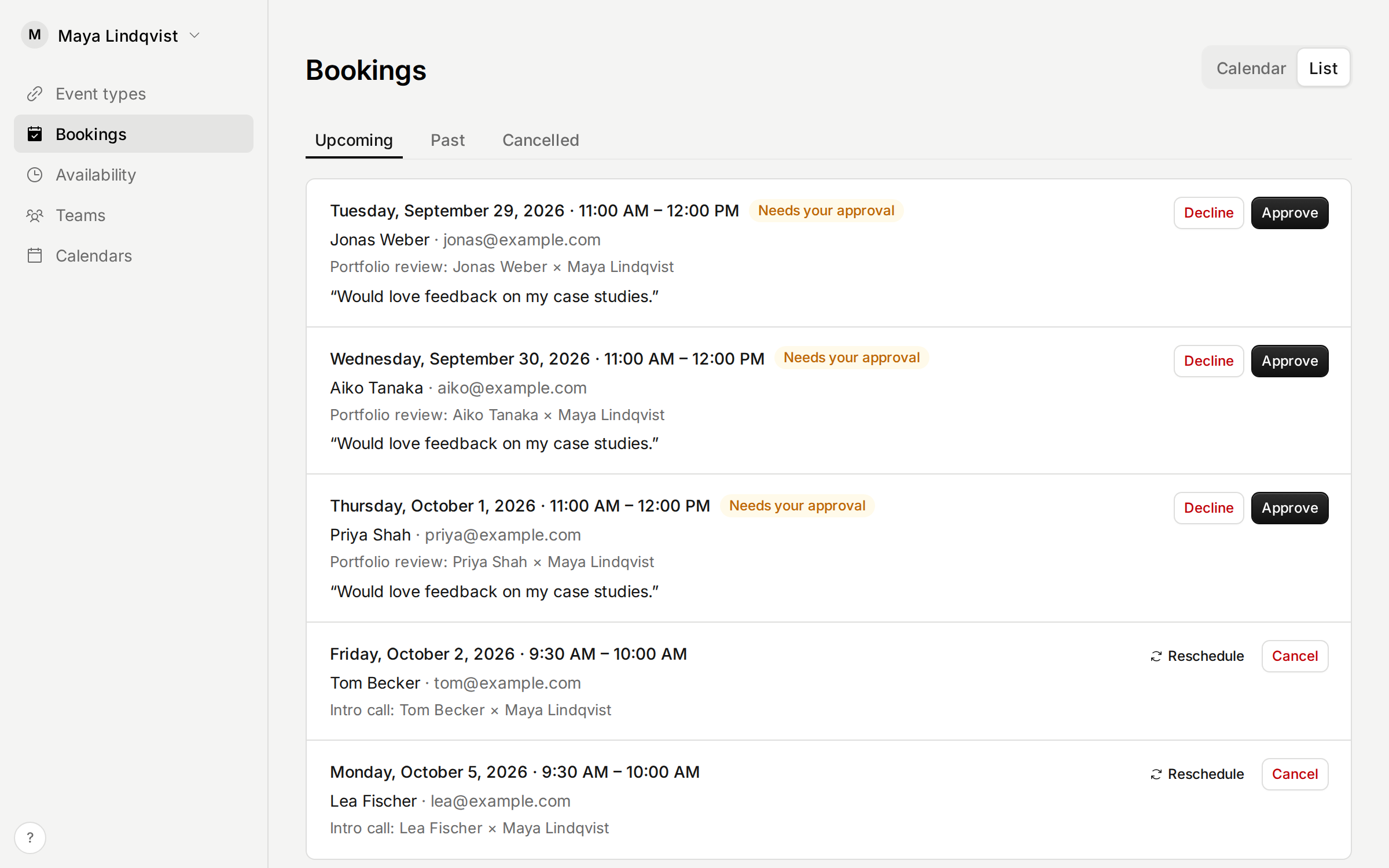
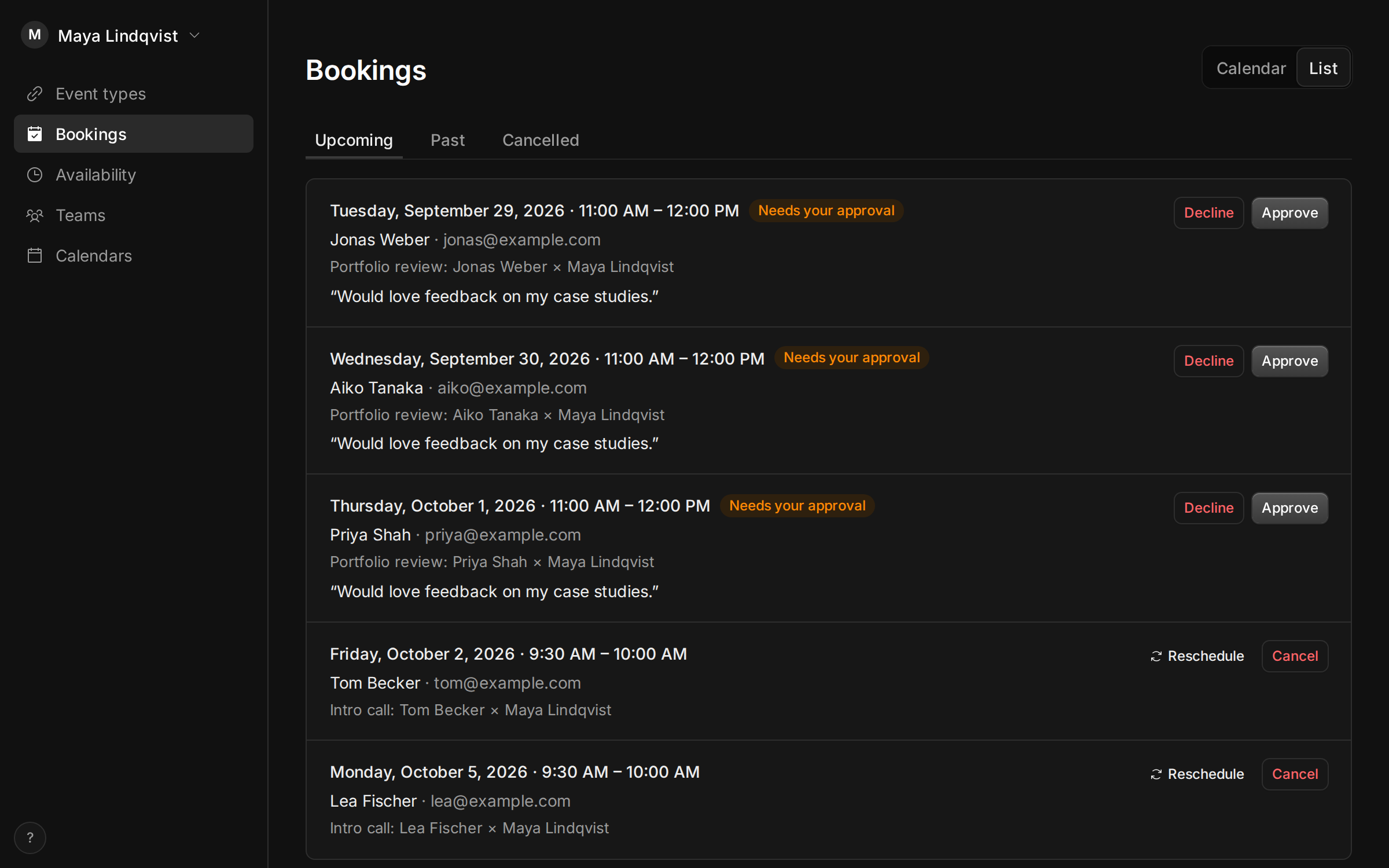
The Bookings page with a request that needs approval, and Approve and Decline buttons.

Some meetings need a yes from you first, like a first call with a new client. Turn on Approval for an event type, and each booking arrives as a request.

The time is held for the invitee until you approve or decline it, from the email, the Bookings page or your AI assistant. They hear either way. If nobody answers before it starts, the request lapses and they’re told.

Improvements

  • This changelog, with a page for each release and an RSS feed.
  • What’s new in the app shows the latest release, with a dot when there’s something you haven’t seen.
  • Your account, settings and theme moved to the menu under your name. Help and What’s new are behind the ? at the bottom of the sidebar.

Fixes

  • AI assistants that connect to your account now register with a rate limit, and must use secure redirect addresses.
  • Booking pages embedded in a dark website no longer show a box behind them.
  • Hour-long requests and unpaid bookings on the calendar no longer cut off their label.
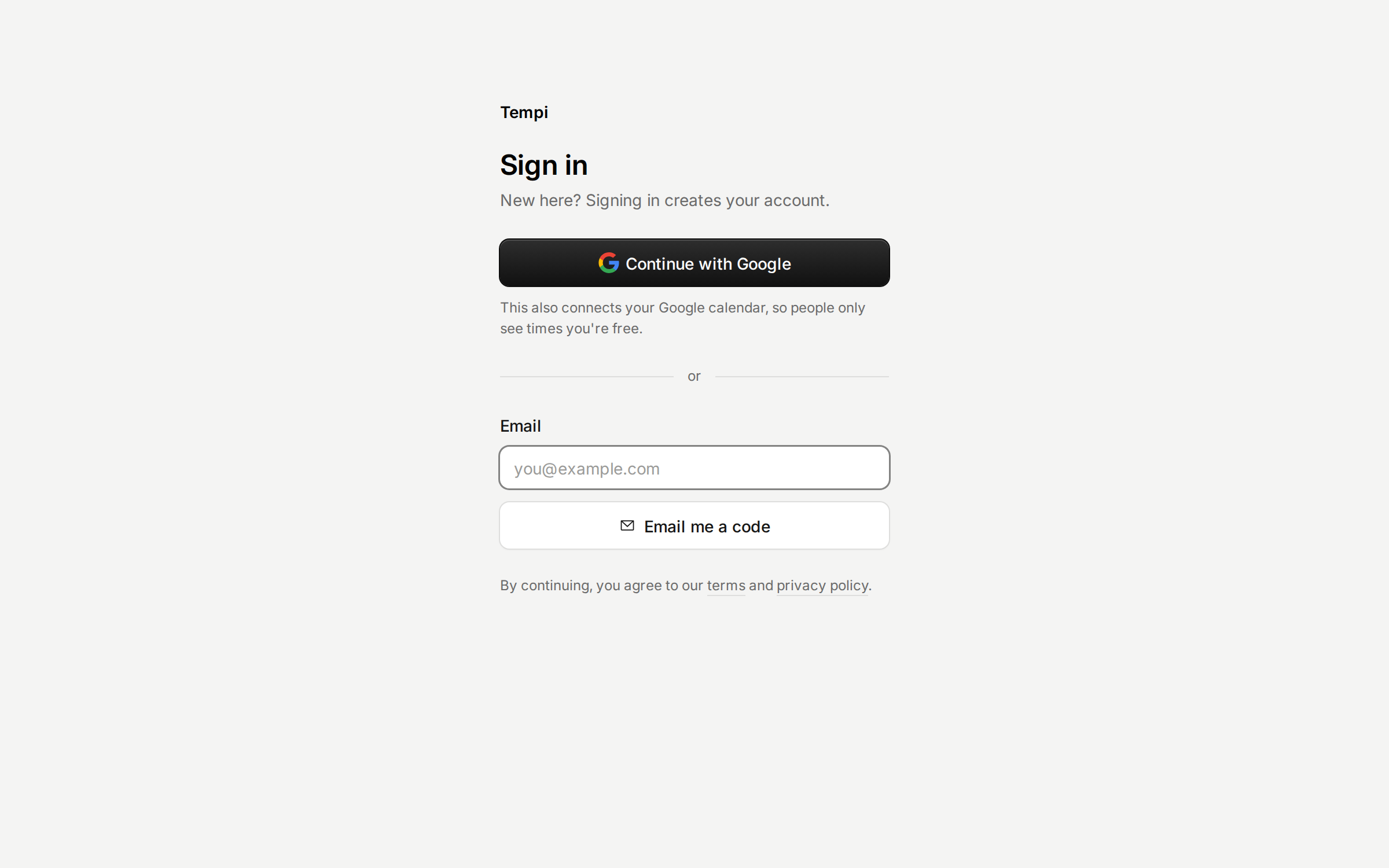
Sign up without a waitlist

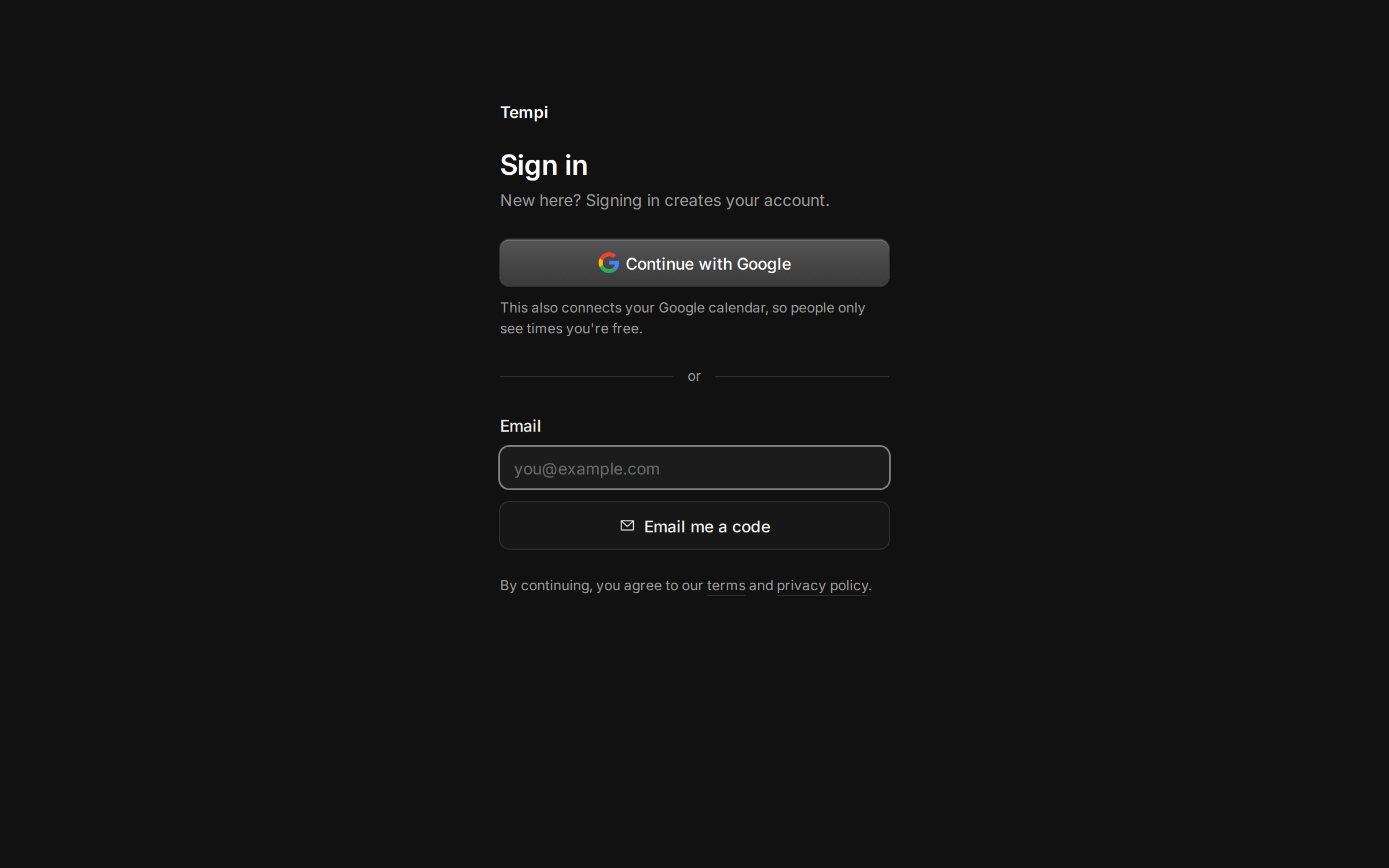
The sign-in page, with Continue with Google above the email field.

Anyone can sign up now. Continue with Google comes first, because it signs you in and connects the calendar Tempi needs in one step.

Signing in by email is quicker too. The email has a button that signs you in on the device you read it on. The code screen shows how long the code works, and lets you send a new one.

Improvements

  • Tempi’s emails no longer carry hidden filler text, which spam filters count against them.

Fixes

  • The link field on the welcome page fits on a phone.
  • The sign-in page names only the ways you can sign in.

Your booking page, on your site and in Notion

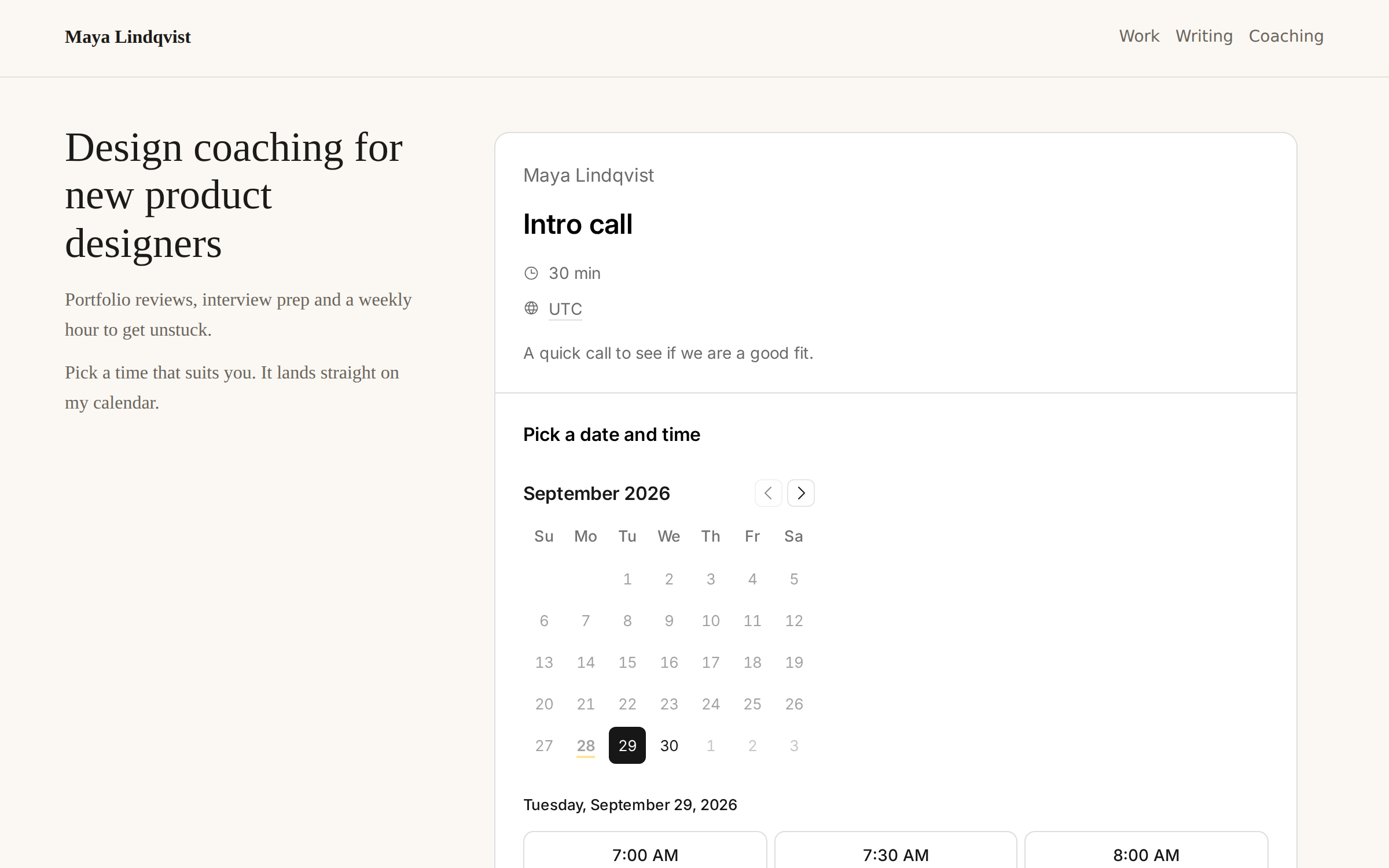
A personal website with a Tempi booking page embedded in it.

Put your booking page where people already find you. Open Share on an event type for the code to paste into your website, or the link to embed in a Notion page.

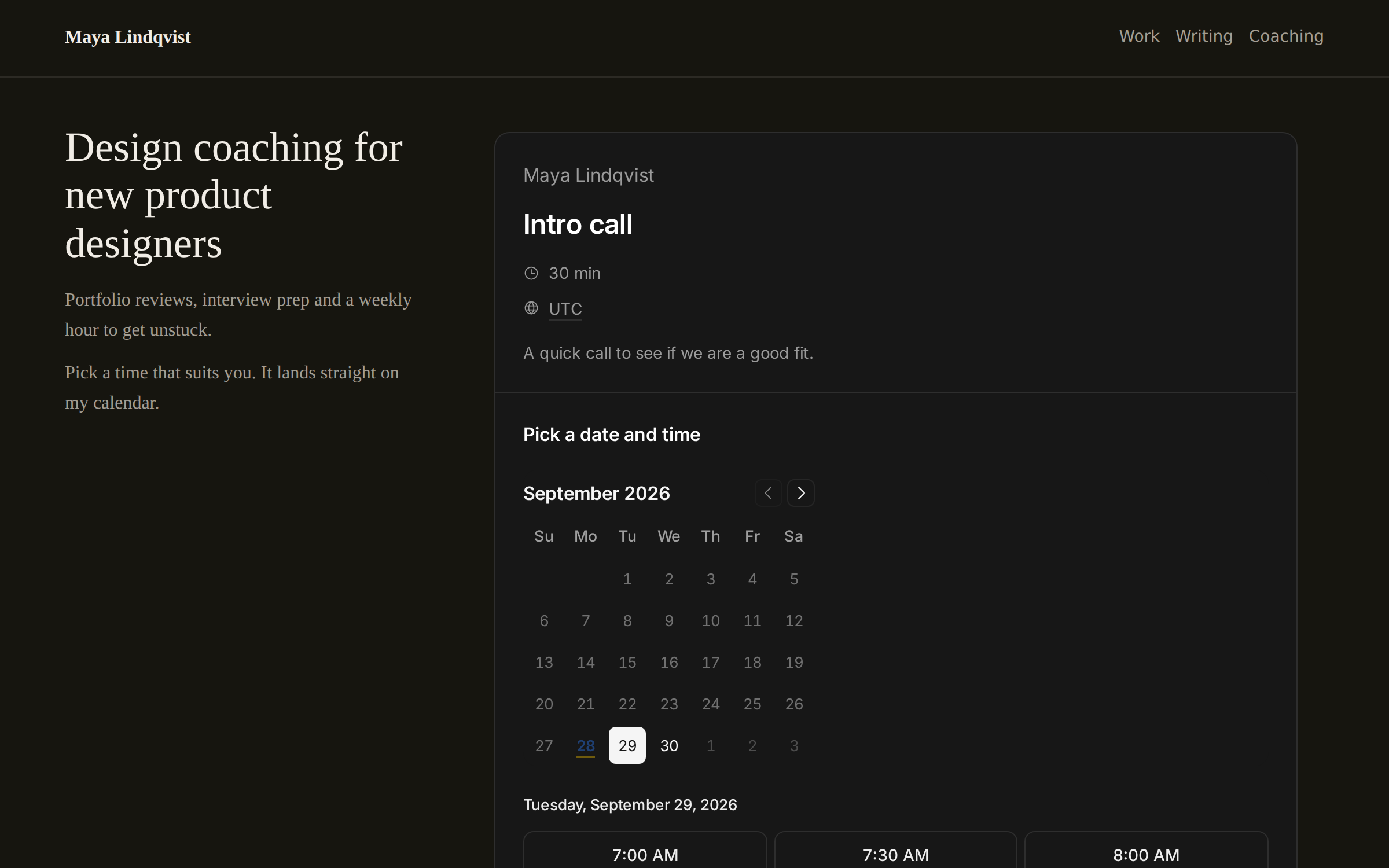
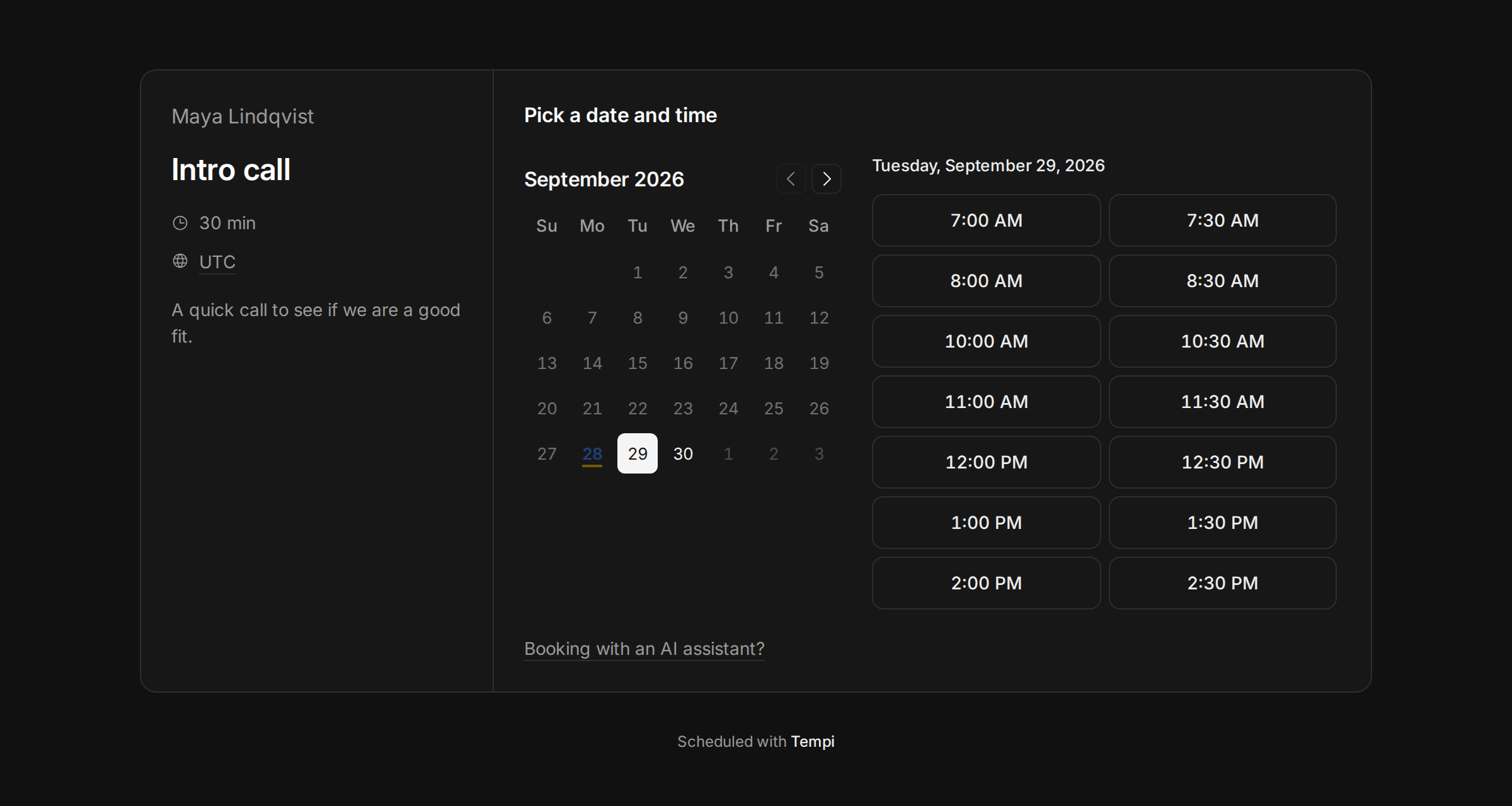
The frame takes its height from the page, blends into your site’s background, and can match a dark site. Links open in a new tab, so people never lose your page.

Improvements

  • Choose Zoom as an event type’s location, with your personal meeting link.
  • People you add to a team get an email to join, and you can send it again.
  • The Bookings page shows your week or a list. A booking opens beside its time, like a calendar event.
  • On phones, the dashboard has a tab bar at the bottom.
  • Bookings are confirmed at once. The calendar event and emails follow a moment later.
  • Tempi’s MCP servers are listed in the official MCP Registry.

Fixes

  • Embeds in Notion no longer show a blank frame.
  • On phones, the calendar no longer covers the time zone list on a booking page.
  • Signing in with Google again after signing out works.

Book a series in one go

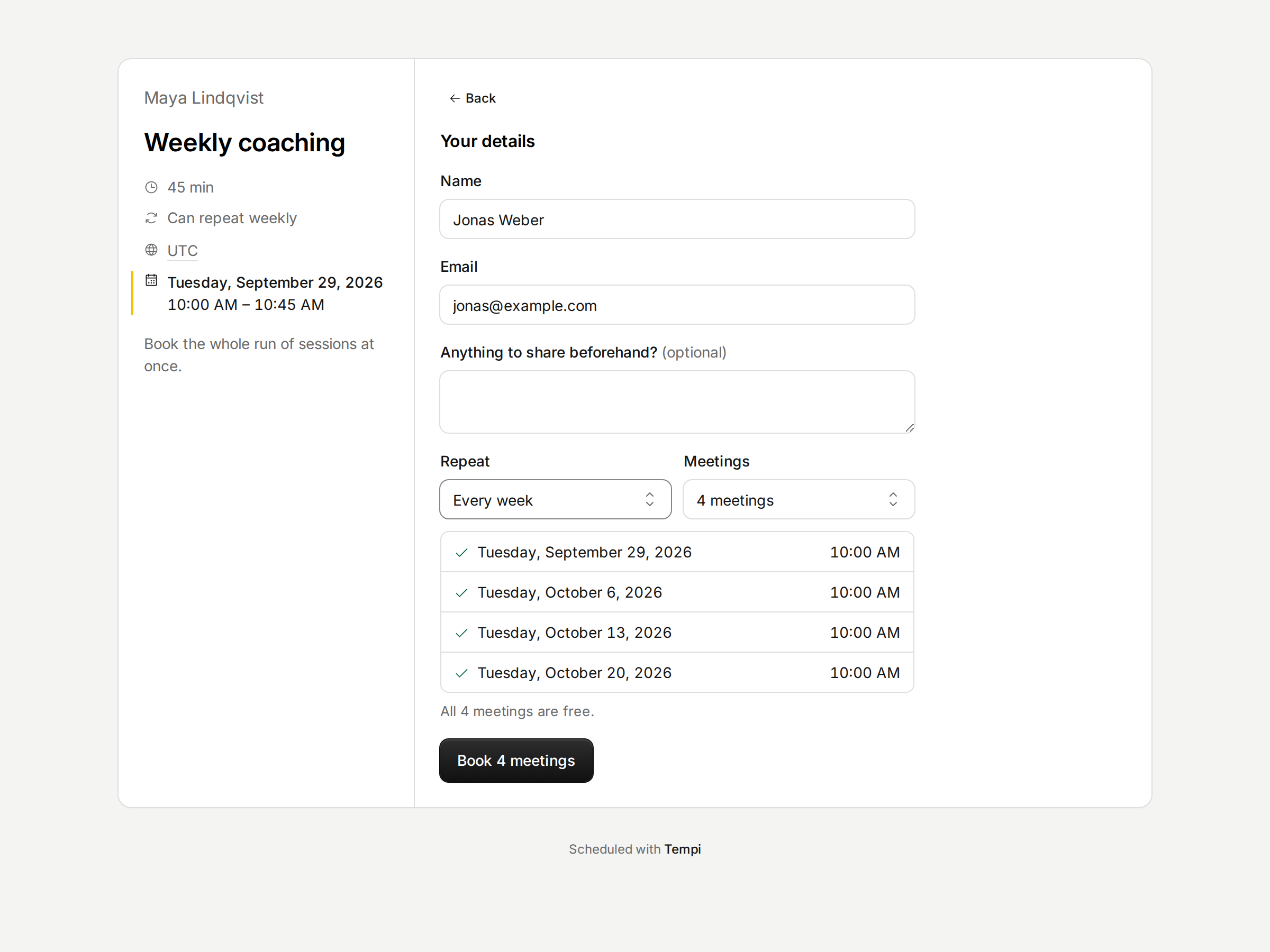
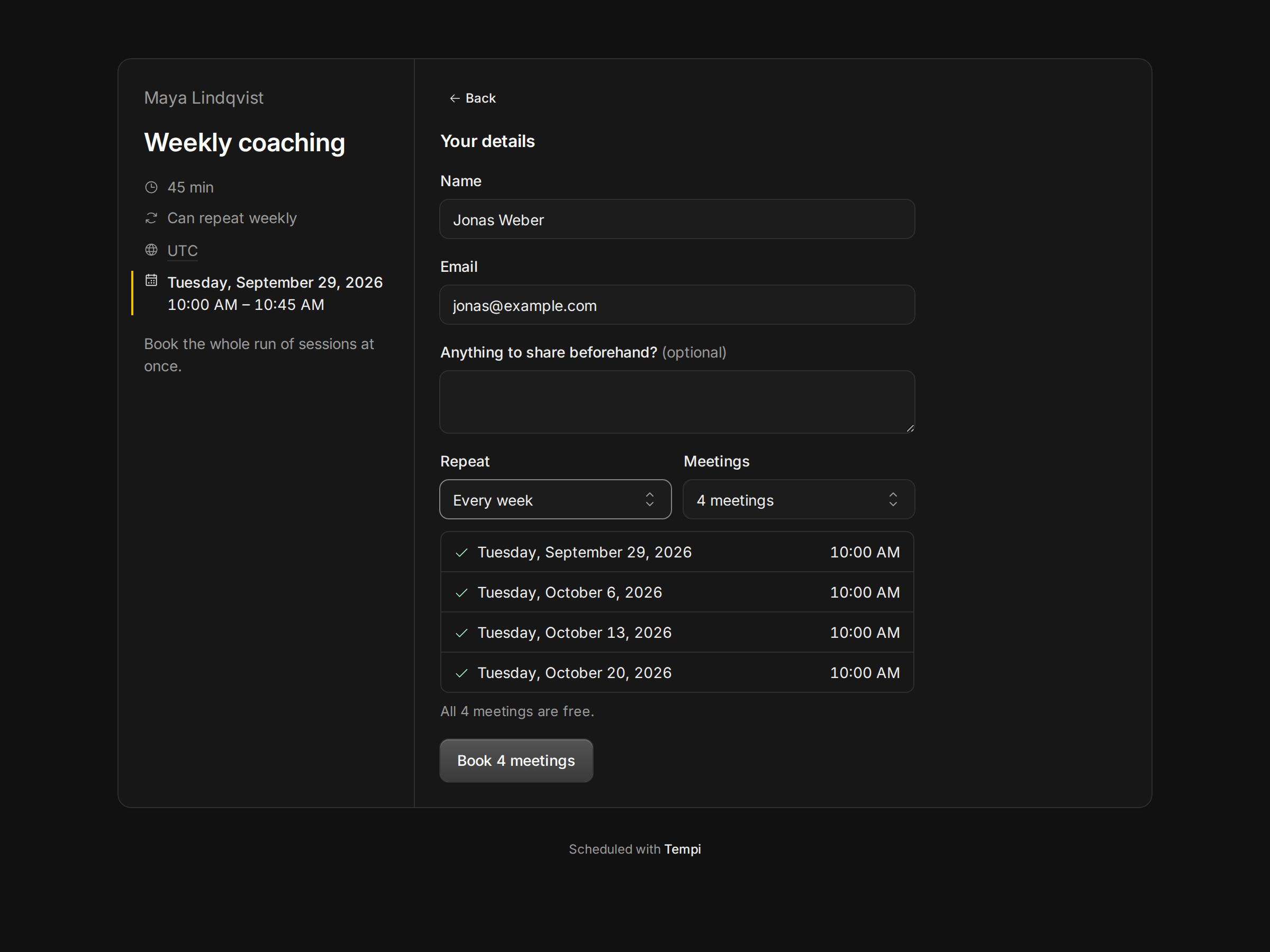
A booking page with the option to repeat the meeting every week.

Regular clients shouldn’t have to book every week by hand. Let an event type repeat, and invitees can book a series every 1, 2 or 4 weeks at the same time. Each meeting can be moved or cancelled on its own.

When a time can’t be booked, Tempi says why, in the app and to your AI assistant: outside your hours, a meeting already there, or a limit reached.

Improvements

  • Give an event type its own hours, like Friday afternoons only.
  • Limit how often one person can book, and block emails or whole domains.
  • Decide until when invitees can reschedule or cancel, and whether they must give a reason.
  • Weekly and monthly caps, per event type and for each host.
  • Tempi emails invitees and hosts about each booking, with a calendar file when your calendar didn’t send an invitation.
  • Choose 12- or 24-hour times for your booking pages and emails.
  • Connect your own AI assistant to your account, with read-only or full access.
  • Light and dark themes.

Tempi is live

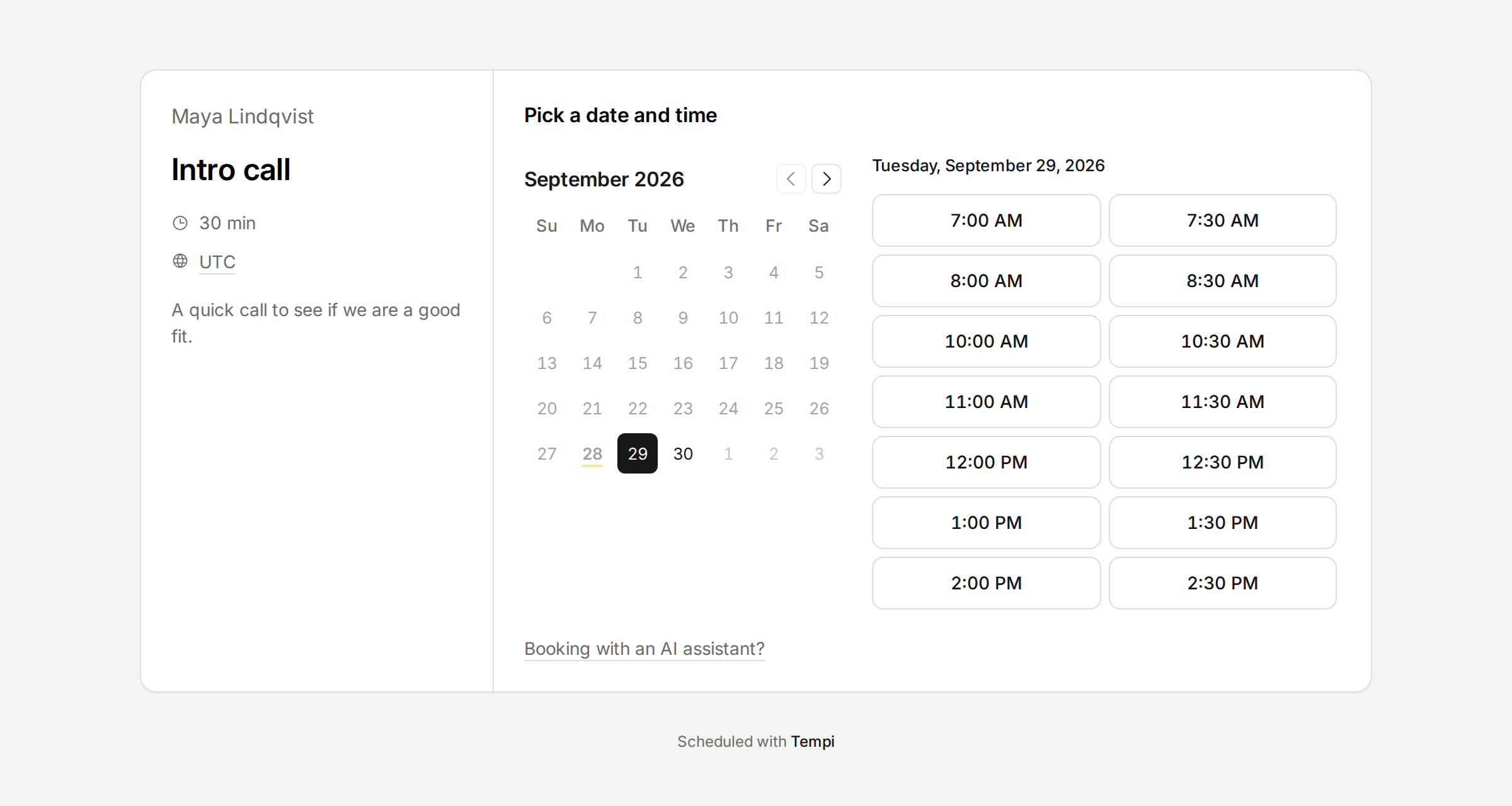
A Tempi booking page with a calendar and the open times for a day.

Share one booking link. People pick a time on the page, or their AI assistants book it over MCP, with no account needed.

One-on-one, round robin and collective meetings. Google Calendar and iCloud keep you from being double-booked. Notice, buffers, date overrides and every time zone are there from day one.