Clearer bookings for the people you meet
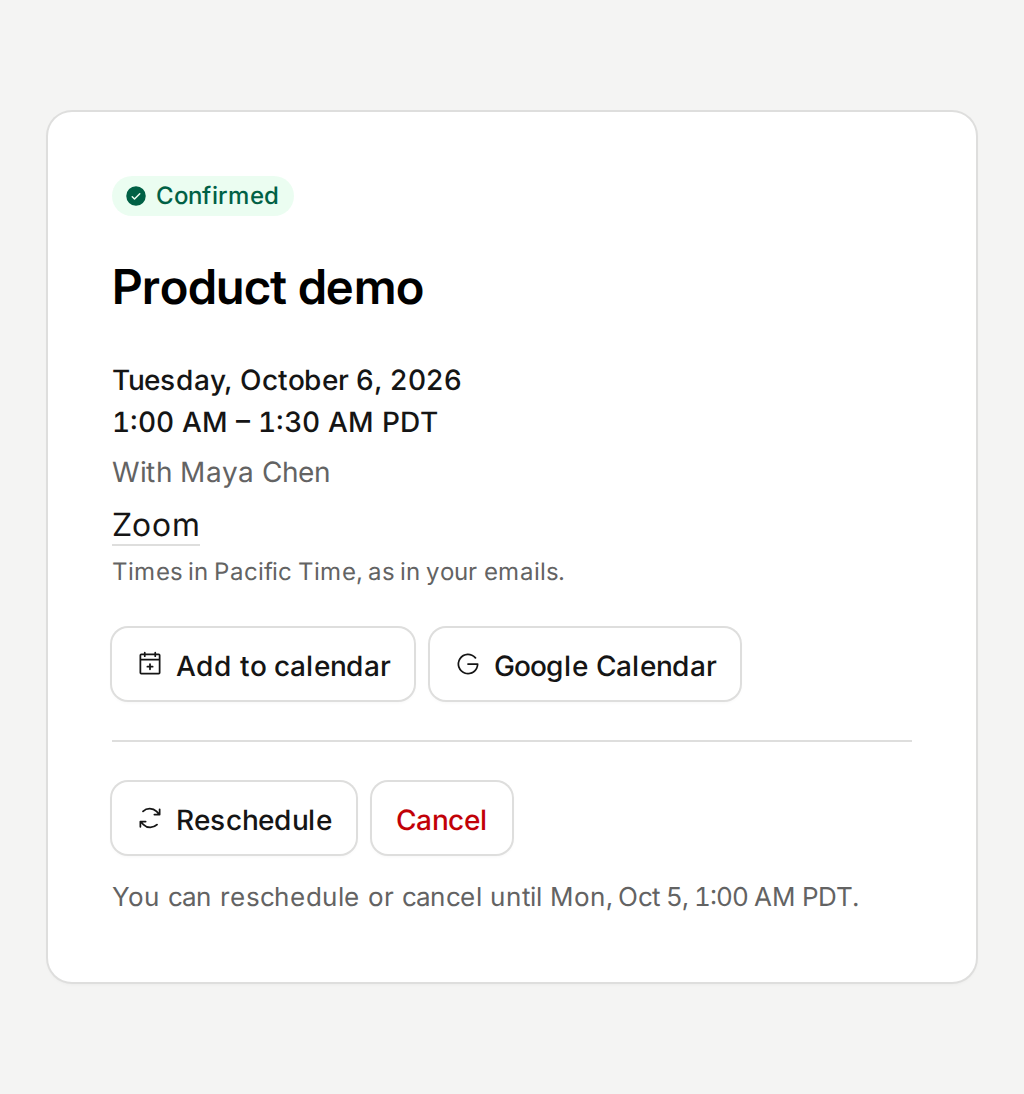
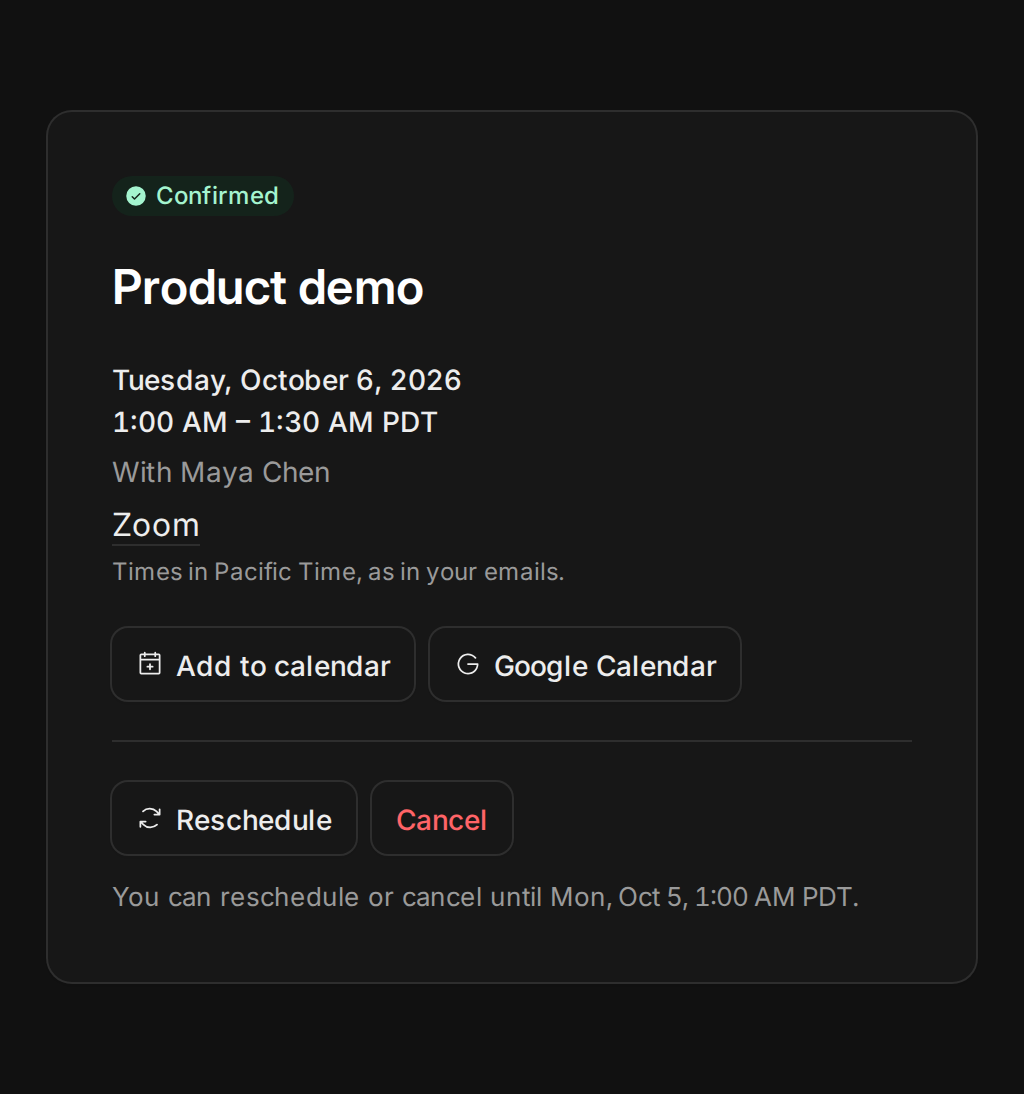
An invitee in Los Angeles booking a host in Berlin had to work out which time zone each time was in. Now every time on the booking page, the confirmation, the manage page and the emails names its time zone, and they all match. Add to calendar puts the booking in Google Calendar in one click, or in any other calendar app with a file.
The confirmation says what the invitee can still do: until when they can reschedule or cancel, and how. Emails come from your name via Tempi, and the subject starts with the time. A meeting link shows as Zoom, Google Meet or Microsoft Teams instead of a long web address.
Improvements
7
- Sign up with Google and connect your calendar on the same screen. Signing in still asks only who you are.
- Google no longer shows a warning about Tempi when you connect your calendar.
- Search time zones by city or abbreviation, like Tokyo or PST.
- The booking calendar opens on the first month with an open time.
- Moving or cancelling a booking says it worked.
- Booking pages work better with a keyboard and a screen reader.
- Limits on sign-ups and public bookings keep booking emails out of spam folders.
Fixes
5
- Cancelling a series removes every meeting in it from calendars.
- Long meeting links no longer break the layout of emails.
- Form errors say what to change.
- Booking pages show the event type’s name.
- Today stands out in the booking calendar in dark mode.