Answer requests from the email
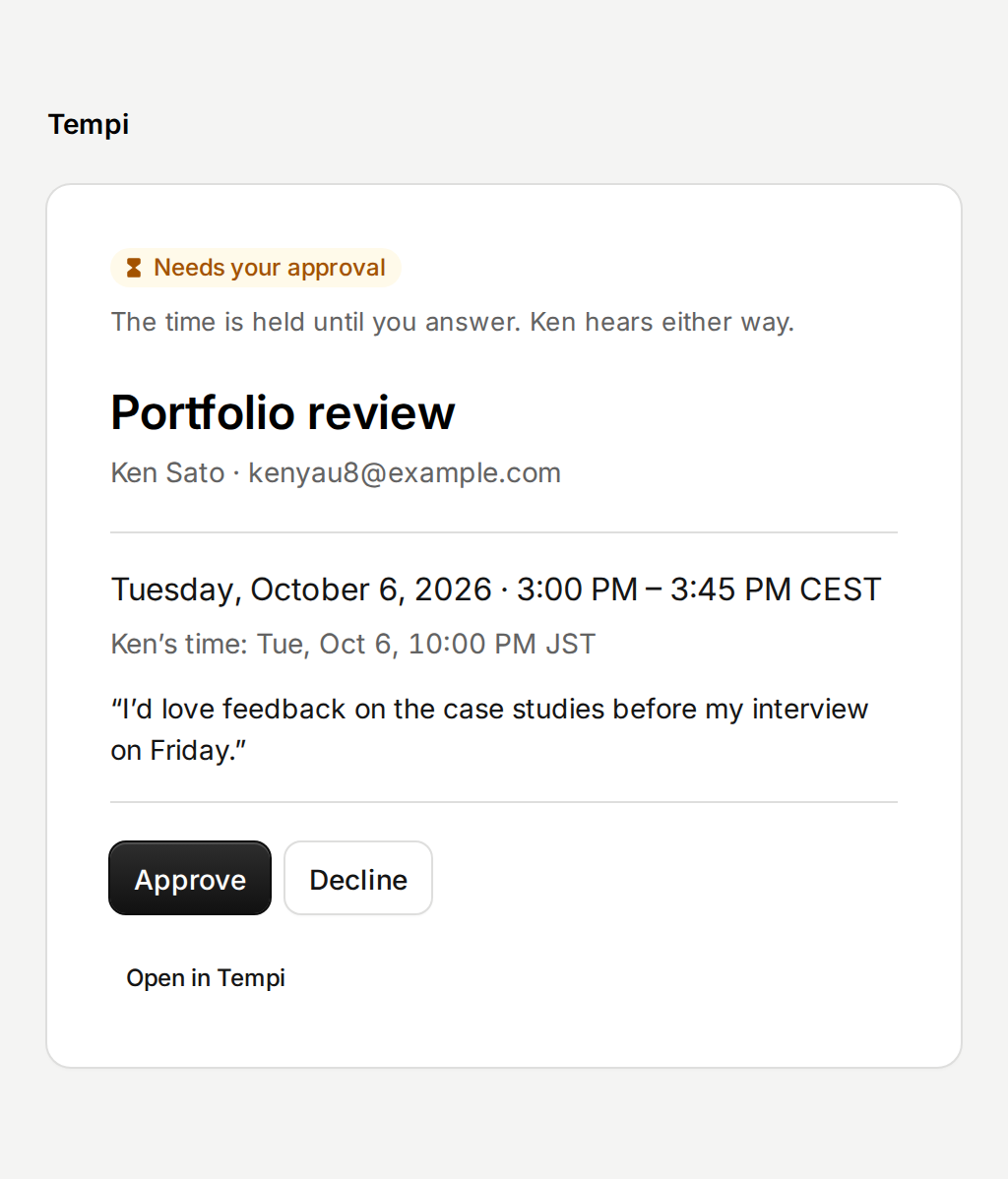
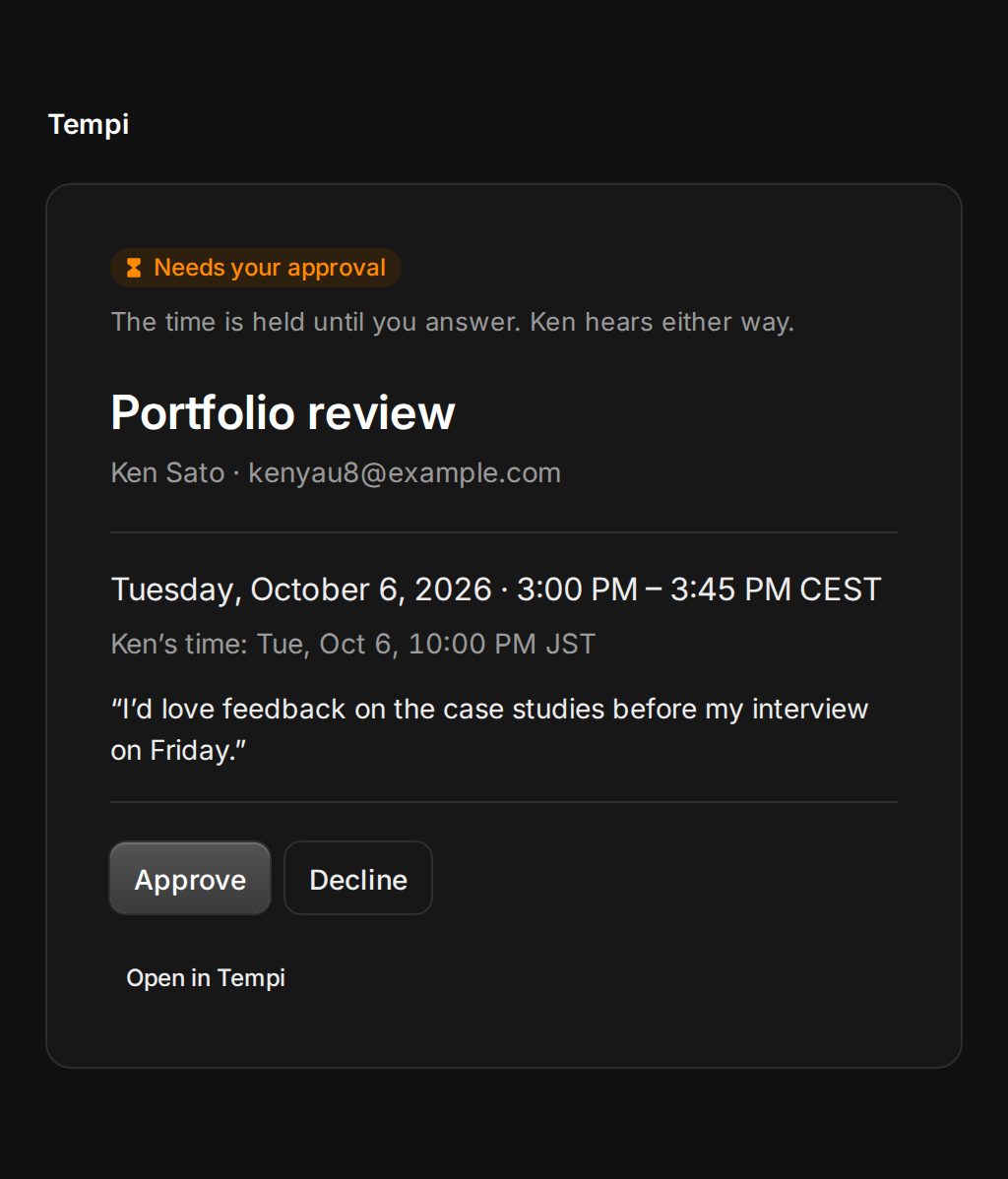
When an event type needs your approval, every request used to mean signing in to Tempi and finding it. Now the email’s button opens the request, with the time in your zone and in theirs. Tap Approve, or Decline with a reason if you like. No sign-in, and the invitee hears either way.
The link is made for you alone and only works while the request is open. Opening it changes nothing, so email scanners that open links can’t answer for you.
Improvements
6
- Without a connected calendar, you get a calendar file when you approve, move or cancel a booking yourself, so your calendar keeps up.
- Emails about a booking say what time it is for the invitee when that differs from yours.
- Times name their zone the way people know it: CEST, BST, IST or JST instead of GMT+2.
- On a phone, Bookings opens on the next day with a meeting.
- Opening a booking from an email shows its details next to it in the calendar.
- Short meetings in the calendar show their start time in full.