Time off in one step
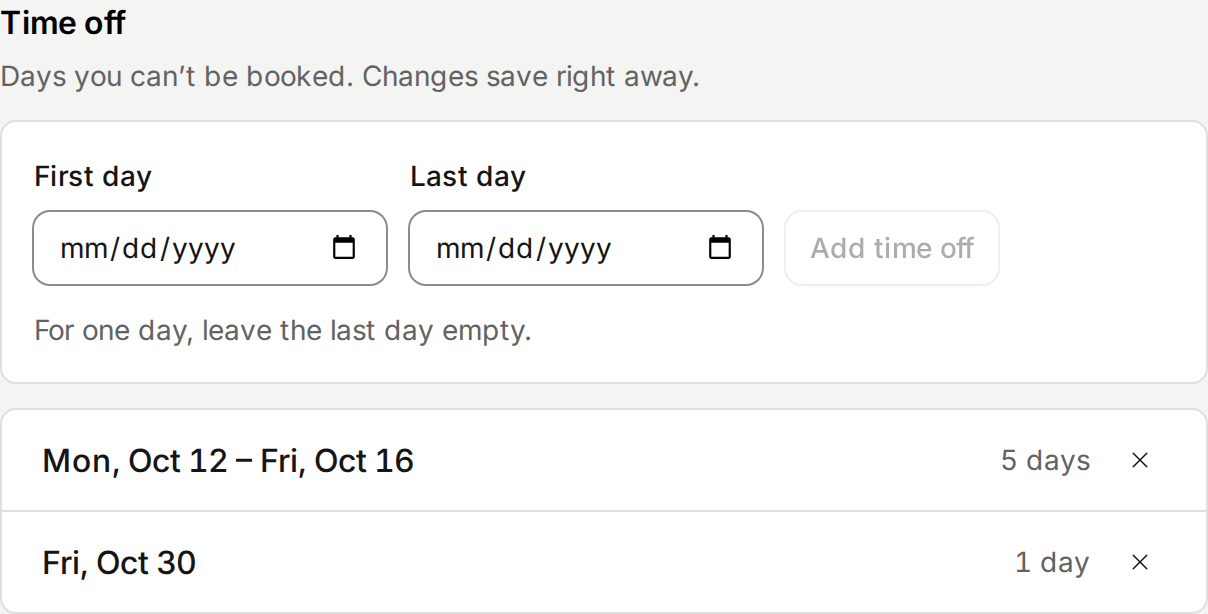
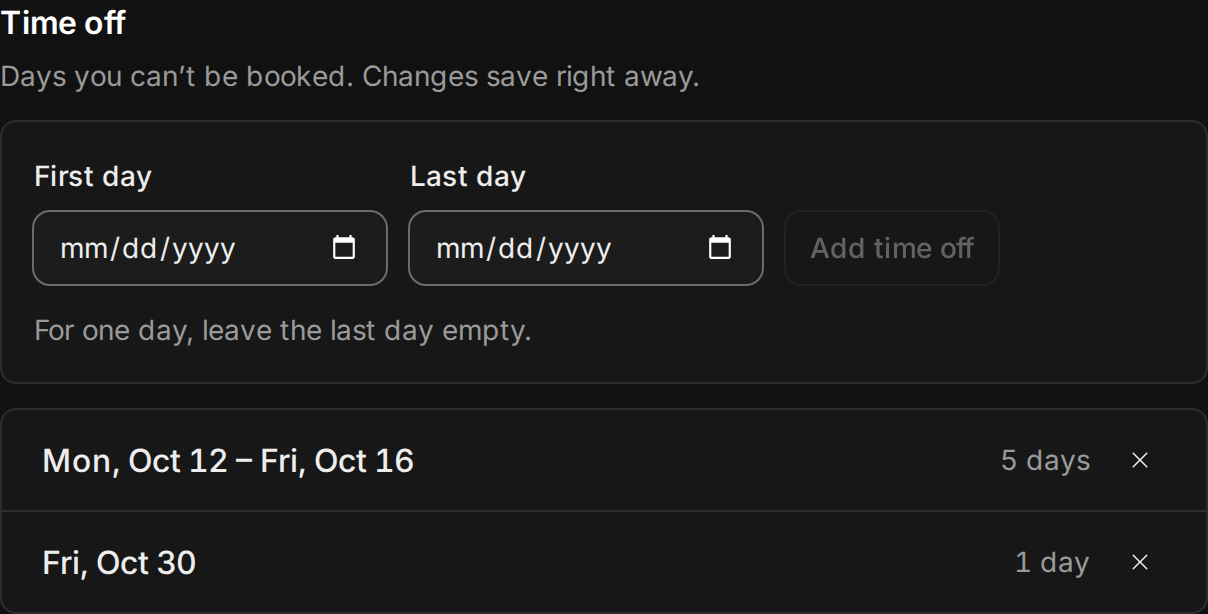
Taking a week off used to mean adding each day on its own, at the bottom of Availability. Now Time off comes first. Pick the first and last day, and every day in between is off. Upcoming time off is listed as ranges you can remove with one click.
Availability also tells you what saved. Weekly hours save with Save hours, and it warns you before you leave with changes you haven’t saved. Hours that end before they start, or overlap, are marked as you type.
Improvements
7
- If nobody can book one of your event types in the next two weeks, the dashboard tells you, with a link to your availability.
- New event types use Google Meet only when your booking calendar is Google. Otherwise the editor warns you that invitees won’t get a Meet link.
- Under a custom location, the editor shows what invitees will see. A link like zoom.us/j/123 counts as online, and it offers to add https://.
- Closing the event type editor with changes asks before it discards them. It stays open until your changes are saved, and a problem shows next to its field.
- Pick any duration from 5 minutes to 8 hours with Custom.
- Each event type says whether it’s Bookable or Off. On a phone, its other actions sit in a menu, and Delete is at the end of the editor.
- Booking pages say how far ahead you can book when the calendar shows days past it.
Fixes
1
- On a booking, anyone whose clock differs from yours shows their local time beside their name, with their day and city: “6:00 AM, Fri · Shanghai”.