Teams across time zones
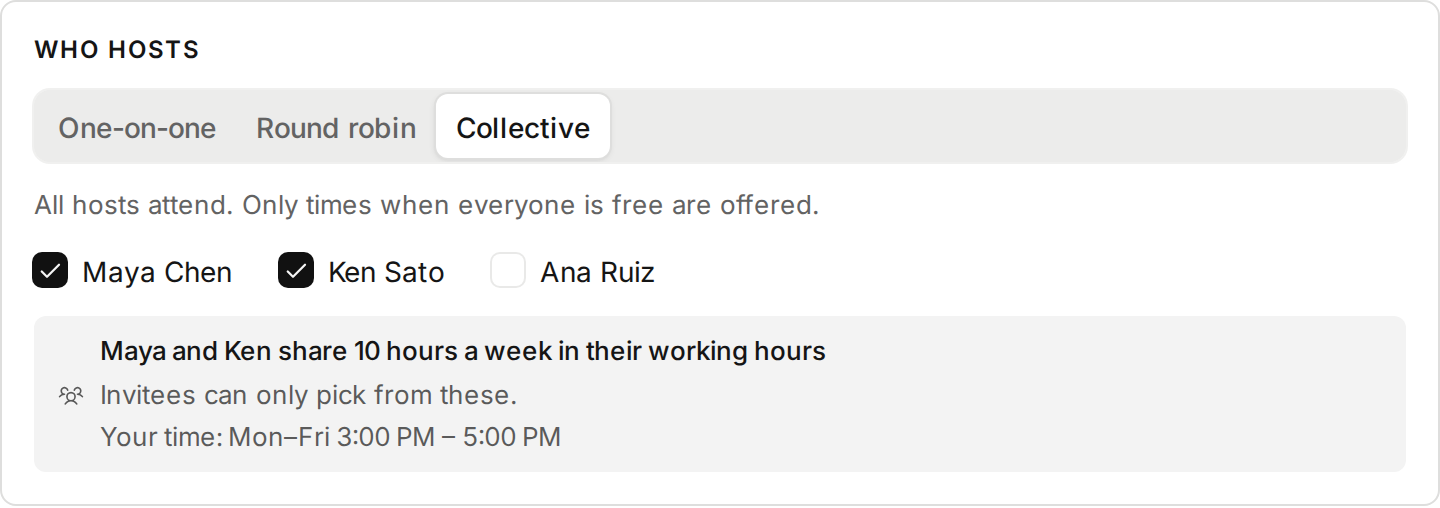
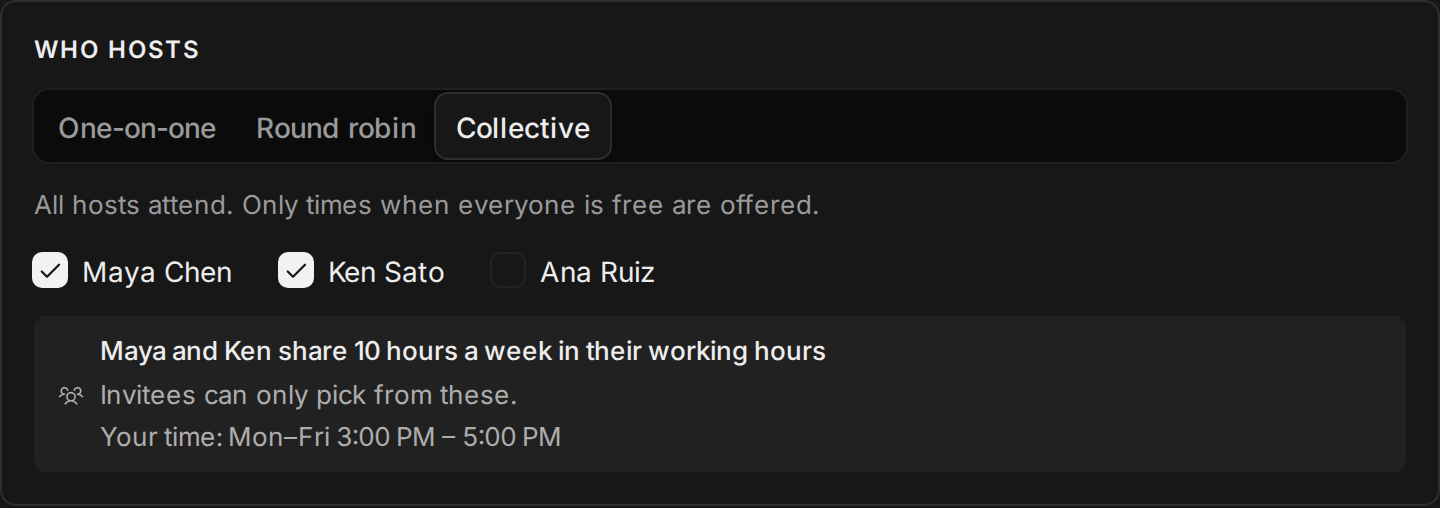
A collective event type only offers times when every host is free. With hosts in Berlin and New York, that can be two hours a day, or none, and you only found out when nobody booked. Now the editor says how many hours a week your hosts share in their working hours, and when that is in your time. It warns you when there is little or none.
Everyone sees everyone’s clock. On the booking page, an invitee who picks a time sees what time it is for each host: “That’s 10:00 PM for Maya”. Each host’s email gives the other hosts’ times, and a request lists who else hosts it.
Improvements
7
- Invites say who invited you, to which team, and what to do next. The button fills in your email, and your first sign-in takes you to the team.
- When you join a team, it asks you to connect your calendar and check your working hours, because the team’s open times come from them.
- The team page shows who hasn’t connected a calendar or set working hours, and which invites are still pending.
- Round robin bookings say why they went to that host, like “Fewest bookings of this event type within 30 days”.
- New guide: connect iCloud Calendar with an app-specific password. The iCloud form links to it.
- New guide: run your Tempi account from Claude, ChatGPT or Claude Code. Settings links to it.
- AI assistants get each host’s time zone with an event type, so they can say what time a slot is for the host.
Fixes
3
- The time on a request no longer breaks in the middle, like “9:30 / AM”.
- Connecting Google Calendar after another calendar now makes it your booking calendar when an event type you host uses Google Meet. Before, bookings stayed on the other calendar and got no Meet link.
- Where a Meet link is missing, Use Google Calendar for bookings fixes it in one click.