Notion and your website
Put your booking page in Notion.
Paste your Tempi link into a Notion page and people book without leaving it. Or add one snippet to your website. Free, and it matches light or dark.
Get your free linkSign in with Google or email. No card needed.
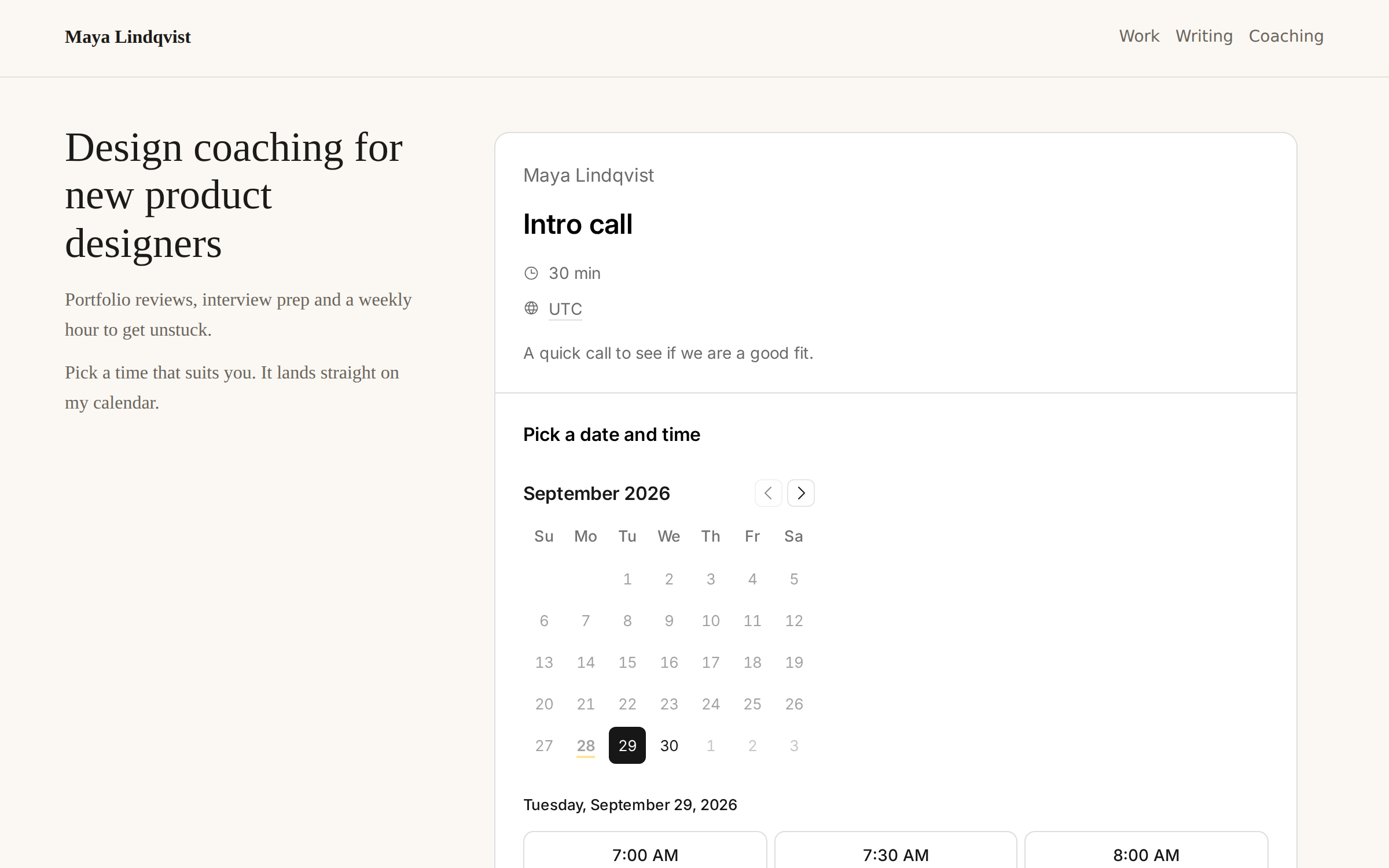
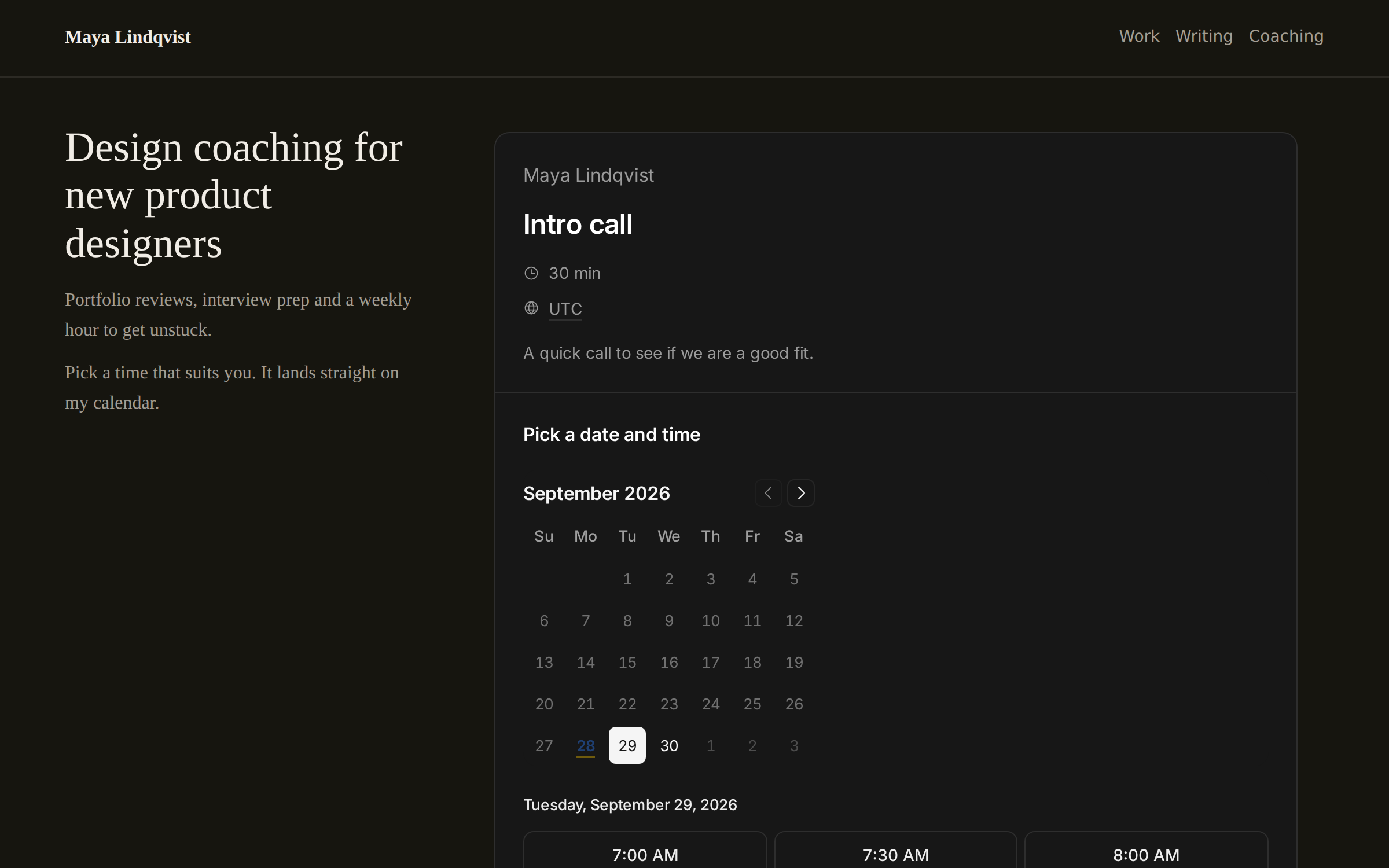
In Notion
Your booking page works inside any Notion page: a client portal, a team wiki, a public profile.
- In Tempi, open an event type and choose Share, then Website or Notion. Copy the link.
- In Notion, type /embed, paste the link and choose Embed link.
- Drag the bottom edge to make it taller. People pick a time right there.
On your website
Copy the HTML from the same Share dialog and paste it where the booking page should go. A small script makes the frame exactly as tall as the page, so there is no inner scroll bar.
The embedded page drops its own background, so it sits on your site’s. Add &theme=dark to the link to match a dark site.
Good to know
Embeds are on the Free plan. Links in the booking page open in a new tab, and paid meetings open checkout outside the frame.