Booking approval
Approve bookings before they’re confirmed.
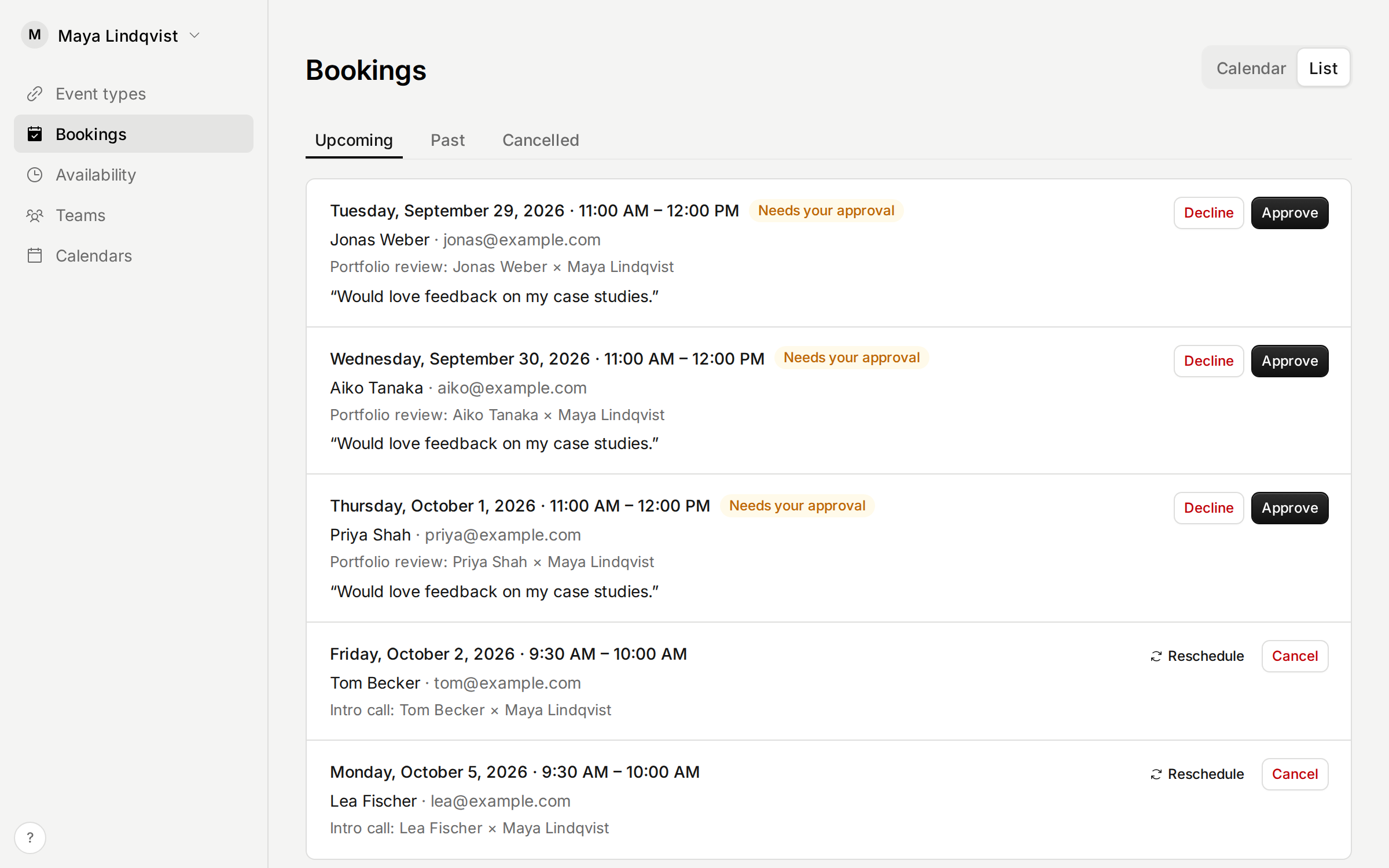
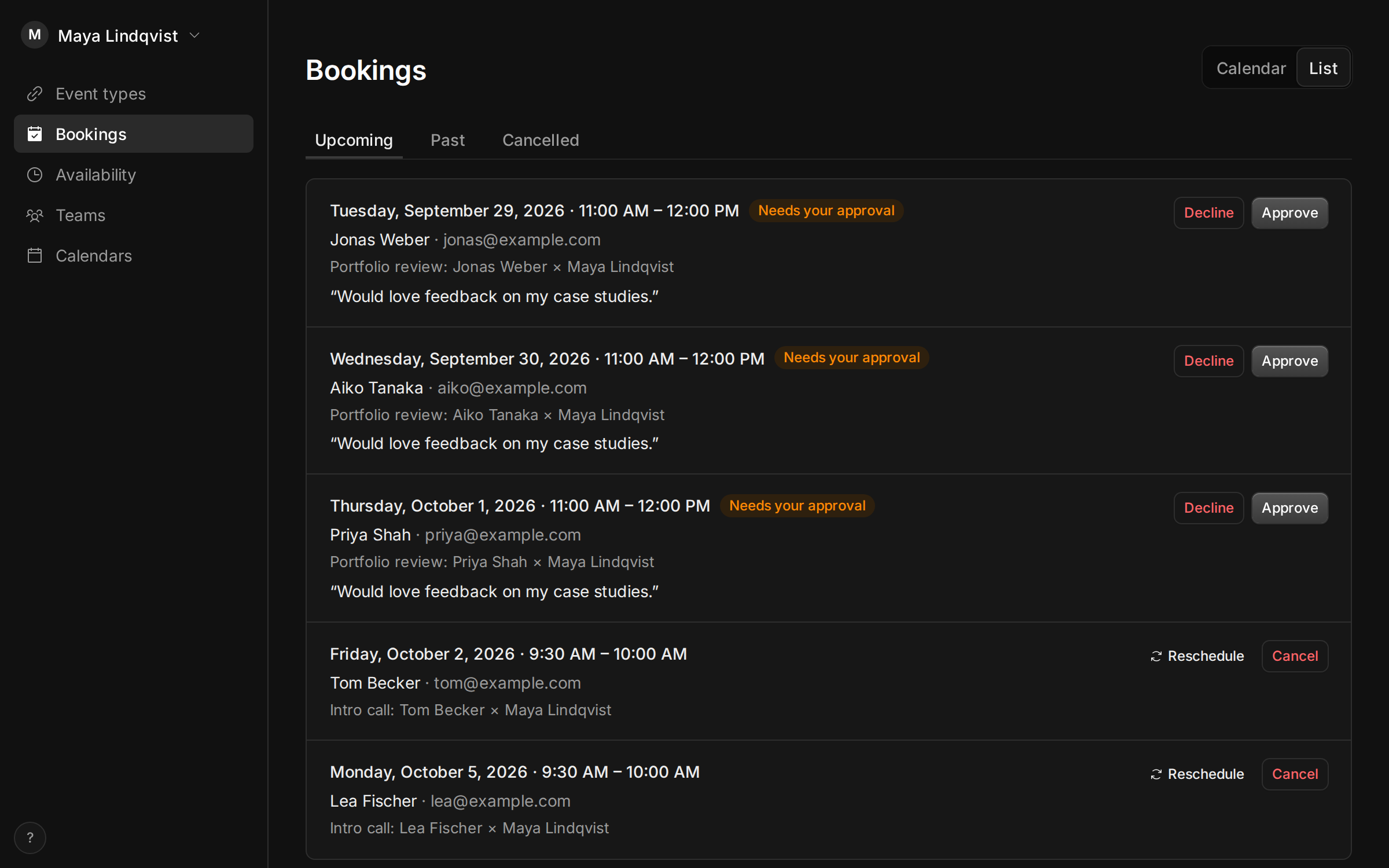
Turn on approval for an event type, and every booking arrives as a request. The time is held until you approve or decline it. Free.
Get your free linkSign in with Google or email. No card needed.
When you need it
Some meetings shouldn’t go straight onto your calendar. A first call with someone you don’t know yet. A portfolio review you only have room for a few of. A slot you want to check against something else first.
With approval on, people still pick a time on your booking page, but they send a request instead of booking.
How it works
- In the event type’s settings, turn on Approval.
- The invitee picks a time and sends a request. Tempi holds that time, so nobody else can take it.
- Tempi emails you. Approve or decline on the Bookings page, or ask your AI assistant to.
- The invitee hears either way. Approved requests go on your calendar like any booking.
- If nobody answers before the meeting would start, the request lapses and the invitee is told.
Good to know
Approval is on the Free plan. It works on event types that are free and don’t repeat.
AI assistants can send requests too. They get the same pending status and tell the person it isn’t confirmed yet.