Build your own booking site in Lovable
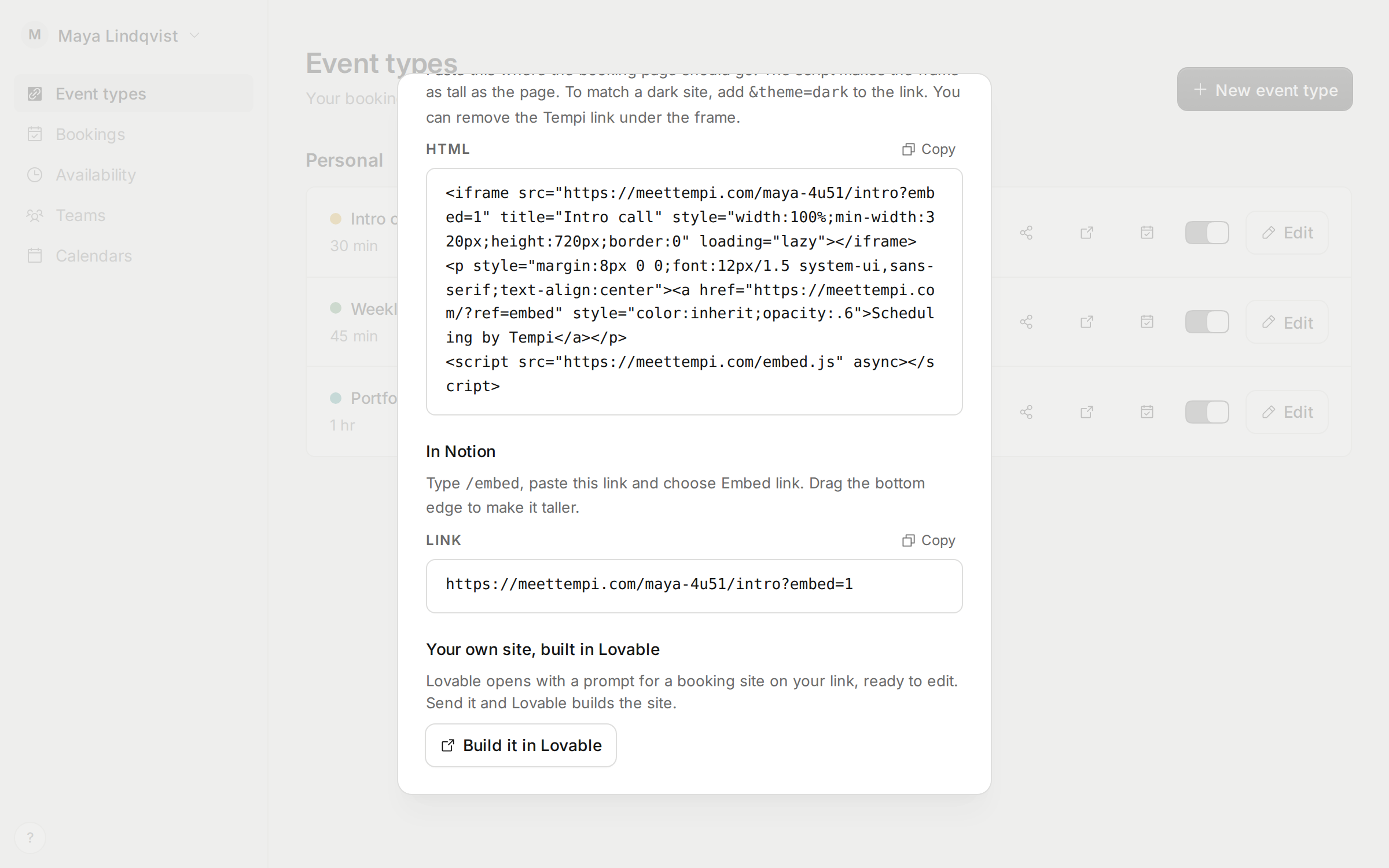
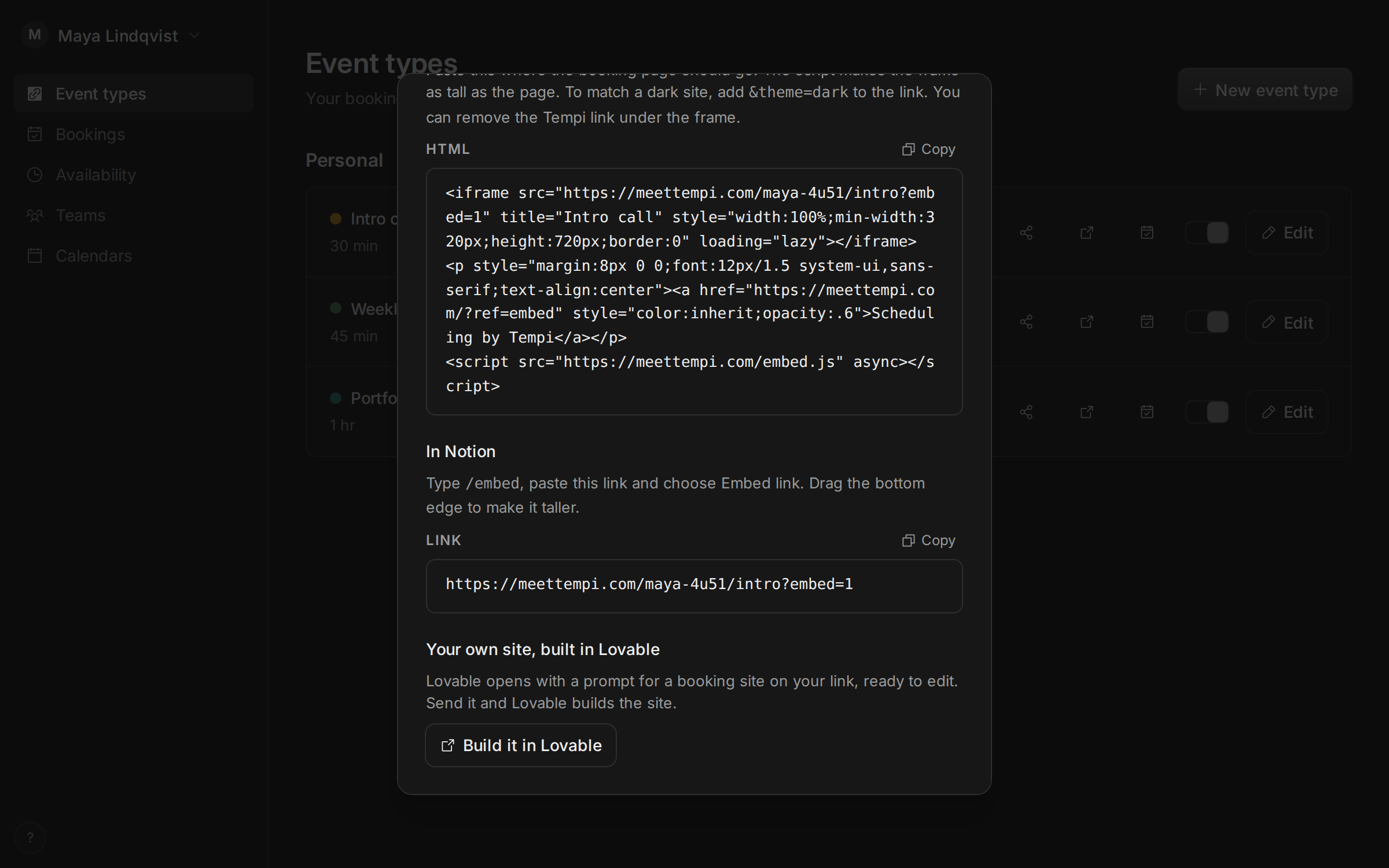
Want a booking page that looks like the rest of your site? Open meettempi.com/lovable, or choose Build it in Lovable when you share an event type. Lovable opens with a prompt for a booking site on your link. Send it, and Lovable builds the site.
The site books through Tempi’s public booking API. So Tempi still checks your calendars, buffers and limits, sends the emails, and holds requests for your approval. The API is free, needs no key, and now works from the browser on any website.
Improvements
7
- Compare Tempi and Calendly, feature by feature, at meettempi.com/vs/calendly.
- The home page shows what Tempi does today: approval, series, embeds, hours per event type, and who can book.
- Embed code has a small Scheduling by Tempi link under the frame. You can remove it.
- Tempi’s logo, icons and descriptions are at meettempi.com/brand, for anyone listing or writing about Tempi.
- When you sign in from a link to a page in the app, you land on that page.
- Get this changelog by email. Choose Subscribe at meettempi.com/changelog, or turn it on in Settings.
- On the changelog, screenshots open full size, and improvements and fixes fold away.
Fixes
3
- The Continue with Google button no longer pops in after the sign-in page loads.
- On phones, the home page, Availability, booking pages and team settings no longer cut off text or hide buttons.
- Tempi always uses HTTPS now, and the privacy policy says how your data is protected.