Approve bookings before they’re confirmed
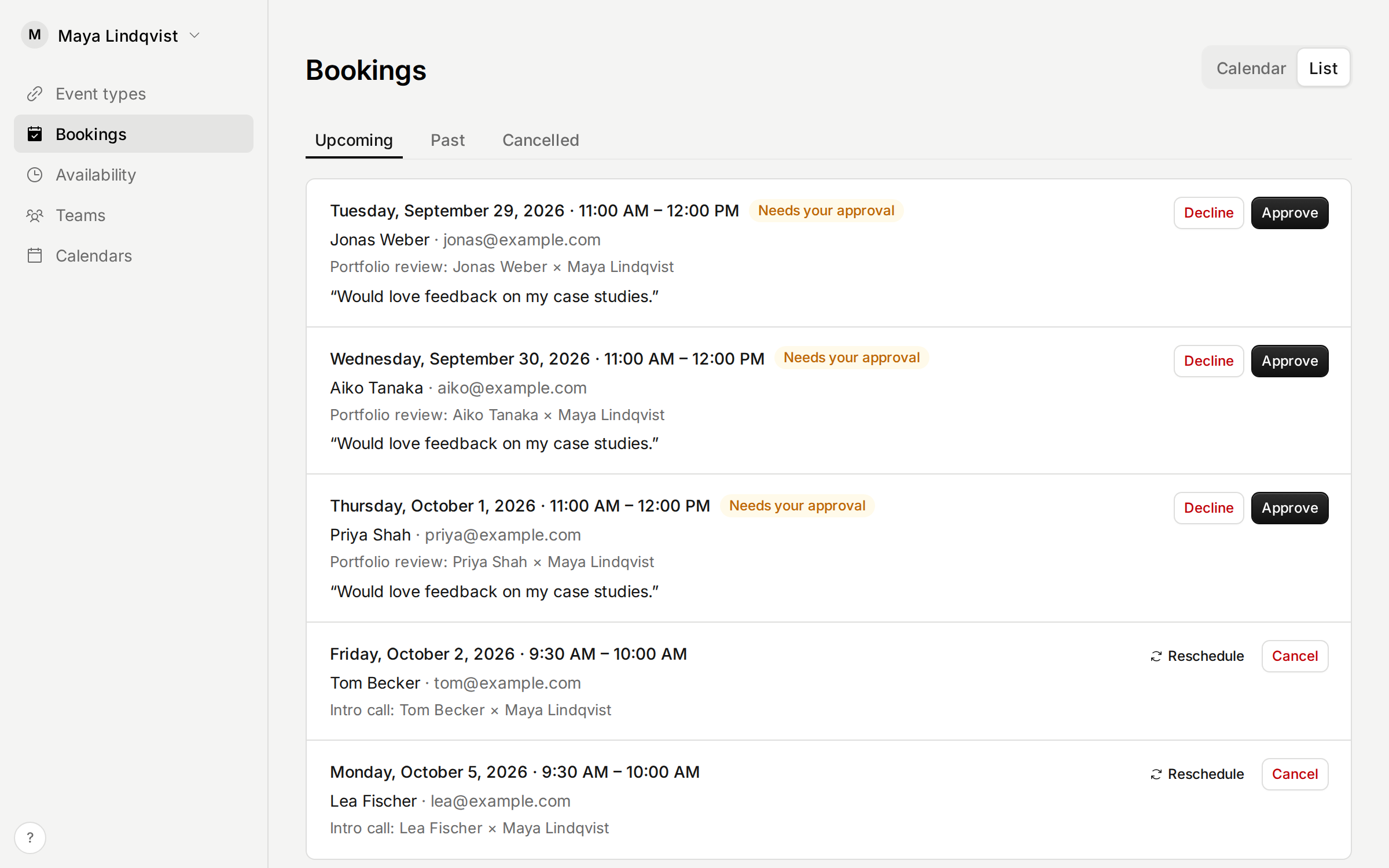
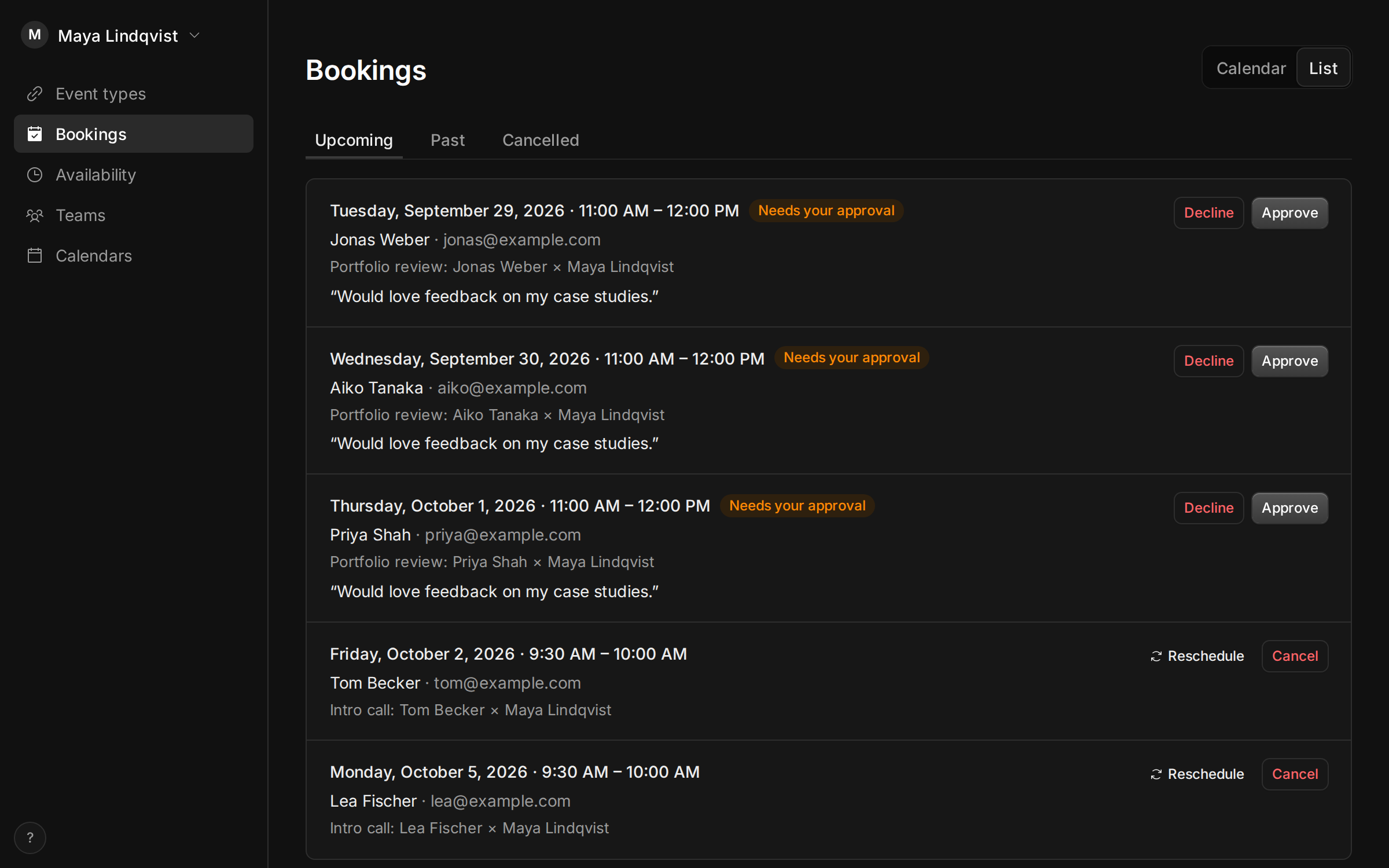
Some meetings need a yes from you first, like a first call with a new client. Turn on Approval for an event type, and each booking arrives as a request.
The time is held for the invitee until you approve or decline it, from the email, the Bookings page or your AI assistant. They hear either way. If nobody answers before it starts, the request lapses and they’re told.
Improvements
- This changelog, with a page for each release and an RSS feed.
- What’s new in the app shows the latest release, with a dot when there’s something you haven’t seen.
- Your account, settings and theme moved to the menu under your name. Help and What’s new are behind the ? at the bottom of the sidebar.
Fixes
- AI assistants that connect to your account now register with a rate limit, and must use secure redirect addresses.
- Booking pages embedded in a dark website no longer show a box behind them.
- Hour-long requests and unpaid bookings on the calendar no longer cut off their label.