Links that show your next open time
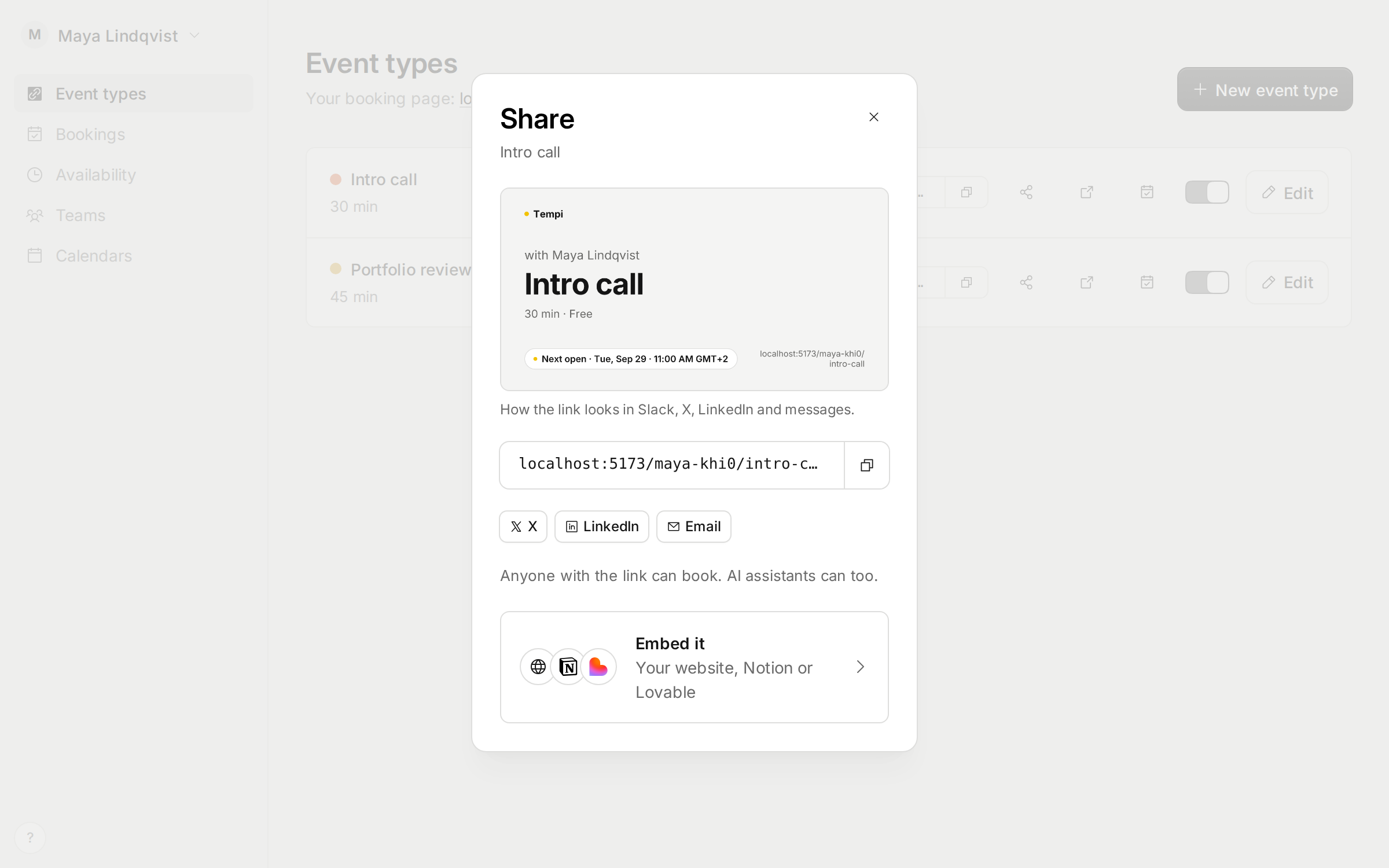
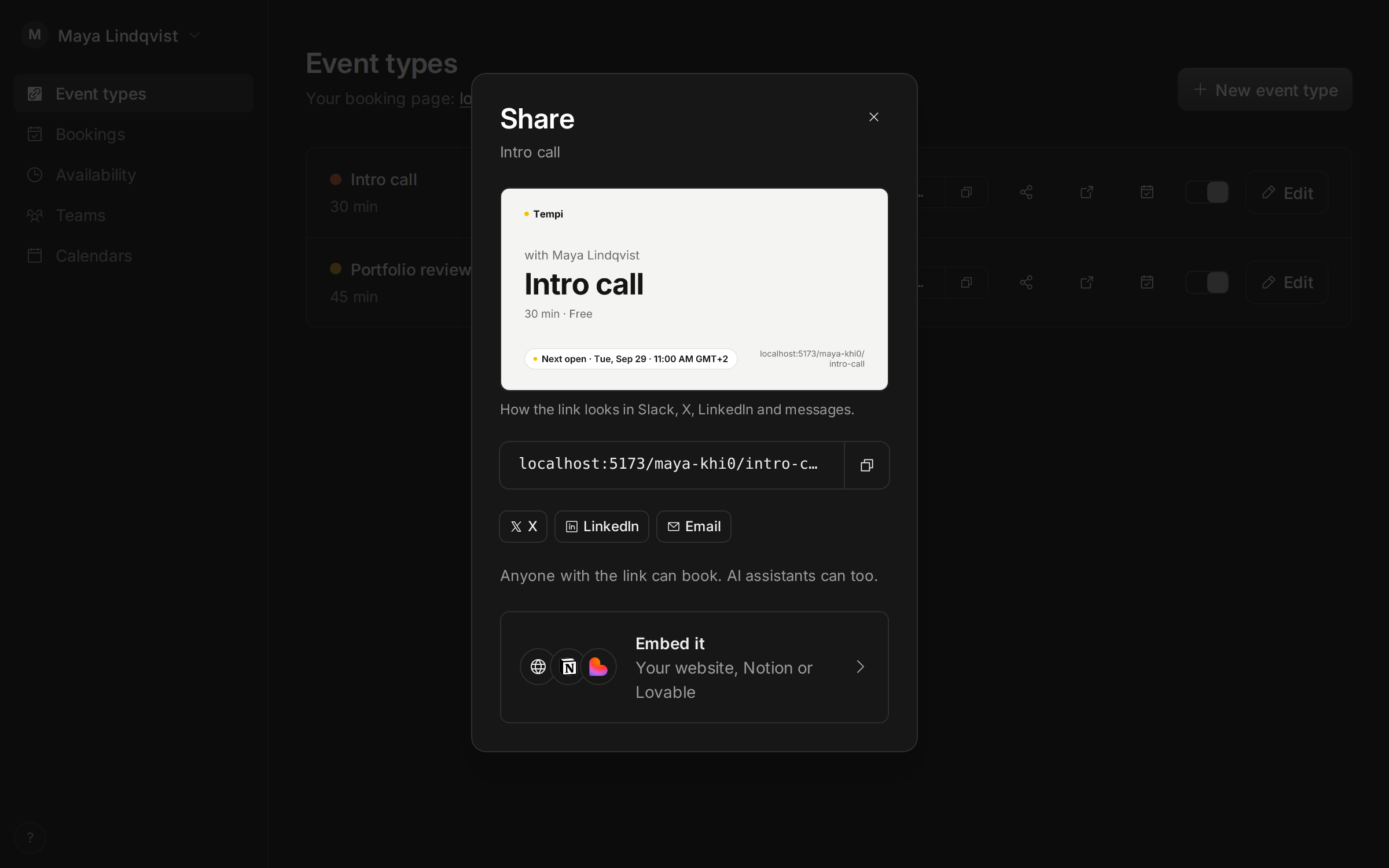
Paste a booking link in Slack, X, LinkedIn or a message, and it shows a picture of the event type: who it’s with, how long it is, and the next time you’re free. Each link gets its own picture, redrawn every few minutes so the time stays current.
Share on an event type opens with that picture, the link, and buttons for X, LinkedIn and email. Embed it takes you to the code for your website, the link for Notion, or a Lovable site, with a preview of how each one looks.
Improvements
6
- Booking pages open faster. Tempi keeps your busy times ready, so the page no longer waits on your calendars.
- Booking pages show the earliest open time, and take you to it in one click.
- The Calendars page lists each calendar you can connect, with what Tempi does with it.
- Continue with Google only signs you in. You connect Google Calendar as its own step, on the Calendars page.
- See whether Tempi is up at status.meettempi.com, linked from the footer and the ? menu.
- Compare Tempi and Cal.com at meettempi.com/vs/cal-com, and read how AI assistants book you at meettempi.com/features/ai-scheduling.
Fixes
3
- Menu items show when you hover over them or move to them with the keyboard.
- Connecting an iCloud calendar no longer says No event calendars when your calendars are there.
- When connecting an AI assistant to your account fails, the error says what went wrong in plain words.