Pick a background for each event type
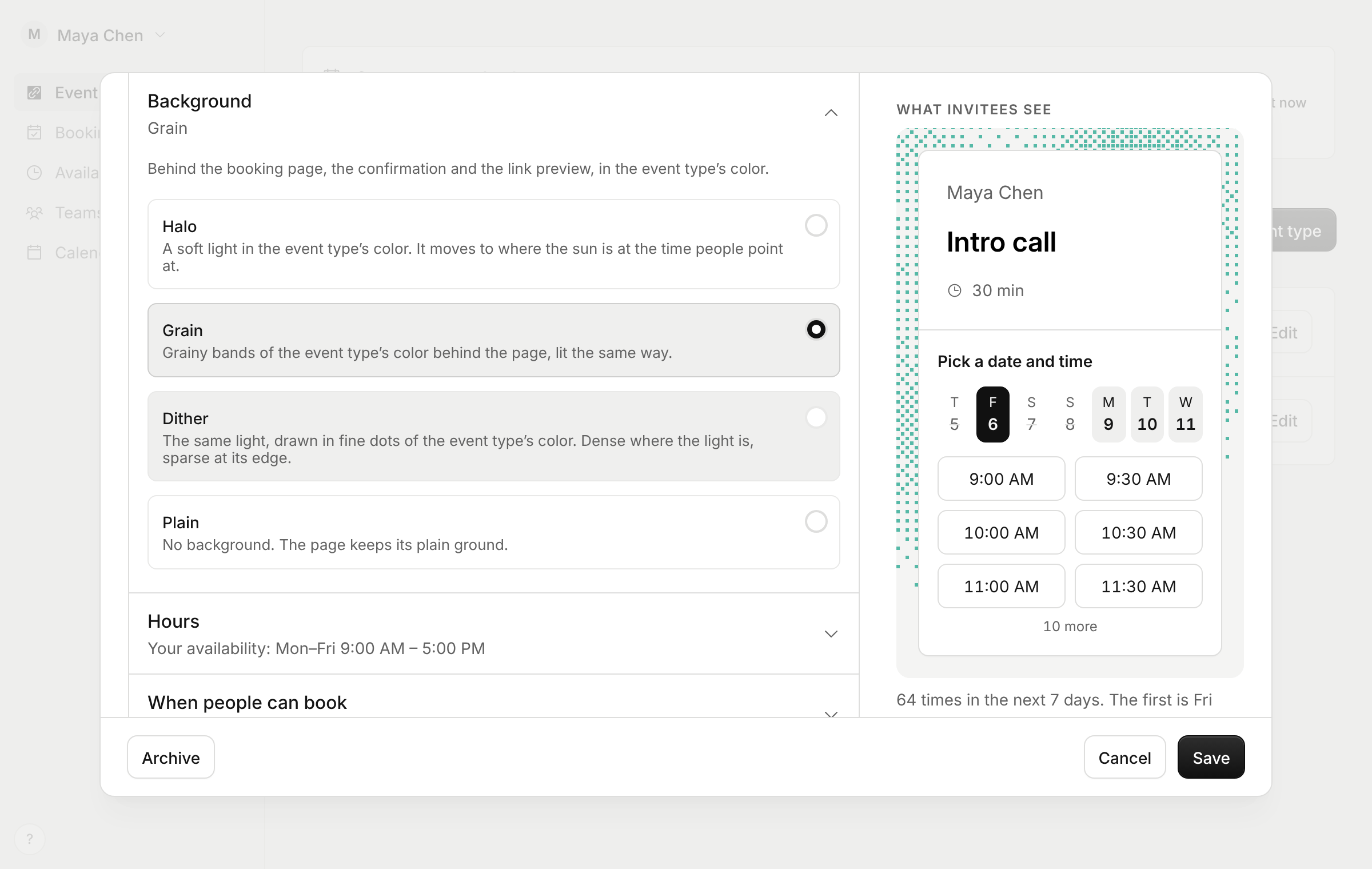
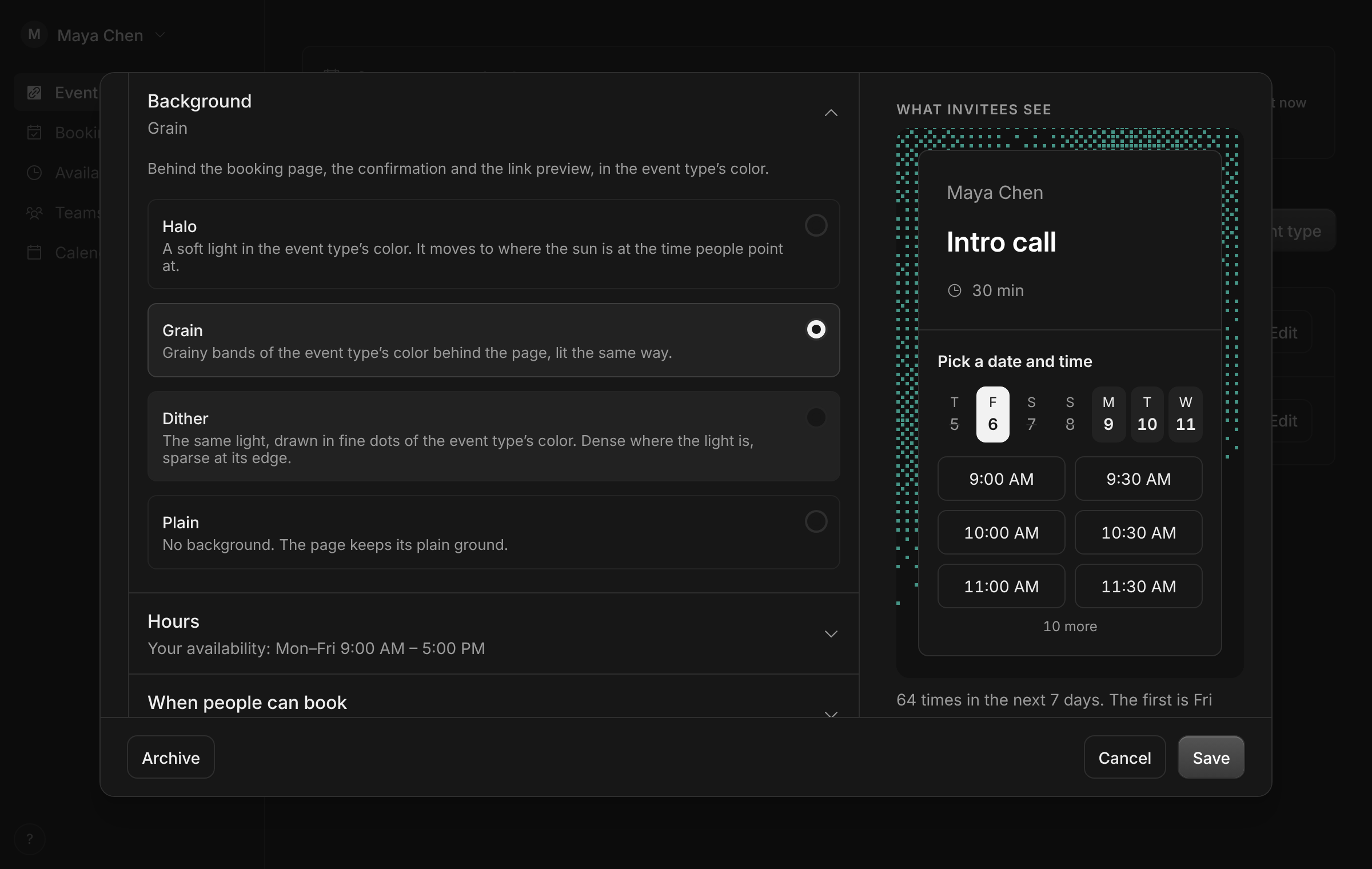
Every booking page had the same soft light behind it. A quick call and a paid session looked alike.
Now each event type has its own Background in the editor. Halo is the soft light, in the event type’s color. Grain lays grainy bands of the color behind the page. Dither draws the same light in fine dots. Plain leaves the page bare. Point at one and the preview beside it shows it before you choose. The background shows on the booking page, the confirmation, the page to reschedule or cancel, and the link preview. AI assistants can set it too.
Improvements
3
- Book with Claude, ChatGPT or another AI assistant that supports MCP Apps and the booking shows as a card in the chat: the painting, what and when in your time zone, where, and a way to reschedule or pay.
- A new home page shows Tempi working: a booking page whose light follows the time, an AI assistant booking it, your calendars and a team page.
- The site’s footer is paper with the wordmark drawn in fine dots. Move your pointer across it and the dots bend like grass in the wind.
Fixes
1
- A long time zone name wraps on the confirmation instead of running out of its column.