Share a meeting as an invitation
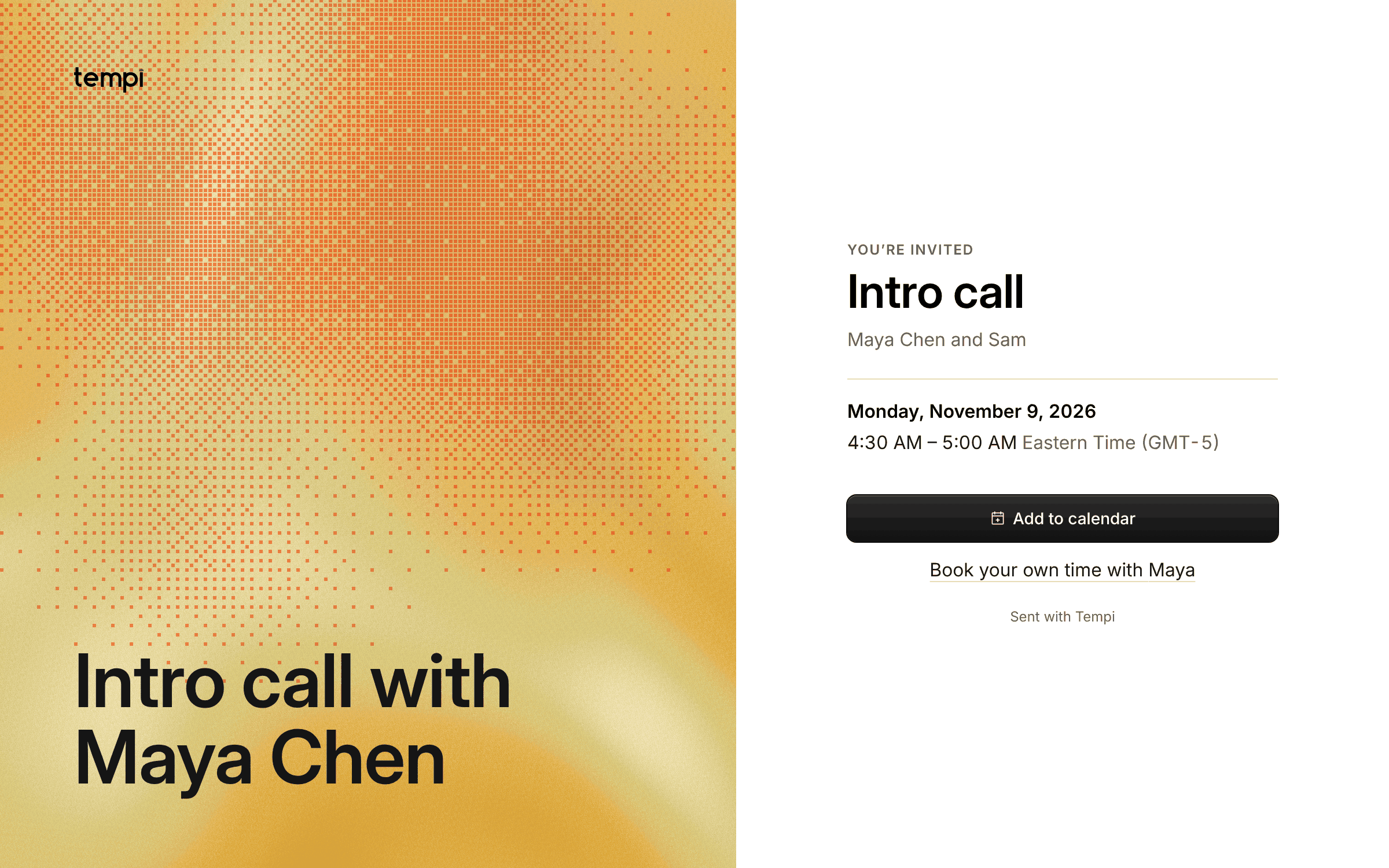
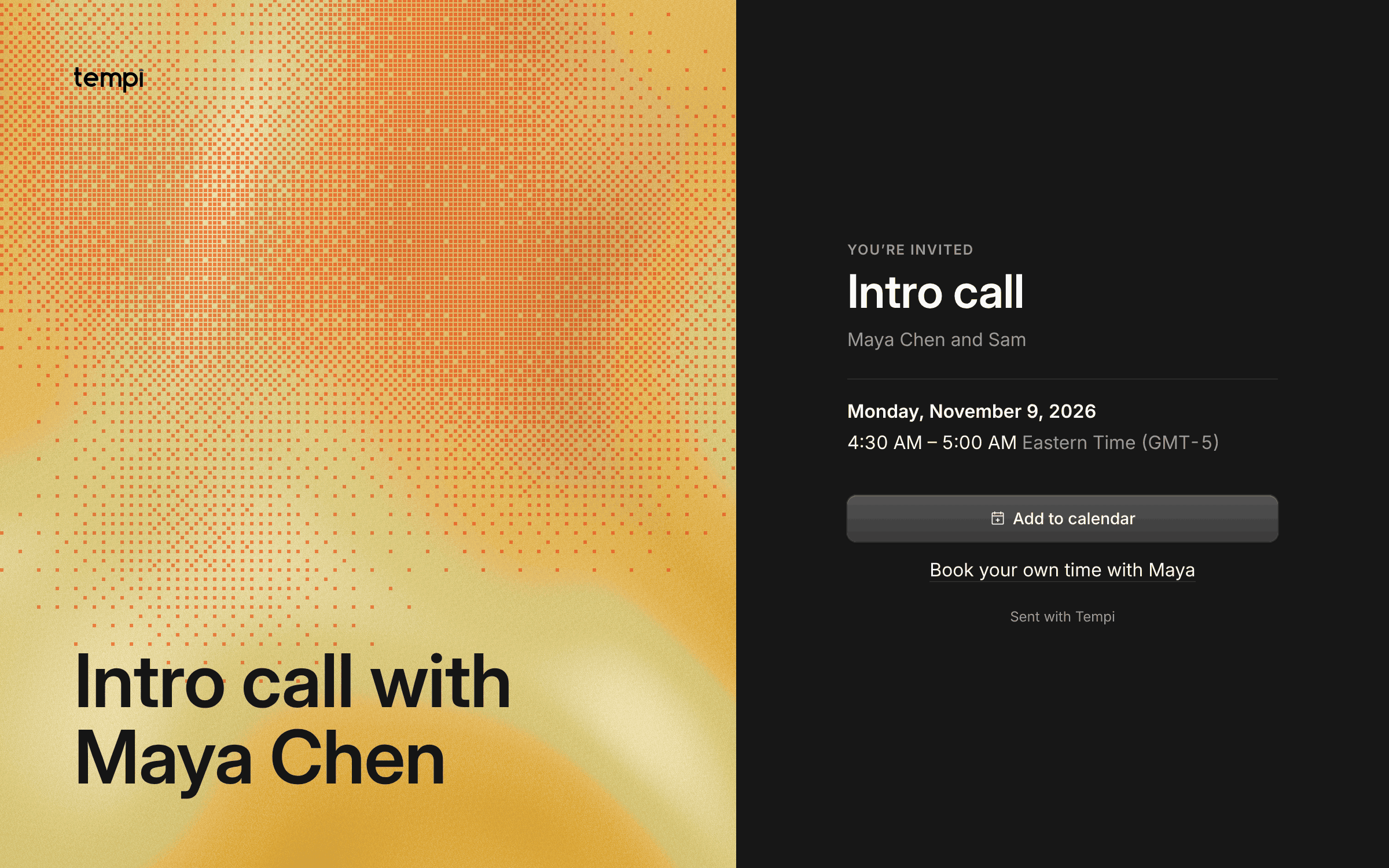
Once a meeting is booked, people often want to tell someone else: a colleague who should join, or the host who’d like to see it. Until now that meant forwarding an email.
Now Share on the confirmation, on the page to reschedule or cancel, and on a host’s booking makes an invitation page. It says what, when in the reader’s own time zone, and with whom. Pick how it looks: the light, the painting, the painting in dots, the sky of the meeting’s hour, paper, night or dither. The page never shows the invitee’s email, phone or notes, and shows the meeting link only if you include it. Its link preview names the meeting. Stop sharing, and the link stops working.
Improvements
1
- The sign-in page is in two halves: the light of the day beside the form.