Every event type at a glance
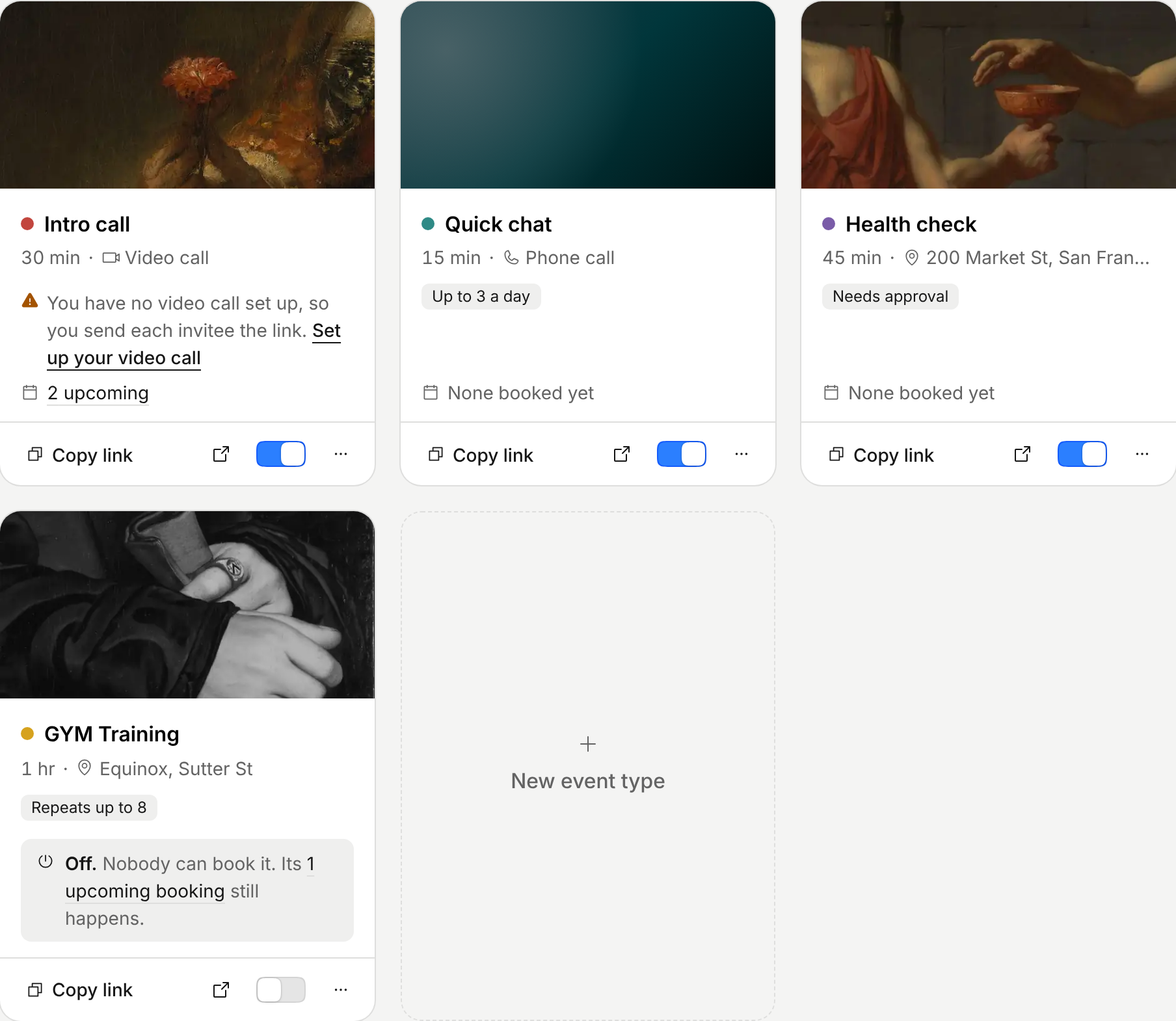
The Event types page was a list of names and links. You couldn’t tell which one people book, which one had a problem, or which one was off without opening each.
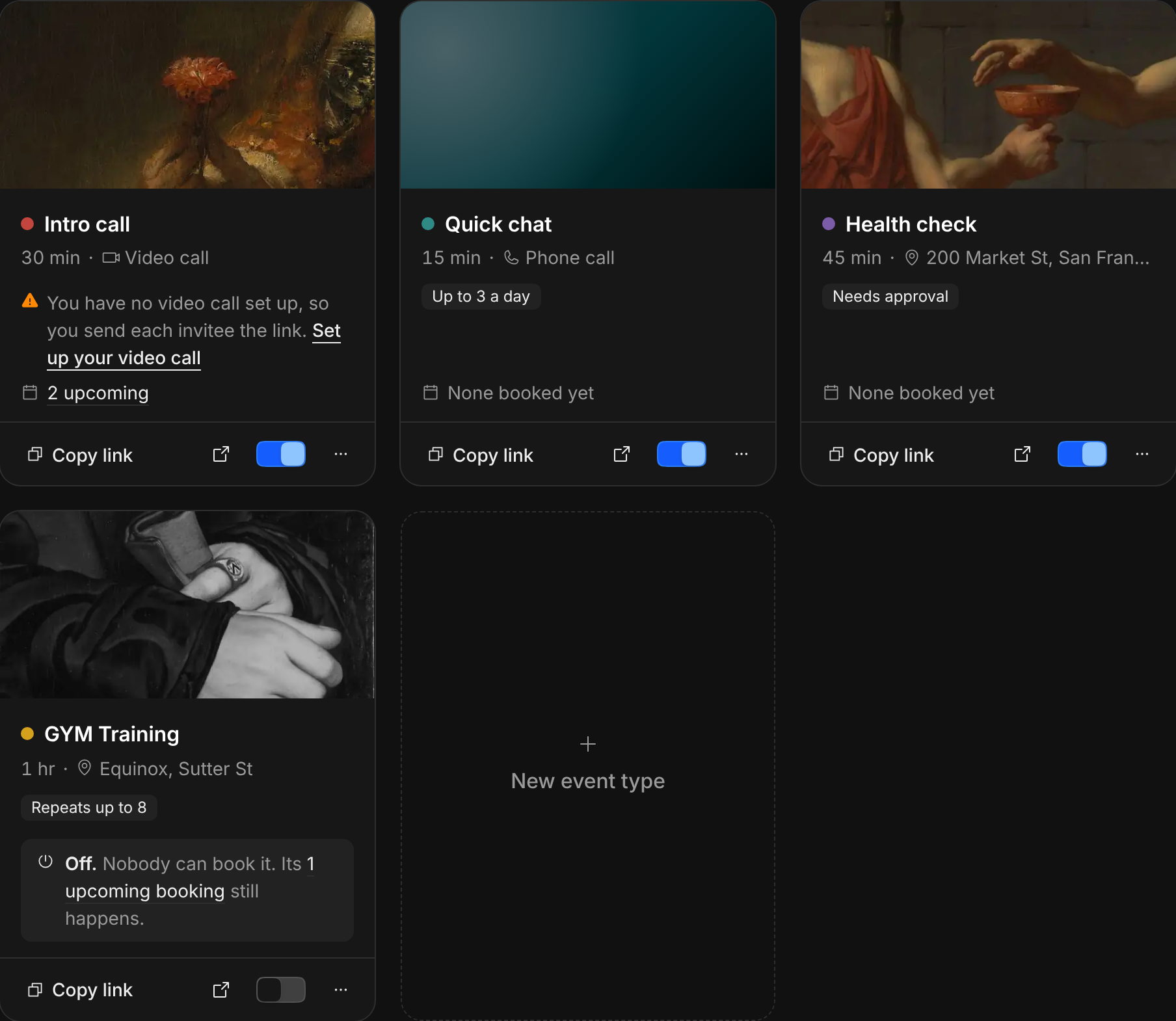
Now each event type is a card with its page’s painting or light, how long it is and where it happens, the rules you set, and how many bookings are coming. Click that number to see just those bookings. Copy link, Open its page and a switch to turn it off are on the card. Embed it, add it to your email signature, duplicate it or archive it from More. A turned-off event type keeps its link and its bookings, and nobody can book it until you turn it back on. Click anywhere else on the card to edit it.
Improvements
4
- Signing up ends on one screen: your booking page, ready, with its link to copy. Connect a calendar there if you haven’t.
- Fewer banners. One shows only when something stops people booking you, like a calendar Tempi can’t read. Requests waiting for you say “2 to approve” beside Bookings, and open with Approve at the top. Setting up is a card at the foot of the sidebar, with the next step.
- An event type nobody can book in the next two weeks says so on its card.
- Sharing a meeting on a phone fills the screen: swipe the invitation for another look, and copy or share it under your thumb. On a computer it opens large, beside the link and the styles.