See the times before you save
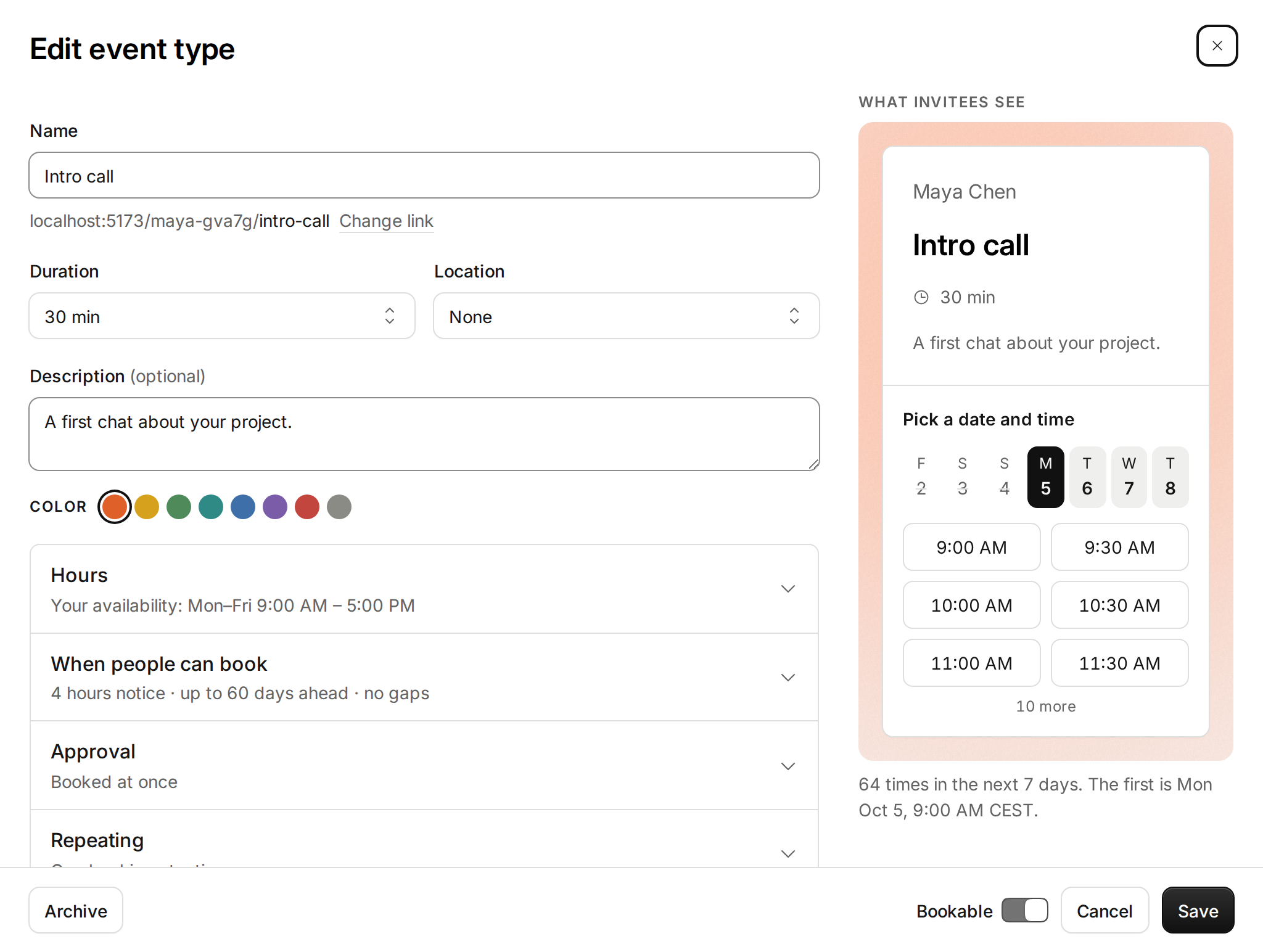
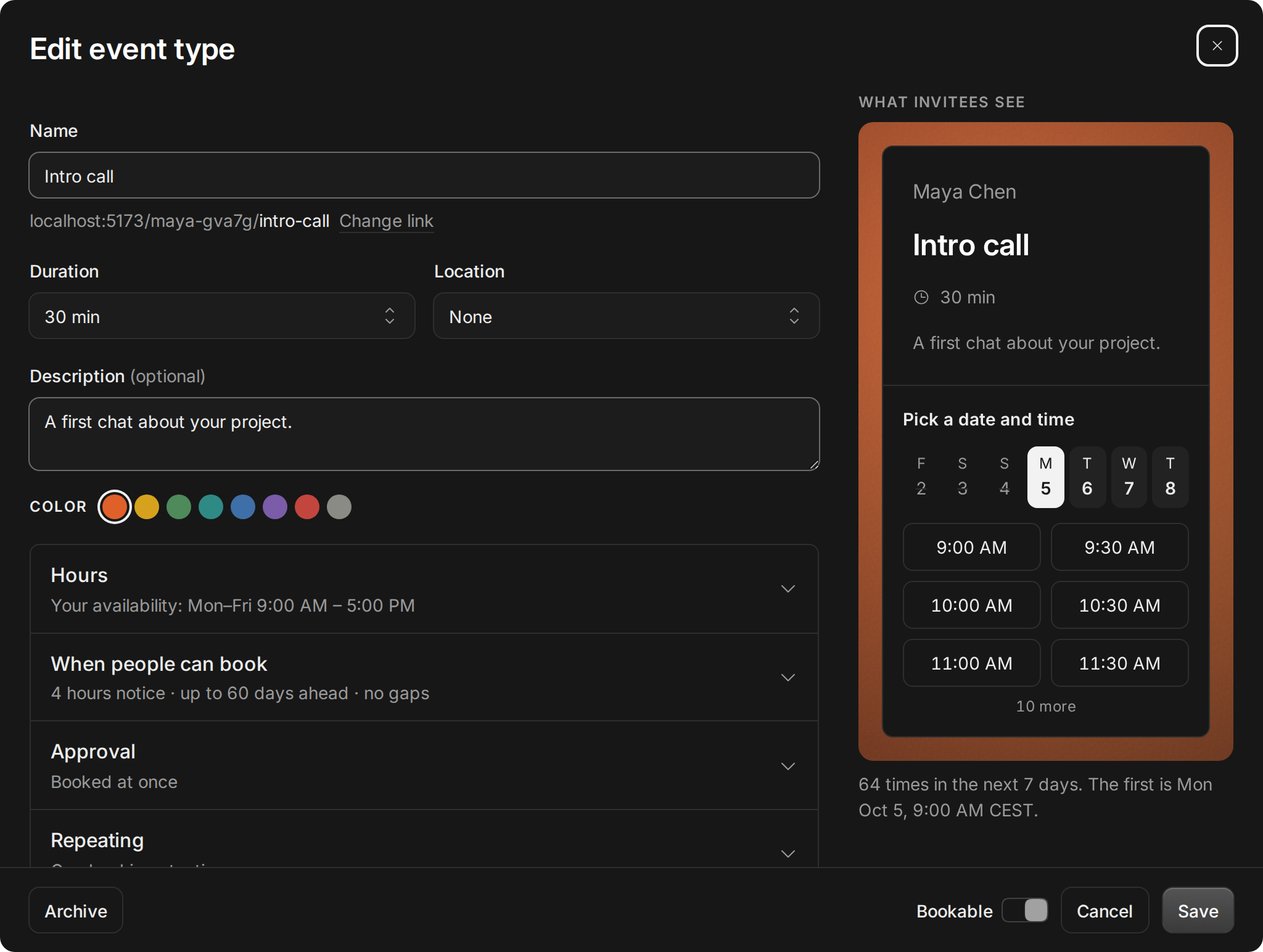
The preview beside the event type editor used to show six made-up times. Now it shows the times people would really get: your hours, days off, calendars, bookings, notice, gaps and limits, all counted. Change a setting and the times follow as you type, before anything is saved.
A line under the preview says it plainly: how many times the next seven days offer, and the first one. When there are none, it says when the next one is. AI assistants can try a change the same way, with preview_event_type_times, and save it only if the times look right.
Improvements
2
- Point at a block in your next two weeks on Availability and it says what it is: its time, and the booking or the calendar that takes it. The rest of the day dims.
- Dates are picked on Tempi’s own calendar, the one on your booking page, instead of the browser’s. In Add a date, an event type’s dates and Check a time.
Fixes
1
- On Availability, the hours along the top of your next two weeks line up with the bars.