Your week, with the time people can book
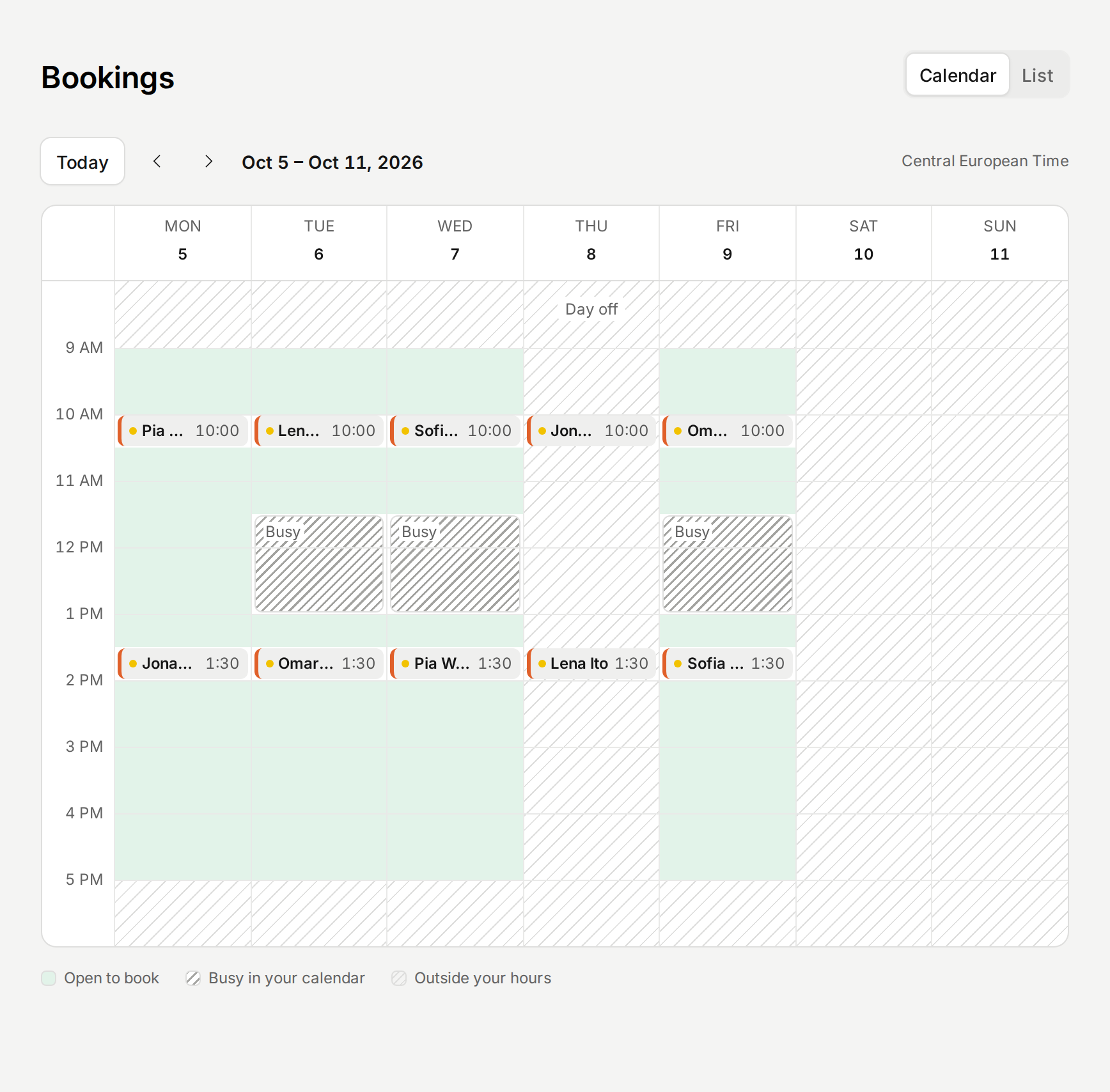
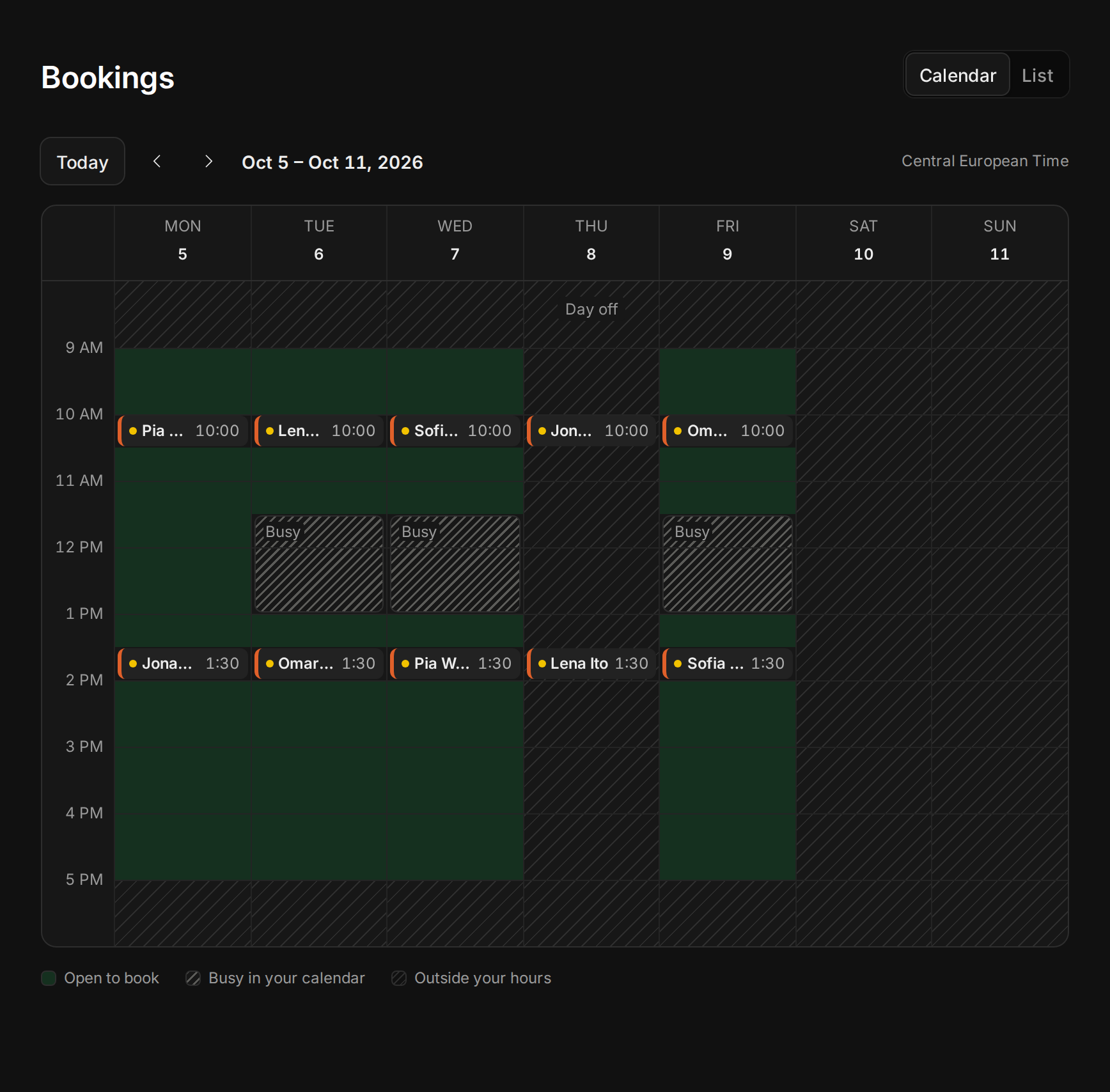
The Bookings calendar showed your bookings and your working hours, but not what was left. Now the time people can still book is shaded green behind your bookings, so a glance tells you how full your week is.
Busy time in your connected calendars shows too, as a block marked Busy, since Tempi doesn’t read event titles. Point at one to see its time and which calendar it’s in. A day you took off says Day off.
Improvements
2
- When you sign up and connect a calendar, the welcome page says how many of its events take your hours this week, and shows your next days the way Availability does.
- When your booking page has no open times, the welcome page says why: your calendars take your hours, or your weekly hours have no open day.
Fixes
3
- A booking page embedded in a dark website stays see-through, instead of showing as a dark box.
- Links that lead nowhere say the page doesn’t exist, whatever their shape. A booking link typed with capitals opens the page.
- Pointing at a day in your next two weeks on Availability keeps its bar in view, instead of fading it into the row.