Times that make sense where you are
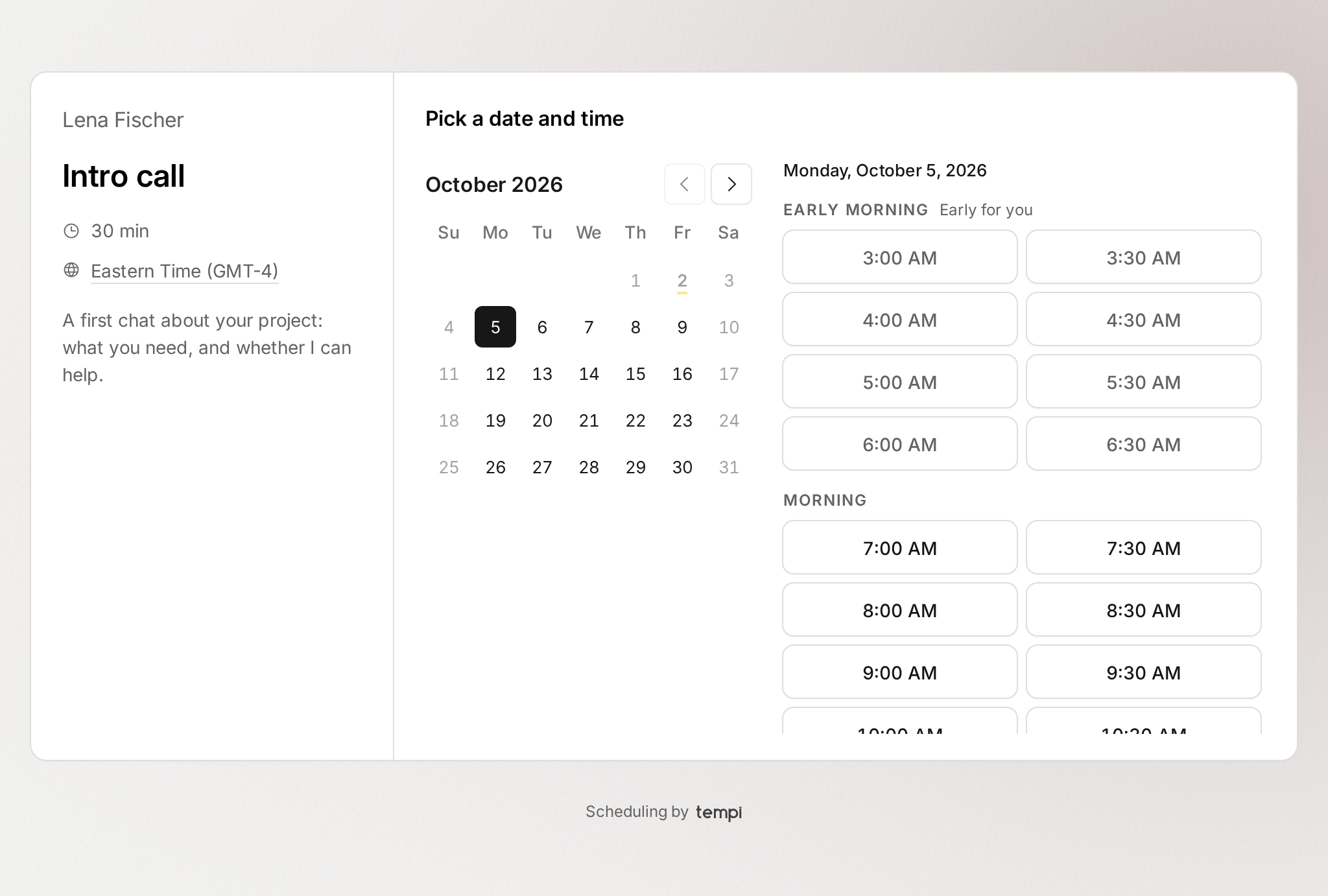
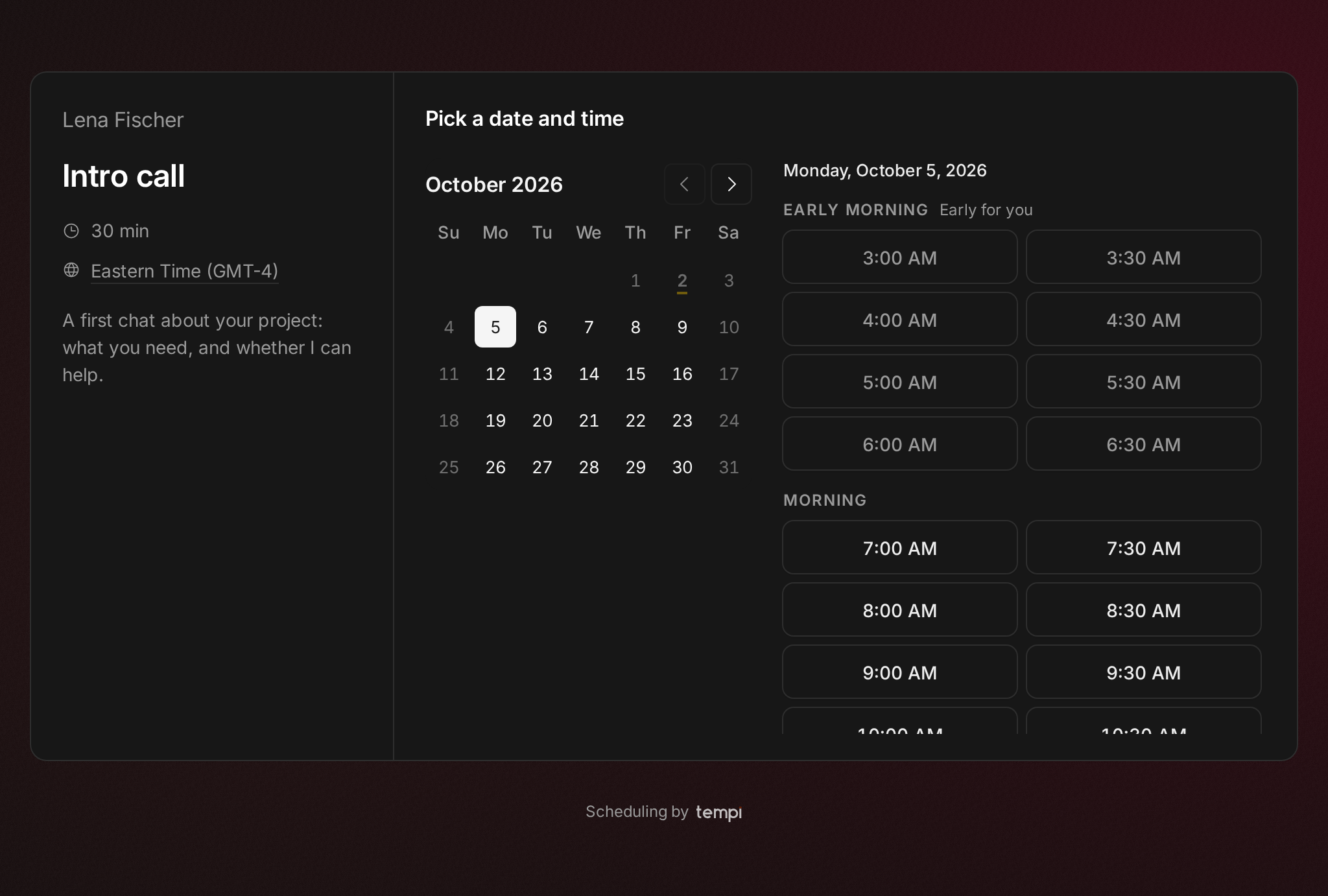
A booking page used to list a day’s times in one long run. When the host lives far away, some of those times land at 5 AM or 11 PM for the person booking, and nothing said so. Now the times are grouped by part of the day on the invitee’s clock: early morning, morning, afternoon, evening and night.
Times before 7 AM and from 10 PM on are marked early or late for you, and set back a little, so a time that would mean an alarm is never picked by accident. Rescheduling shows the times the same way.
Improvements
10
- When an event type meets on Google Meet but its host’s calendar can’t make the link, the booking page, the confirmation, the manage page and the emails say the host will send it, instead of promising a link that never comes.
- Arrow keys move through the times, and Tab steps past them in one go.
- Profile pages show the host’s initials, and each event type’s length reads as plain text.
- Book someone a second time and the form already knows your name and email. They’re kept in your browser, and Not you? clears them.
- When your calendar can’t make a Google Meet link for a booking, paste one into the booking and Tempi emails it to the invitee. If it’s still missing a day before, Tempi reminds you.
- Moving a meeting says what the new time is for the host, and whether it’s early or late for you, as booking does.
- When your week has nothing left to come, Bookings shows your next booking beside the week. One click takes you there.
- Cancelled bookings say who cancelled, and why when they said.
- On a phone, a request that needs your approval has Approve and Decline right in the list.
- Settings says where your name shows, and calls your username what it is: your booking link.
Fixes
1
- An invitee who cancels without giving a reason no longer gets one written for them. The booking says who cancelled.