See when people can book you
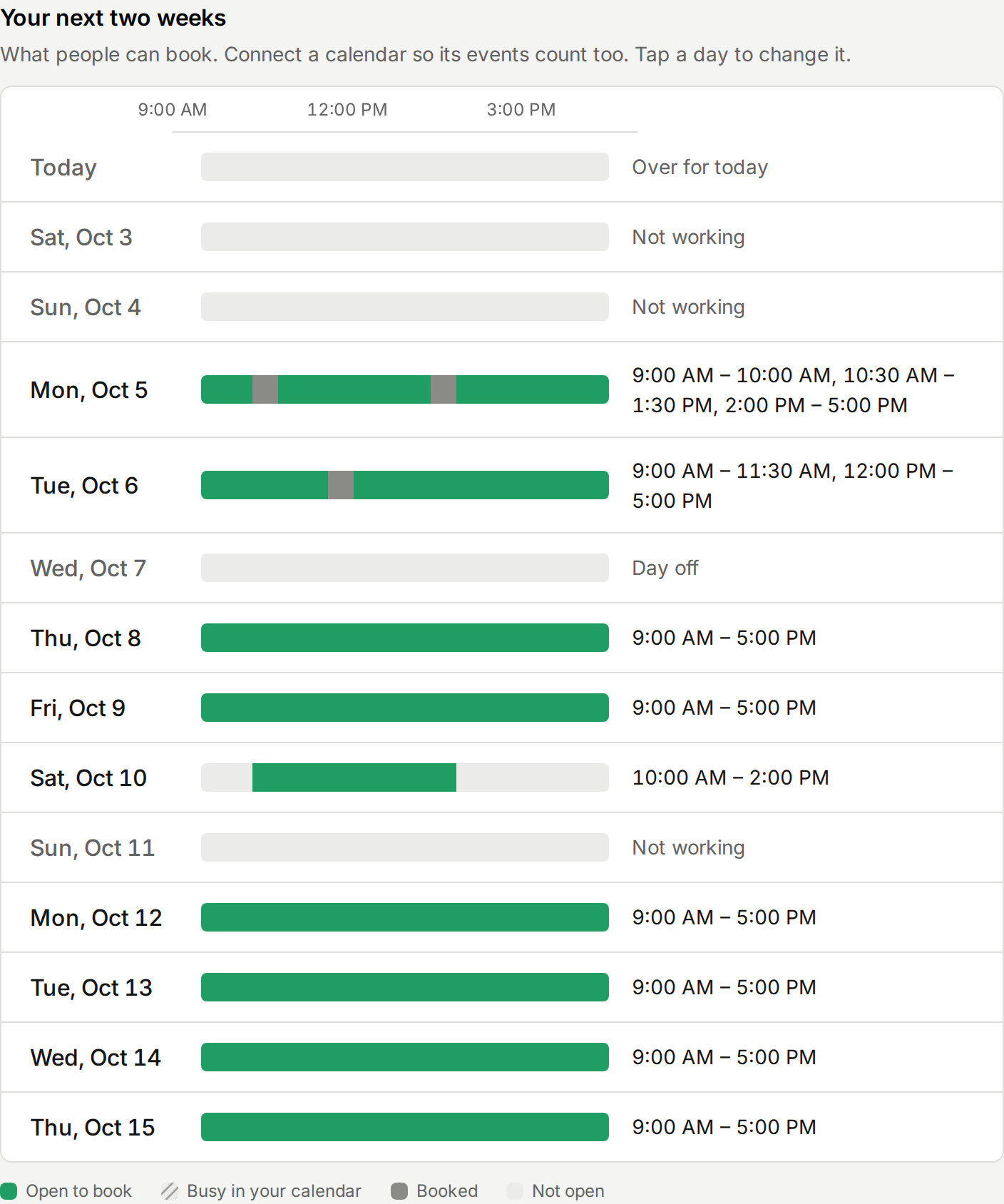
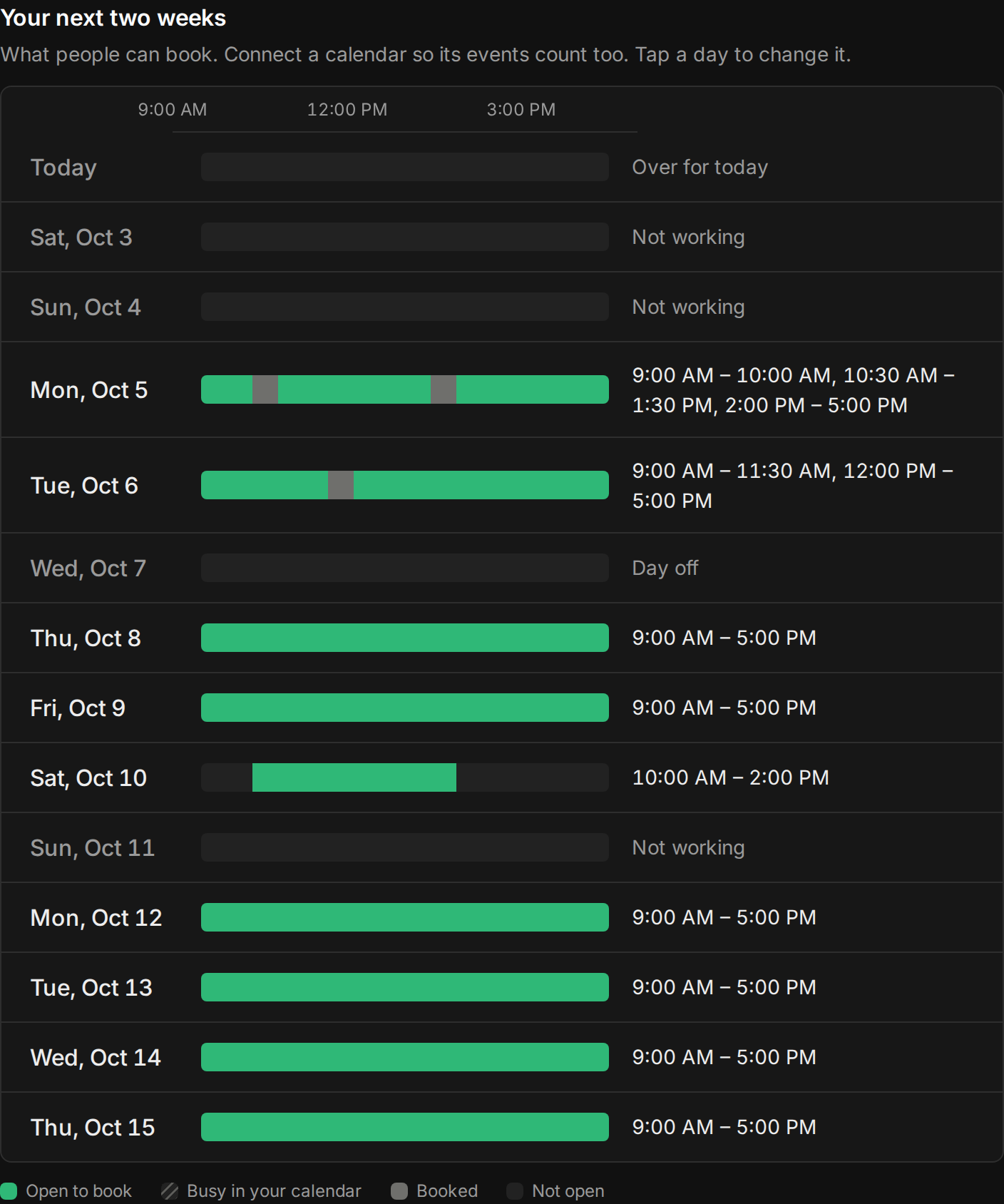
Availability used to be a stack of settings: weekly hours, time off, other hours on a date, limits. It never said what they added up to, or which booking pages they were for. Now it starts with the answer. Your next two weeks, a bar per day: green where people can book you, striped where your calendar is busy, filled where a booking is.
Tap a day to see what takes its time, the booking or the calendar, and to take the day off or work other hours. Above it, Used by lists the event types you host and which use these hours, so you know what a change touches. AI assistants get the same view: ask yours when you’re free this week.
Improvements
7
- Used by lists your event types and the hours each one uses. One with its own hours says so, with a link to change them. Its Hours section in the editor says the same.
- Days off and other hours on a date are one list, Changes on dates. Add one there, or from any day in your next two weeks.
- Everything on Availability saves as you change it. Hours save once they’re valid.
- Your usual week is a row per day on every screen. Tap a day to change it, and Use on every weekday copies its hours to Monday through Friday.
- Calendars says how many events in each calendar take your hours this week, so you know it’s read.
- When nobody can book one of your event types, the warning says why: your calendars are full, you’re off, or your limit is reached.
- AI assistants connected to your account can see your next days, what’s open and what takes the rest, with preview_availability.
Fixes
1
- On a computer, time fields are their own width again instead of stretching across the row.