Find Tempi in Claude’s connector directory
Connecting Claude to your Tempi account meant finding a URL and pasting it into a custom connector.
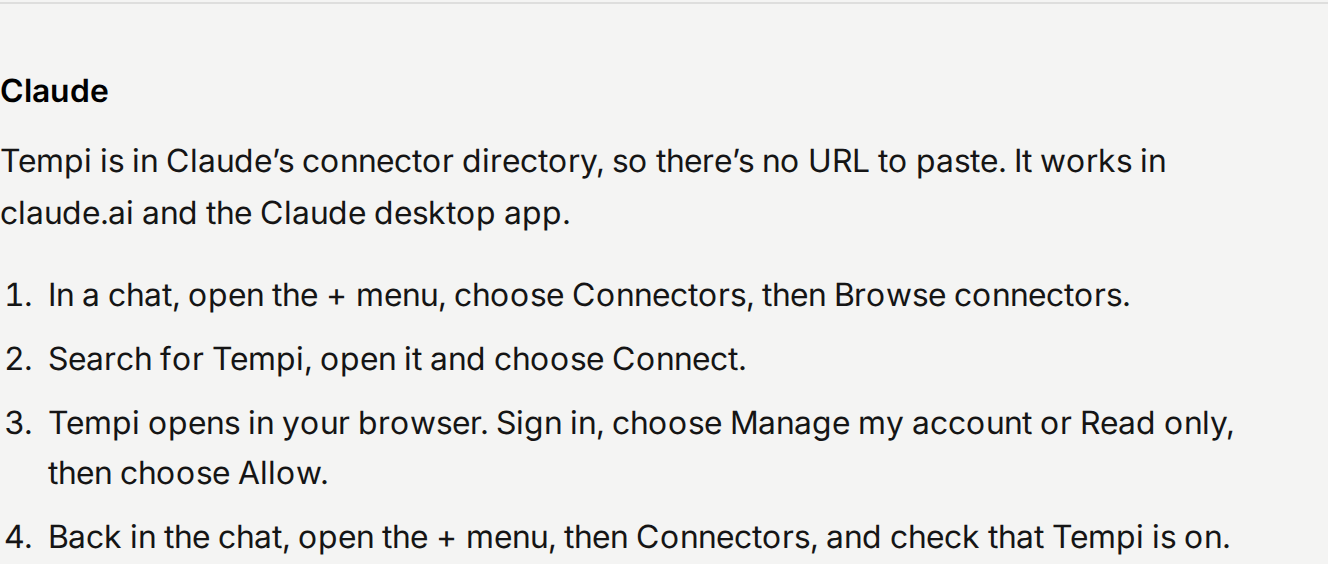
Now Tempi is in Claude’s connector directory. In claude.ai or the Claude desktop app, open the + menu in a chat, choose Connectors, then Browse connectors, and search for Tempi. You sign in to Tempi and choose read only or manage. Then ask Claude when you’re free, set up event types, approve requests or book time with anyone on Tempi.