Know when a booking didn’t reach your calendar
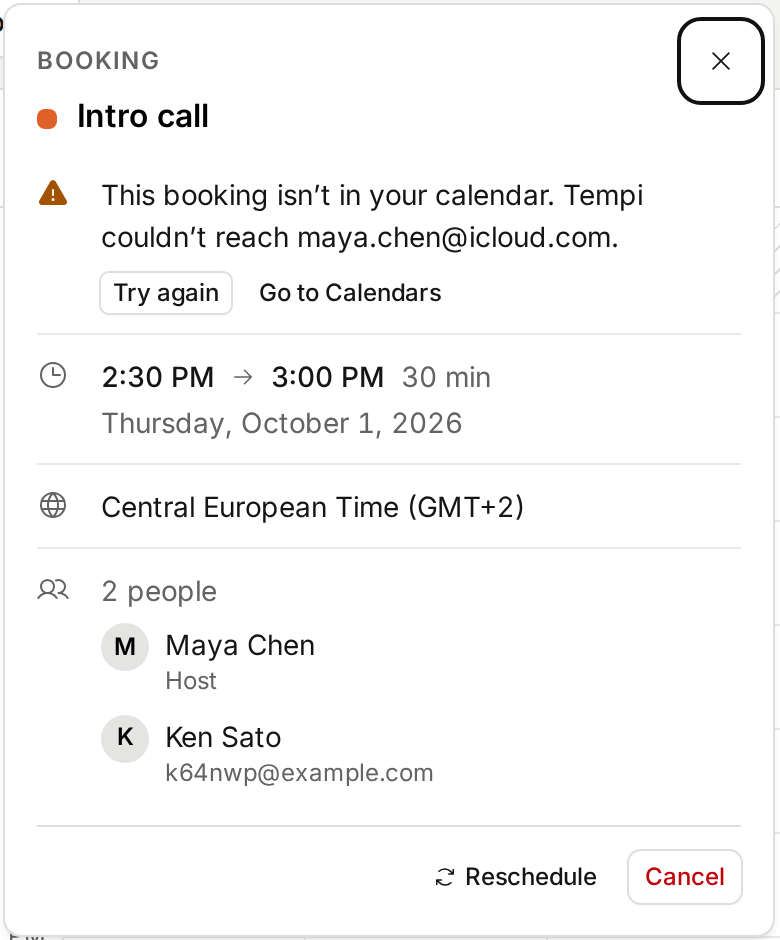
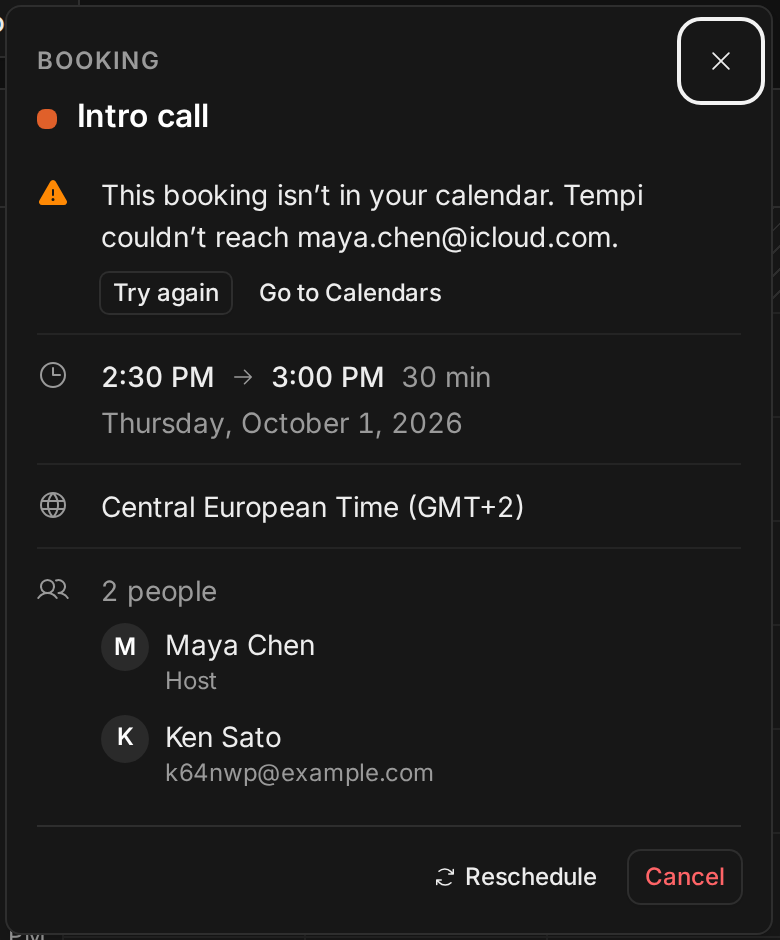
When Tempi couldn’t write a booking to your calendar, nothing told you. The booking stood, the invitee got their email, and your calendar stayed empty. You found out when someone joined a meeting you didn’t know about.
Now the booking says so, with the reason and a Try again button. The dashboard counts upcoming bookings that aren’t in your calendar, and Bookings marks them. The same goes for a booking moved or cancelled in Tempi that your calendar still shows, and a Google Meet booking without a link.
Improvements
3
- Calendars says where new bookings go in one line, with a menu to change it. Pick a calendar that isn’t Google, and it says your bookings won’t get a Google Meet link.
- Moving a booking that never reached your calendar puts it there.
- AI assistants can list bookings with calendar problems and try again (retry_booking_calendar).
Fixes
4
- Moving a booking to the time right next to it works again when a calendar is connected. Its own calendar event no longer counts as busy.
- A Google Meet booking without a link keeps saying why, even after you disconnect the calendar it was written to.
- Moving a booking to the time it already has is refused, so nobody gets a “Rescheduled” email for nothing.
- A request nobody answered stops holding its time the moment it starts, instead of a few minutes later.