Booking pages with light
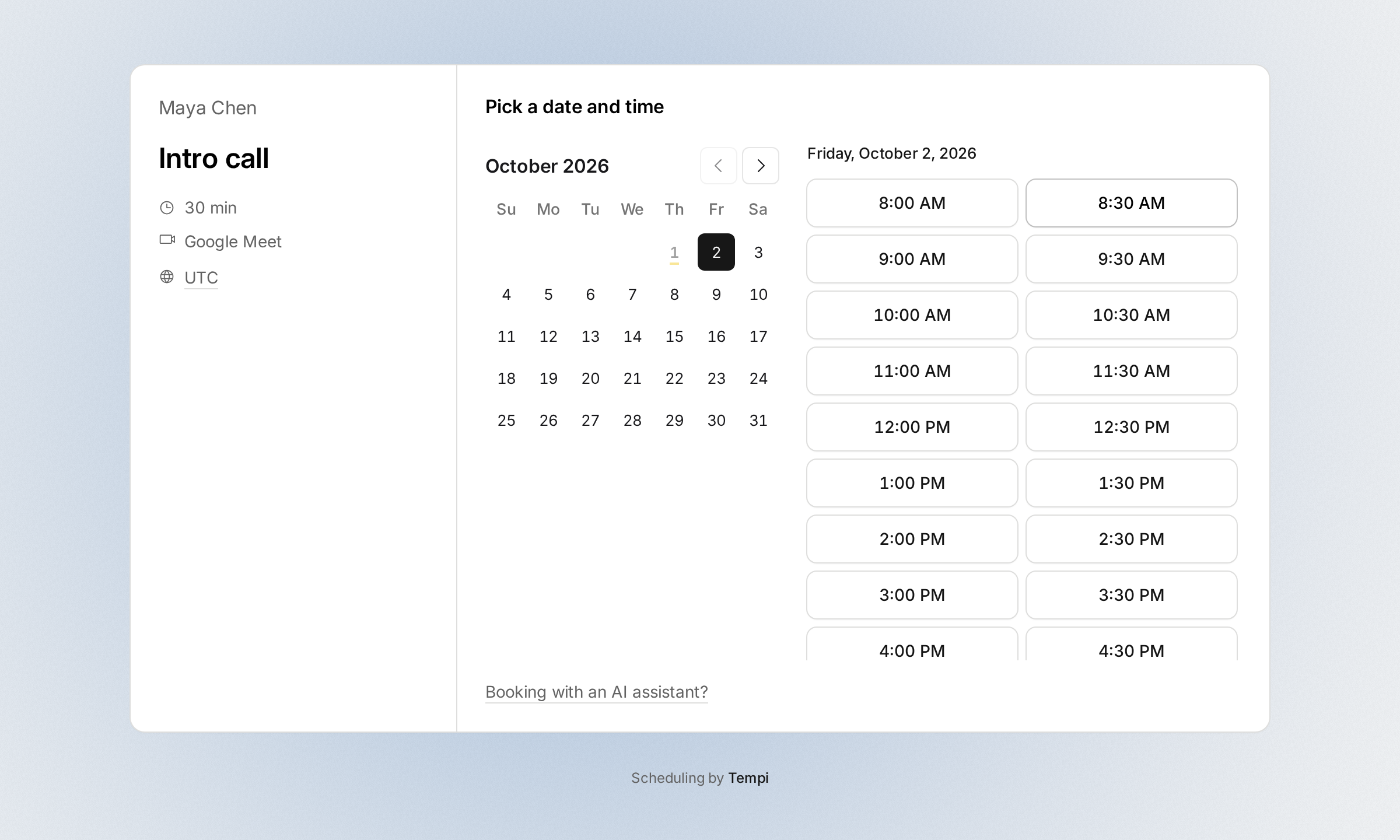
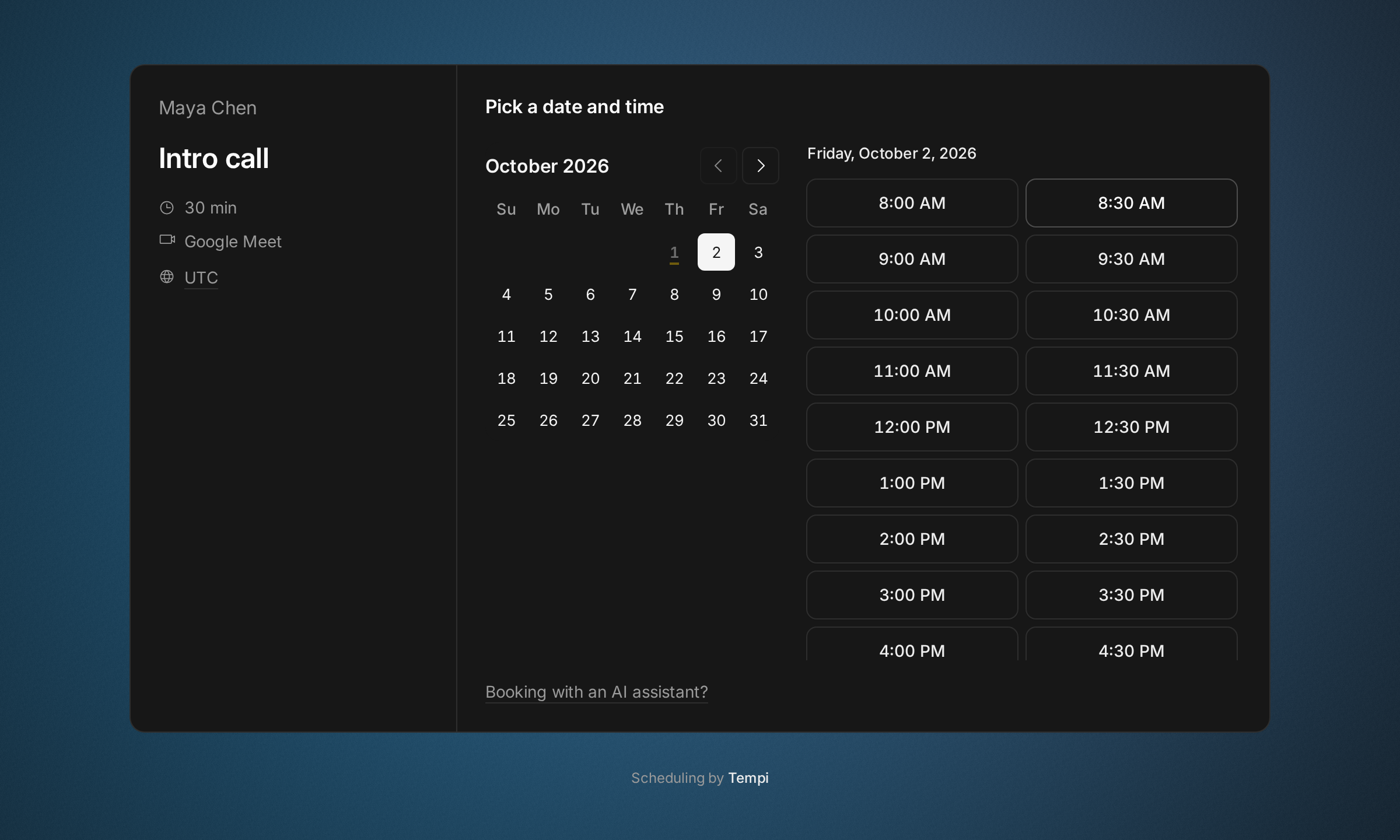
Your booking pages now have a soft light behind them, in each event type’s color. As an invitee points at times, the light moves to where the sun would be then: low on the left in the morning, high at noon, low on the right in the evening. On your profile it takes the color of the event type they point at.
Pick how your pages look with Page style, at the top of Event types. A team’s pages have their own, in Teams. Halo is the light. Grain fills the page with grainy color bands. Plain keeps a clean page with a color dot for each event type. The style also sets your confirmations’ cover and your link previews.
Improvements
3
- Each event type on your profile shows its color.
- Link previews use your page style: a light on the right in the halo style, color bands in grain, and a clean card in plain.
- Archive an event type instead of deleting it. Its link stops taking bookings, but bookings already made still work: invitees can still move or cancel them. Restore it from Archived, at the end of Event types.
Fixes
2
- Changing your page style shows in the Share dialog’s link preview at once, instead of after a few minutes.
- Invitees can move a booking of an event type you turned off.