Email signature
Put your booking link in your email signature.
Let everyone you write to book you from your email signature. Pick a link, a button or a card, copy it from Tempi and paste it into Gmail, Outlook or Apple Mail. Free.
Make it
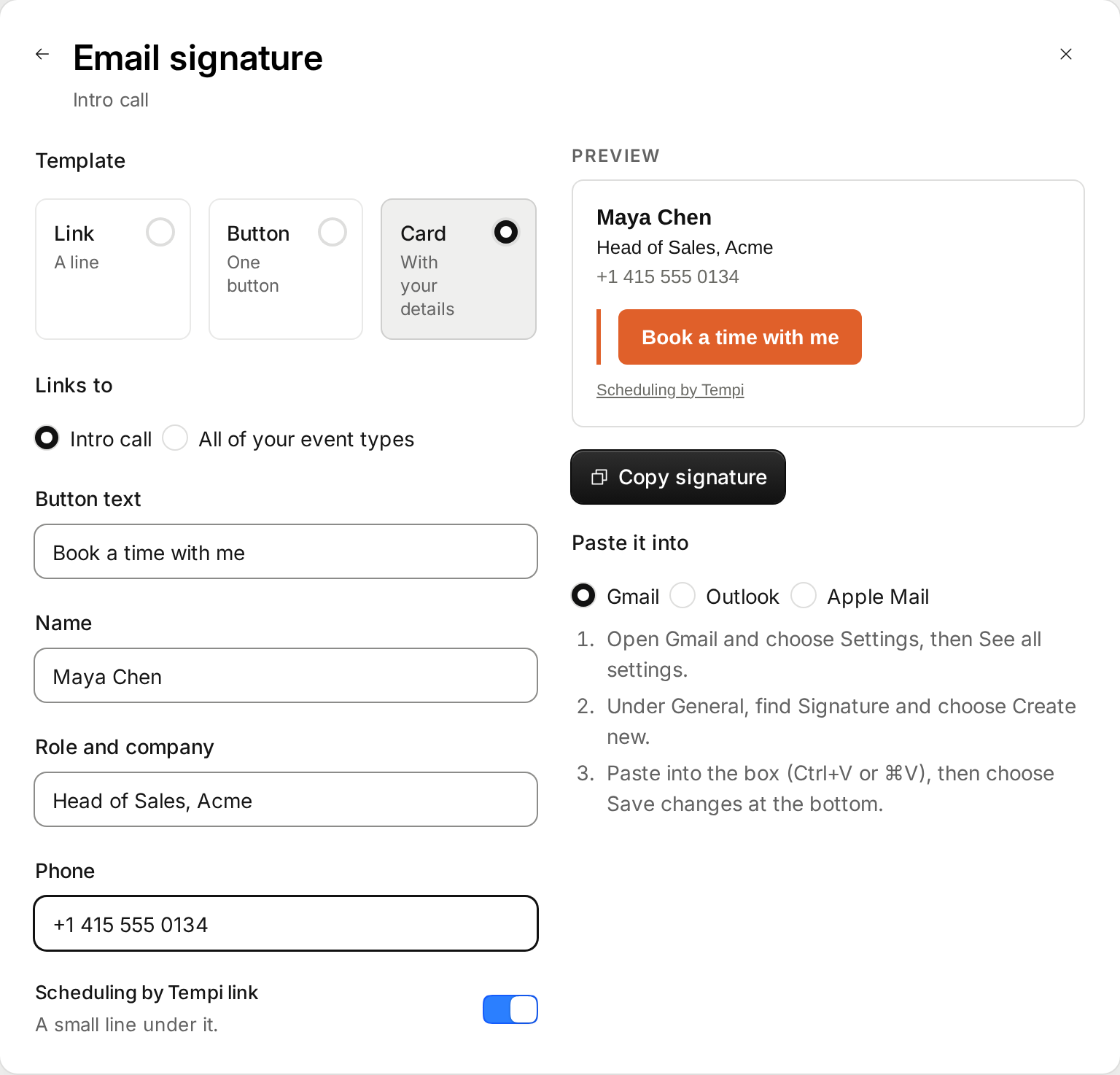
In Tempi, open Event types and choose Share on the one you want people to book. Then choose Email signature.
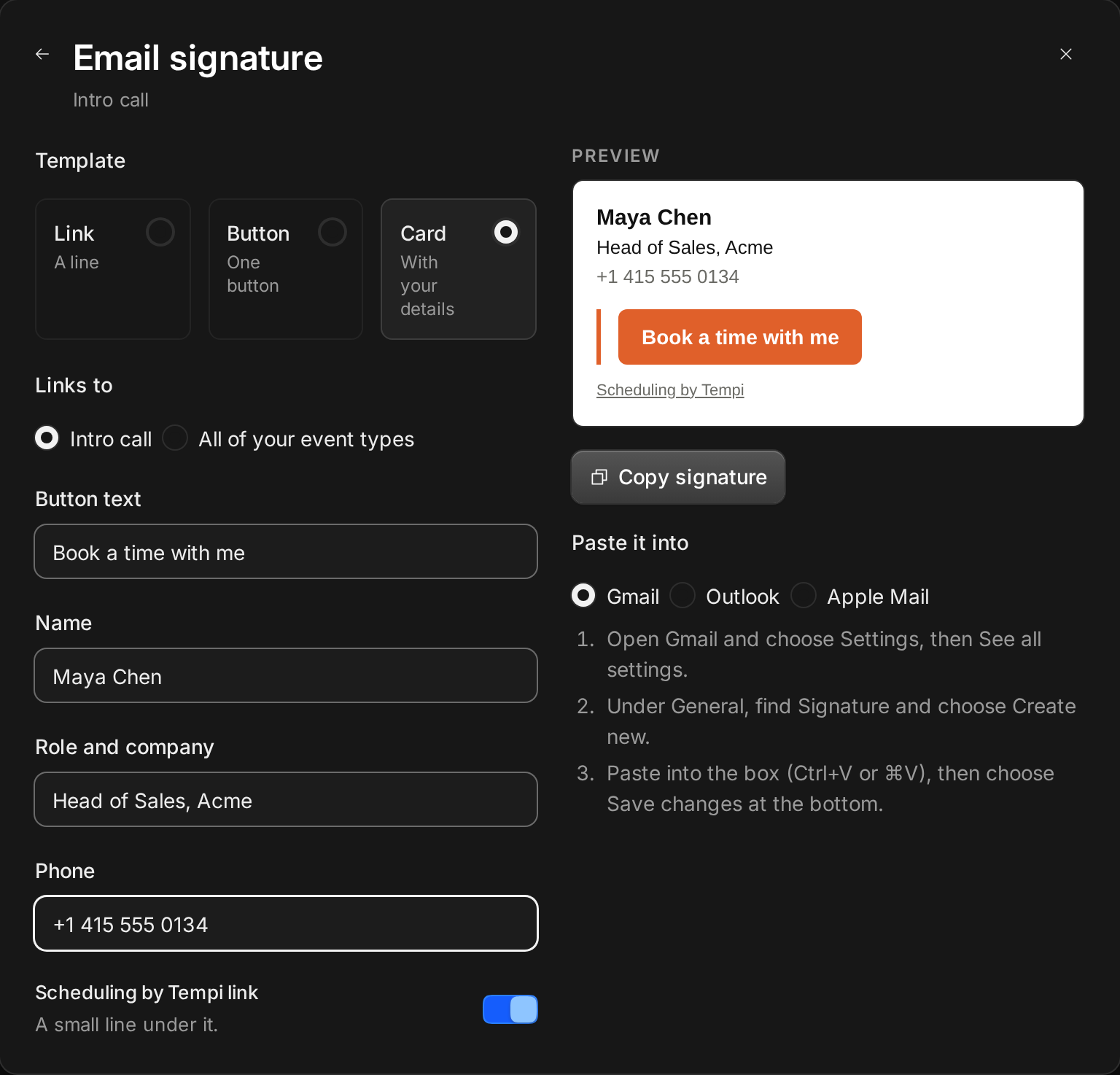
Pick a template. A link is one line. A button stands out. A card adds your name, role and phone above the button. Change the text, and choose whether it links to this event type or to all of yours.
The preview is how mail apps draw it, on white. Choose Copy signature.
Paste it into Gmail
Gmail keeps the button and the link, so paste with Ctrl+V or ⌘V.
- Choose Settings, then See all settings.
- Under General, find Signature and choose Create new.
- Paste into the box, then choose Save changes at the bottom.
Paste it into Outlook
Outlook on the web and the desktop app both take it as it is.
- On the web, choose Settings, then Mail, then Compose and reply. In the desktop app, choose File, Options, Mail, Signatures.
- Add a new signature and paste.
- Save, and pick it for new messages and replies.
Paste it into Apple Mail
Turn off the font match, or Mail restyles the text.
- Choose Mail, then Settings, then Signatures.
- Add a signature with the + button and paste.
- Turn off “Always match my default message font”.
What’s in it
Only text, links and a colored button. No pictures, so nothing gets blocked or turns into an attachment. The button takes the color of the event type.
A small “Scheduling by Tempi” line sits under it. Turn it off if you’d rather not show it.
Anyone who clicks lands on your booking page and picks a time. Their AI assistant can book the same page with no account, so a signature works for both.