See the time each booking keeps free
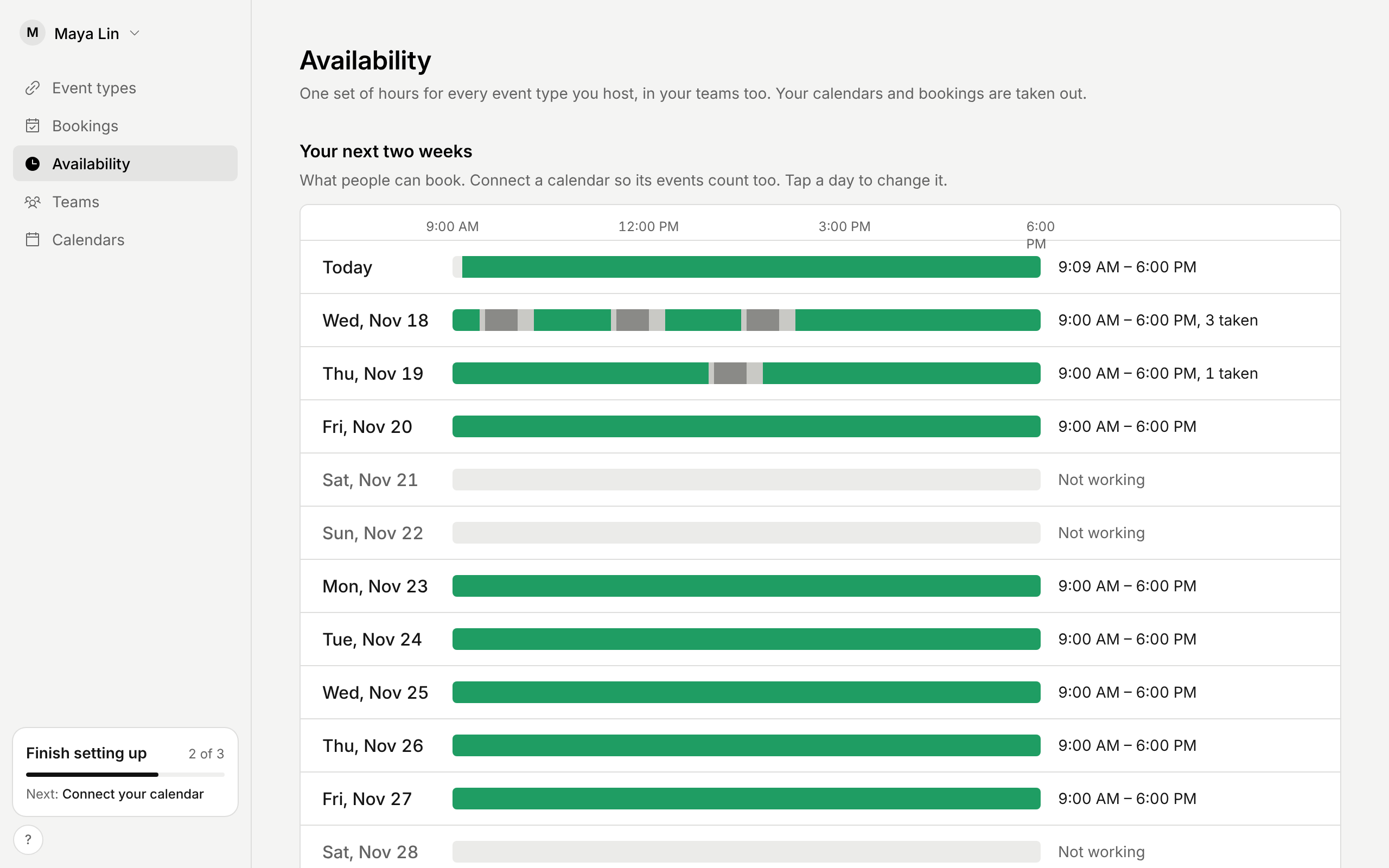
An event type can keep time free before and after each meeting. Once someone books, that time is closed to everyone, whichever event type they pick. Availability drew it green all the same, as if people could still book it.
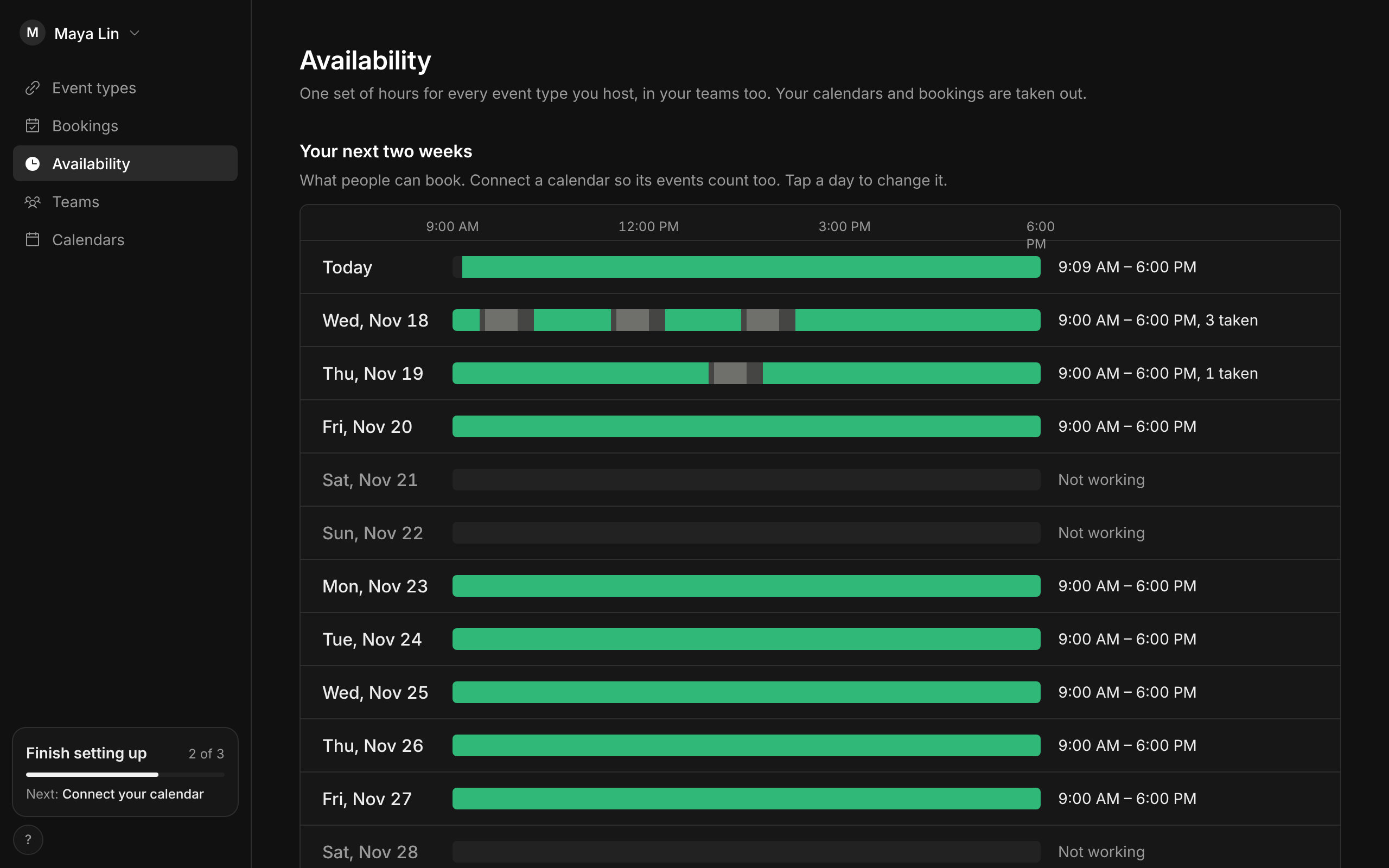
Now it is a piece of its own. On Availability, the time a booking keeps free is a quieter grey joined to the booking, and the green stops where it starts. Point at it and it says which meeting it belongs to. The Bookings week draws the same, as a pale band beside the booking.
Green means you are free in your hours. An event type with a gap of its own offers fewer of those times, and its editor shows exactly which.
Improvements
7
- A Google Meet call lets the person who booked it in without asking, even before you join. They are a guest on the calendar event, so Meet knows them when they sign in with the address they booked with. Anyone else with the link still has to ask. For event types with one host.
- The booking page names the video call before anyone books: Zoom, Google Meet or Teams, as the confirmation does.
- A gap says what it does where you set it, with an example in your own numbers: a 12:00 PM meeting also closes 11:30 AM and 12:30 PM.
- A rule that changes your open times says by how much: 3 fewer times than before.
- Where you set an event type’s video call, Paste a Zoom or other link says where your own link goes.
- AI assistants see the time a booking keeps free in your next days, so they can say why a time is closed.
- On an iPhone or iPad, Add to calendar opens Calendar with the meeting in one step. It used to download a file.