Ask the people who book you a question
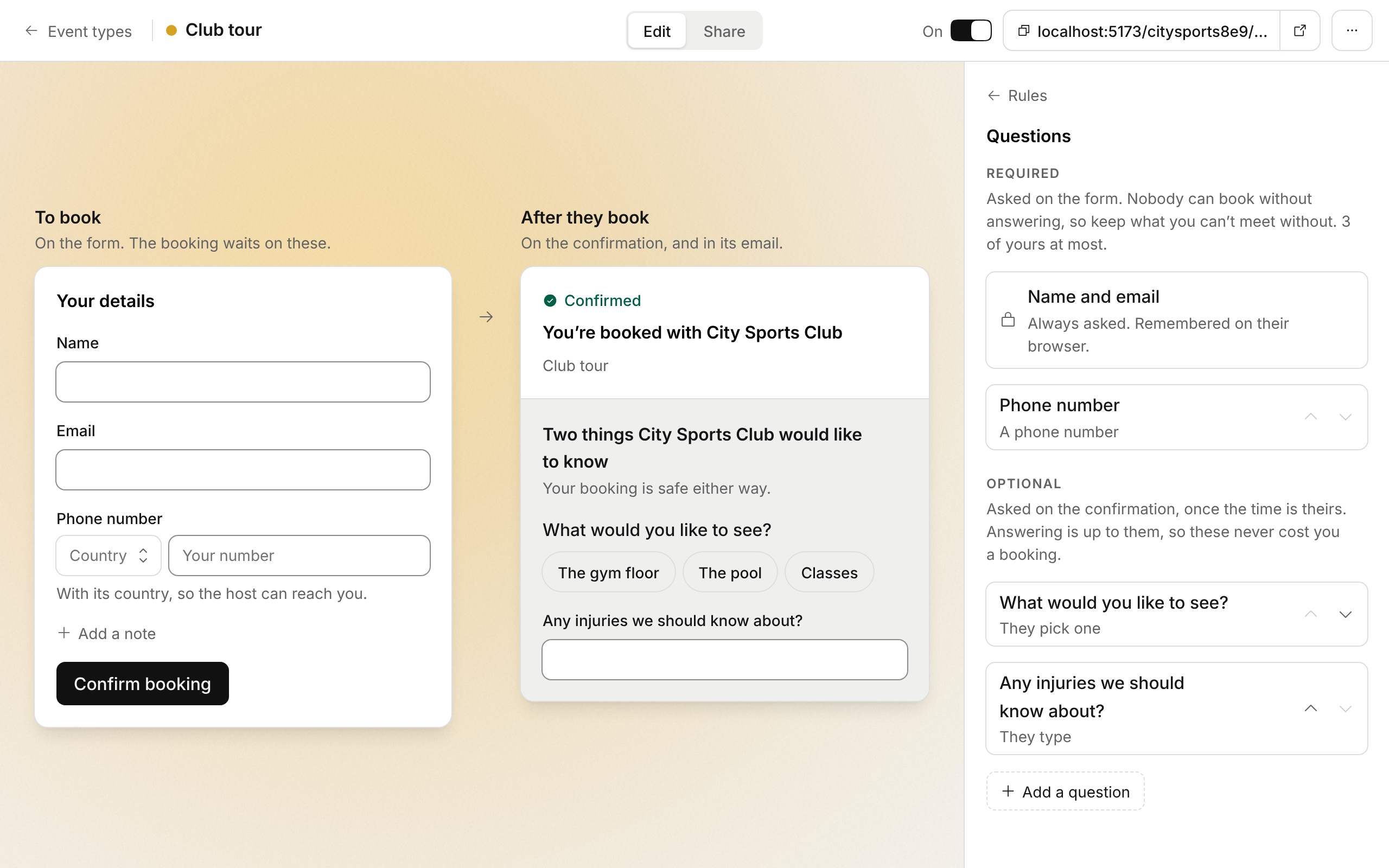
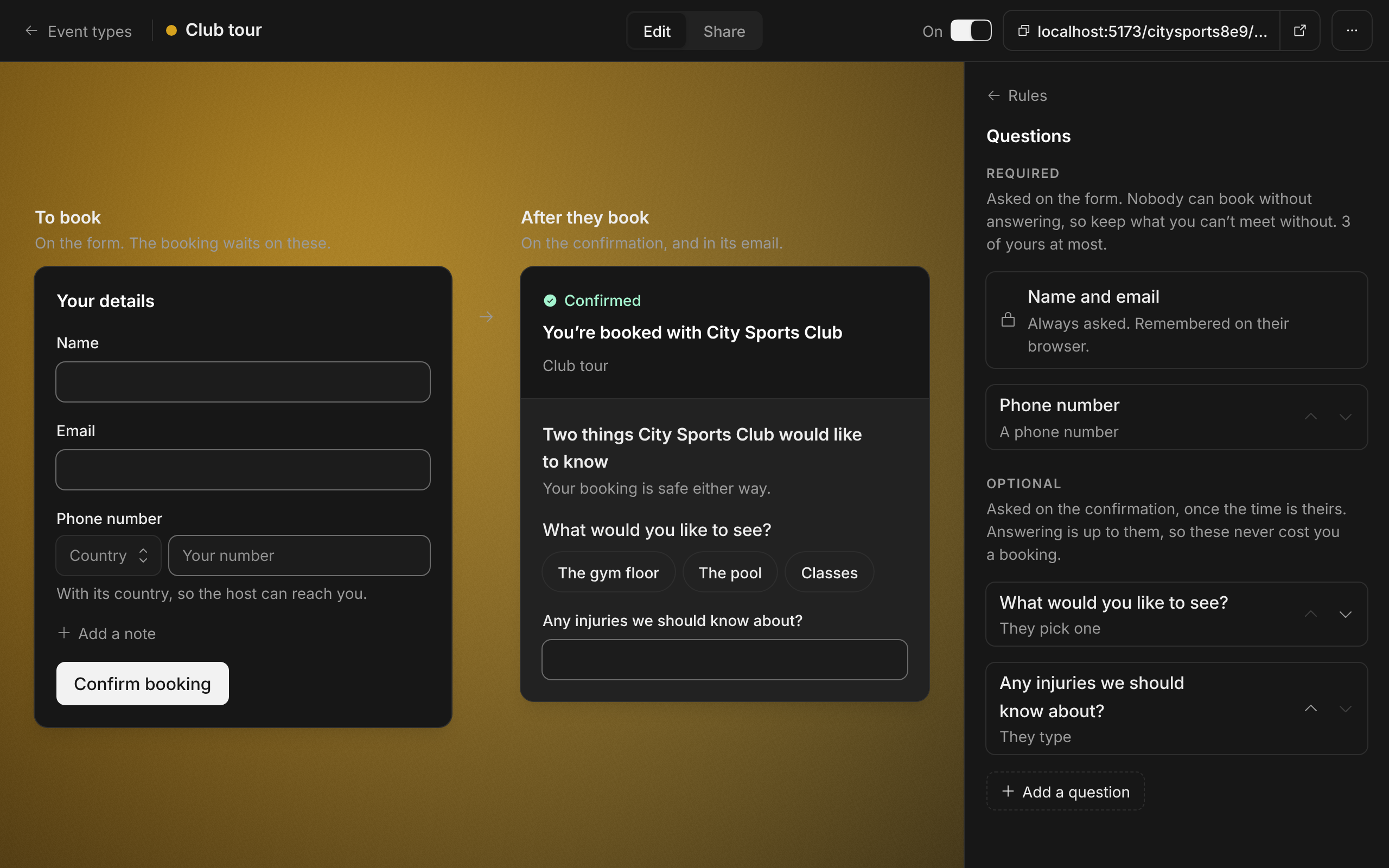
A booking came with a name, an email and whatever the invitee chose to write. If you needed their phone number, or wanted to know what they came for, you had to write back and ask.
Now an event type can ask. Add Questions from the foot of its Rules, write each one, and say whether it is required. A required question is on the booking form, and nobody can book without answering it. Keep those to what you can’t meet without: three at most.
The rest are asked once the time is theirs, on the confirmation and in its email. Answering is up to them, so a question there never costs you a booking. A question with answers to pick from takes one tap. You read the answers on the booking, on Today on your phone, in your email and in your calendar.
Improvements
6
- An event type asks nothing more until you add a question. Add a note stays on every form, as before.
- A phone number is a question of its own kind. It is checked against the numbers of the invitee’s country, and their browser remembers it for the next host who asks.
- AI assistants see an event type’s questions. They give the required answers when they book, and ask the person the rest afterwards.
- Pricing has a page of its own: what is free, what the Team plan is for, and the questions people ask about it.
- Every guide ends with its common questions, each answered in a sentence or two.
- AI assistants can read every guide, the pricing page and the changelog as Markdown. Add .md to the address. llms.txt lists them all.