Framer
Add a booking page to your Framer site.
Paste your Tempi link into Framer’s Embed and people book on your site without leaving it. It takes two minutes and needs no plugin.
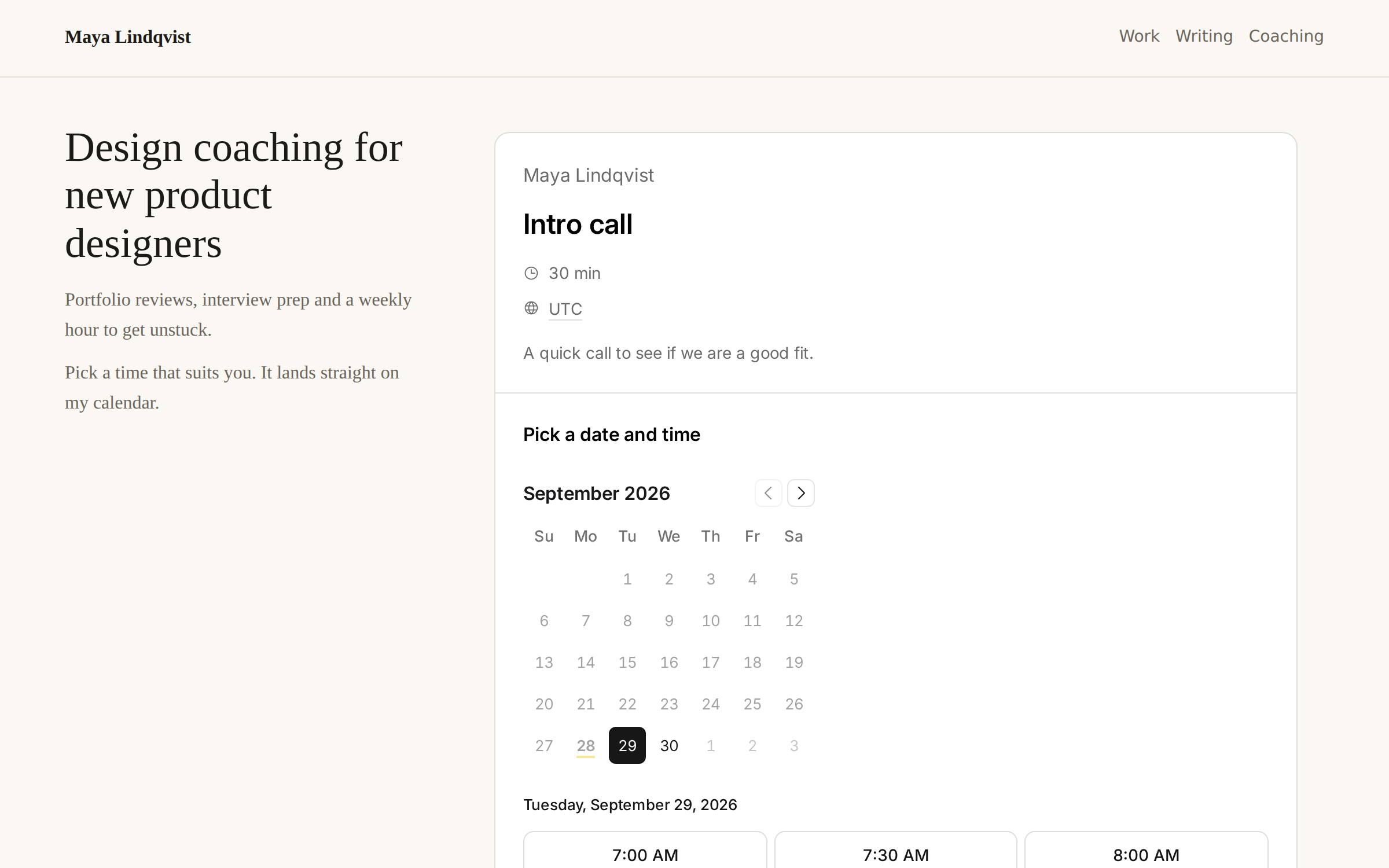
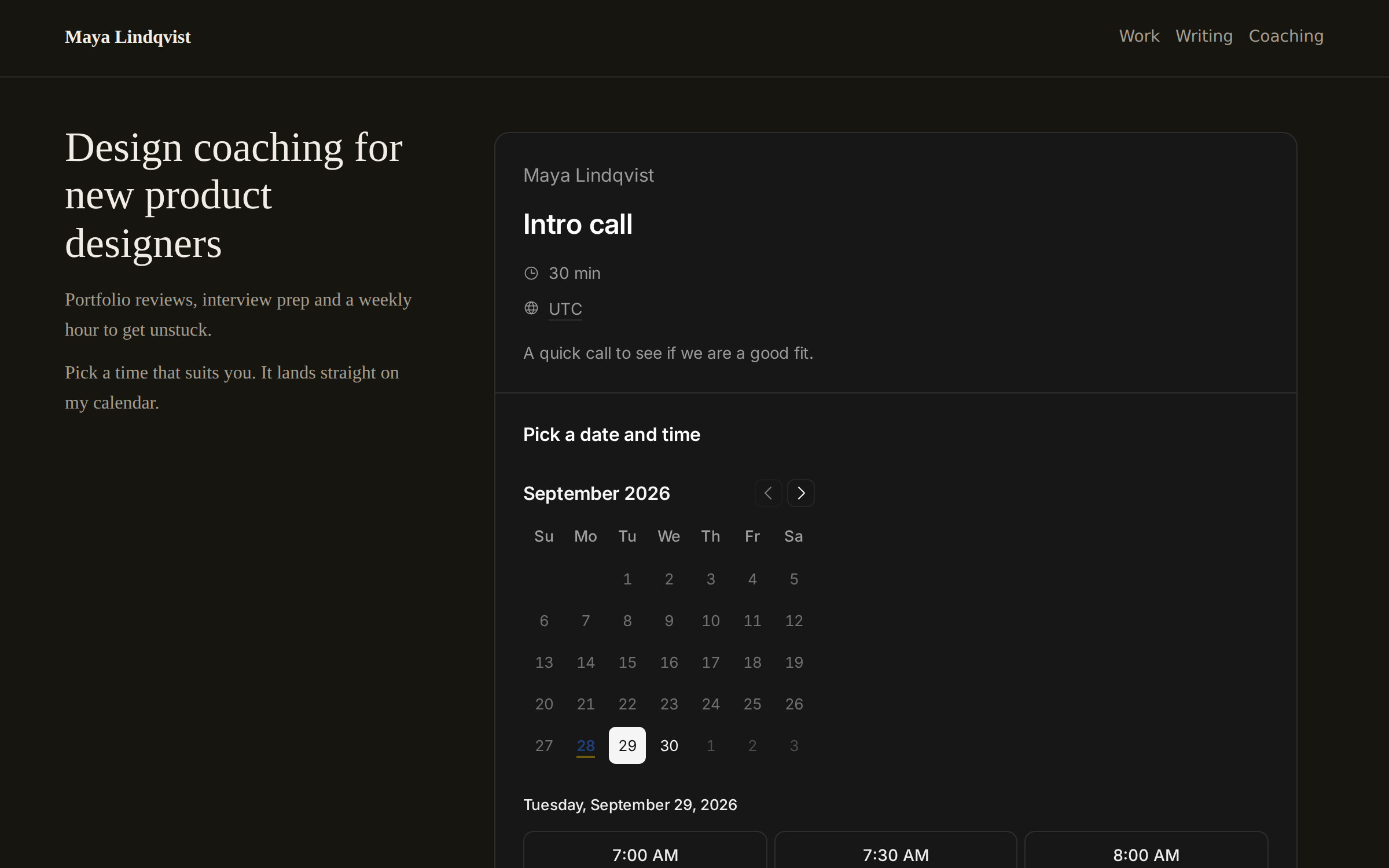
Add it
Framer’s own Embed shows any page that allows it. Your booking page does.
- In Tempi, open an event type and choose Share, then On a website, then Notion. Copy the link. Framer takes the same one.
- In Framer, open the Insert menu, search for Embed and drag it onto your page.
- Keep it on URL and paste the link.
- Make the layer as wide as your content and about 720 px tall. Framer keeps the size you set.
- Preview or publish to try it. On the canvas you see the page, but booking works only on the site.
Make it fit your site
The embedded page drops its own background, so it sits on your site’s. Add &theme=dark to the link to match a dark site, or &theme=light to keep it light.
A URL embed in Framer doesn’t grow with what’s in it. If the page scrolls inside the frame, make the layer taller. Give it more height on your phone breakpoint, where the times sit under the calendar.
Good to know
Embed an event type’s link to show its times, or your page’s link to list your event types.
Links in the booking page open in a new tab, so nobody loses your site. Embeds are on Tempi’s Free plan.
Common questions
Do I need a Framer plugin?
No. Framer’s built-in Embed takes your Tempi link.
Why can’t I book on the Framer canvas?
Framer limits what an embed can do on the canvas. Preview or publish the site and it works.
Why does the booking page scroll inside its frame?
A URL embed in Framer keeps the height you set. Make the layer taller, about 720 px on a computer and more on a phone.
Does it match a dark Framer site?
Yes. Add &theme=dark to the link. The embed has no background of its own, so your site’s shows through.